
TP-Link TL-SG105
4.7Editor score
Five port Gigabit Unmanaged switch
Fanless metal design and durable
Easy plug and play setup
Discover the top 10 Eero Ethernet Switch options for 2026. We compare features, performance, and value to help you choose the perfect networking gear.
Finding the right Eero Ethernet Switch can transform your home network into a robust and reliable system. With so many options available, it is crucial to understand which switch best fits your specific connectivity needs and budget constraints today.
We evaluated ten top-rated products based on port speed, power capabilities, and overall build quality. Our comparison covers everything from basic unmanaged switches to advanced PoE gateways designed for seamless integration with modern mesh systems.
Each pick highlights unique strengths and potential limitations to guide your decision-making process. Keep in mind that product availability and pricing may fluctuate over time, so verify current details before making your final purchase decision online.
4.7Editor score

4.4Editor score

4.8Editor score
This side-by-side comparison highlights the key specifications and capabilities of each top-rated switch. Whether you need simple expansion or advanced PoE power, this table helps you quickly identify the right model for your setup.



The Amazon eero PoE Gateway stands out as a powerful all-in-one networking solution. Rated 4.4 stars, it combines router functionality with a ten-port PoE switch to simplify wired connections for PoE-enabled devices.
We may earn a commission when you buy through this link, at no additional cost to you.
It supports wired speeds up to 9.4 Gbps across two 10 GbE ports and eight 2.5 GbE PoE ports. The included 140W power supply delivers pooled power for up to eight eero PoE 6 access points.
While effective, this unit is designed specifically for the eero ecosystem which might limit flexibility for mixed brand setups. However, the ease of setup and centralized management makes the trade-off acceptable for eero users.
This Gateway is ideal for users seeking a unified network hub with PoE power built-in. It delivers high-speed wired performance while reducing cable clutter and third-party equipment dependencies.
The Gateway provides 100W of pooled power for PoE devices up to 802.3bt class 5 reducing need for external injectors.
With dual 10 GbE ports and 2.5 GbE PoE ports you can achieve multi-gigabit speeds for your critical wired devices.
We may earn a commission when you buy through this link, at no additional cost to you.
The TP-Link TL-SG105 offers excellent value as a simple five-port Gigabit switch. With a 4.7 star rating it is perfect for expanding wired connections without breaking the bank.
We may earn a commission when you buy through this link, at no additional cost to you.
Its fanless metal design ensures quiet operation while energy-efficient technology reduces power consumption. Auto-negotiation handles speed adjustments automatically for connected devices.
The lack of advanced management features limits customization for power users but casual users will appreciate the plug-and-play ease. Three-year warranty adds peace of mind to your purchase.
Choose this if you need a reliable low-cost expansion for a few devices. It is sturdy silent and delivers standard Gigabit speeds efficiently.
The metal casing protects internal components from damage and heat while allowing flexible desktop or wall mounting options.
Innovative technology adjusts power usage based on link status saving energy without compromising network performance speed.
We may earn a commission when you buy through this link, at no additional cost to you.
The NETGEAR 8 Port PoE switch combines robust power delivery with manageable network features. Its impressive 4.8 star rating reflects strong performance and reliability for both home and business environments.
We may earn a commission when you buy through this link, at no additional cost to you.
With 62W total power budget you can power multiple PoE devices like cameras or access points. The Easy Smart interface allows VLANs and QoS prioritization easily.
Though more complex than unmanaged switches the control offered justifies the investment for structured networks. Fanless design ensures it runs silently in office settings.
Select this for reliable PoE delivery and basic network management needs. It balances performance features and silent operation effectively for professionals.
Deliver uninterrupted PoE with per-port controls allowing you to manage power delivery efficiently for each connected device.
Configure VLANs and prioritize traffic with QoS to ensure high quality for critical data like video and voice.
We may earn a commission when you buy through this link, at no additional cost to you.
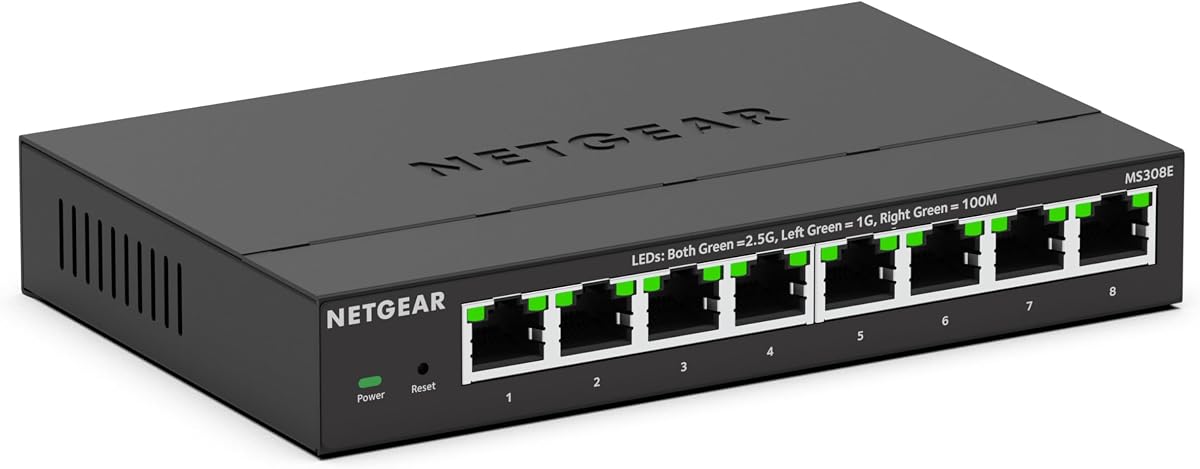
The NETGEAR MS308E delivers blazing-fast 2.5G ports for high-speed connectivity without requiring Cat6 cables. It offers a practical upgrade path for networks needing more than standard Gigabit speeds.
We may earn a commission when you buy through this link, at no additional cost to you.
Eight ports support Auto-negotiation to detect optimal speeds per device. The Easy Smart interface gives you control over VLANs and QoS without enterprise complexity.
Regional compatibility is restricted to US and Canada which may limit global users. However the performance and ease of use remain strong selling points.
Ideal for users upgrading to Multi-Gigabit internet plans. It offers speed and manageability in a compact metal case.
Experience faster data transfer speeds with eight 2.5Gbps ports compatible with existing Cat5e and Cat6 cabling infrastructure.
Utilize VLANs and QoS to monitor ports and manage security for small business or advanced home setups.
We may earn a commission when you buy through this link, at no additional cost to you.
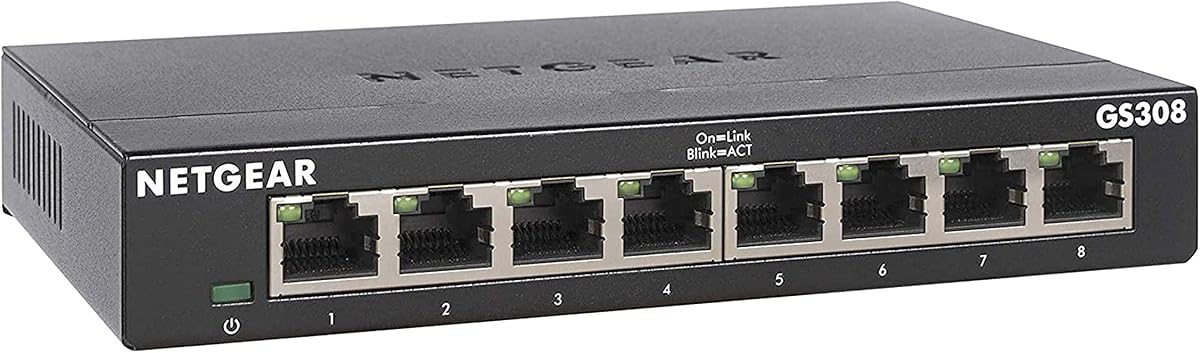
The NETGEAR GS308 is a top-rated eight-port Gigabit switch perfect for simple network expansion. Its 4.8 star rating speaks to its reliability and ease of use for everyday tasks.
We may earn a commission when you buy through this link, at no additional cost to you.
Eight ports allow multiple devices to connect with standard Gigabit speeds. Auto-negotiation ensures each device runs at optimal speed automatically without setup.
This unmanaged unit offers no VLAN or traffic control which suits basic home or office needs. Fanless design ensures it operates silently in any room.
Choose this for reliable eight-port expansion without complexity. It is affordable durable and works perfectly with existing Cat5e or Cat6 cables.
No software installation or configuration required for quick deployment of multiple devices via eight available ports.
Fanless design combined with IEEE 802.3az reduces power consumption while maintaining full high-speed network performance.
We may earn a commission when you buy through this link, at no additional cost to you.
The NETGEAR GS305E provides essential management features in a compact five-port package. With a 4.7 star rating it balances simplicity with control for small networks.
We may earn a commission when you buy through this link, at no additional cost to you.
Its intuitive software allows VLAN configuration and traffic prioritization. Five ports are enough for small setups needing basic segmentation or security controls.
While manageable it may feel limited if you expect more ports. However the metal build and silent operation add value for desk environments.
Best for small offices needing VLANs without enterprise cost. It offers controlled flexibility in a quiet durable metal box.
Configure VLANs and prioritize traffic with QoS to monitor ports and manage security easily via intuitive software.
Compact metal design supports desktop or wall-mount placement for versatile installation in different environments.
We may earn a commission when you buy through this link, at no additional cost to you.
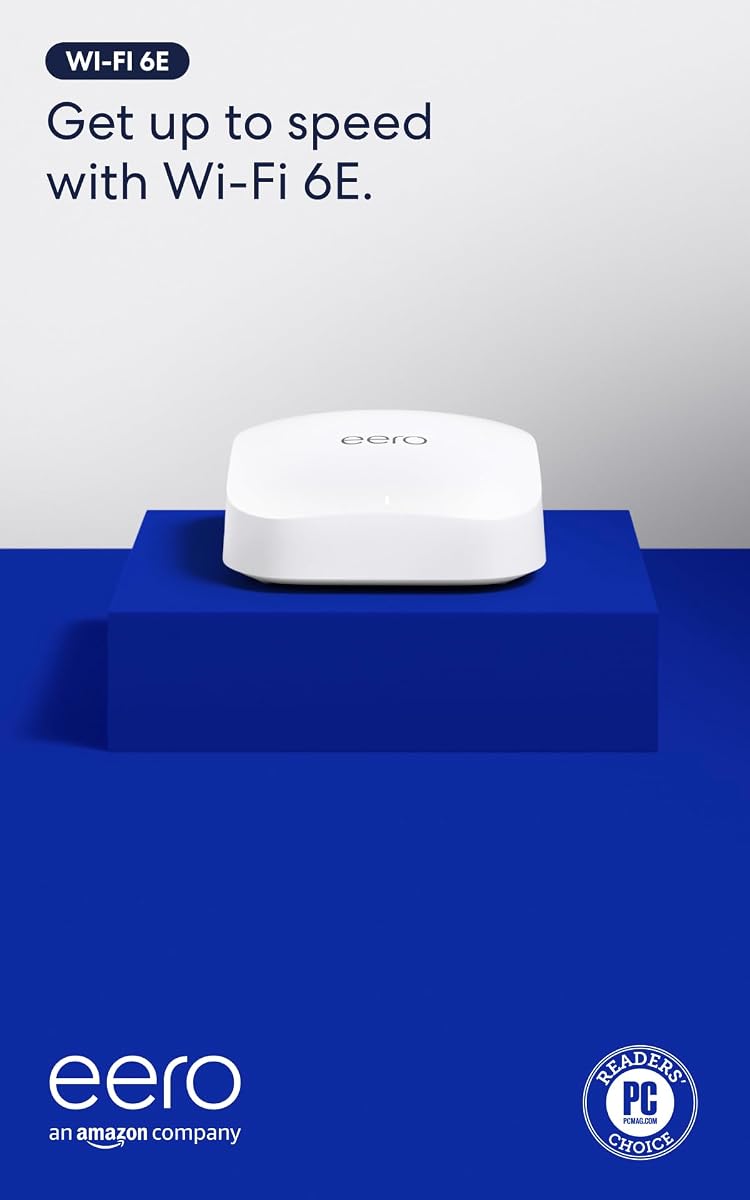
The Amazon eero Pro 6E is a powerful mesh router delivering Wi-Fi 6E speeds. Its 4.3 rating reflects strong performance for large homes needing coverage and bandwidth.
We may earn a commission when you buy through this link, at no additional cost to you.
It supports plans up to 2.5 Gbps and connects over 100 devices. TrueMesh technology routes traffic intelligently to reduce dead spots effectively.
While not a switch itself it integrates well with eero PoE Gateway. Wired speeds are limited to one gigabit which might bottleneck ultra-fast plans.
This unit serves best as a core router paired with a separate switch. Choose it for reliable wide-area Wi-Fi coverage and modern standards.
Supports fast speeds and direct access to the new 6 GHz band when using Wi-Fi 6E devices resulting in lower latency.
Patented TrueMesh technology intelligently routes traffic to reduce drop-offs and dead spots across your home network.
We may earn a commission when you buy through this link, at no additional cost to you.
The Amazon eero 6 offers solid Wi-Fi 6 coverage for medium-sized homes. A 4.4 rating highlights its ability to eliminate dead spots while supporting 75+ devices.
We may earn a commission when you buy through this link, at no additional cost to you.
It connects compatible smart home devices via built-in Zigbee hub. Setup is guided by the eero app for a user-friendly experience.
It lacks Ethernet switching so you will need a separate switch for wired devices. Still it is a reliable gateway for smart homes.
Choose this if you want a balanced router with smart home integration. It delivers consistent coverage without needing extra hubs.
Covers up to 1500 sq ft with wifi and supports faster wifi speeds than prior standards for multiple devices.
Connects compatible devices on your network with Alexa so there is no need to buy separate smart home hubs.
We may earn a commission when you buy through this link, at no additional cost to you.
The Amazon eero PoE 7 is a high-performance Wi-Fi 7 access point designed for future-proof networks. It delivers speeds up to 3.9 Gbps and supports 200+ devices comfortably.
We may earn a commission when you buy through this link, at no additional cost to you.
With two 10 GbE ports it handles massive data traffic. Tri-band wifi boosts backhaul speeds for smooth video conferencing and workflows.
It eliminates power cables via PoE reducing install clutter. However it requires existing PoE infrastructure like the eero PoE Gateway.
Perfect for upgrading to Wi-Fi 7 without running new power lines. It offers blazing wireless speeds and clean mountable design.
Supports wireless speeds up to 3.9 Gbps minimizing connection drops slowdowns or interruptions for demanding tasks.
Tri-band wifi boosts multi-gigabit backhaul speeds for data-intensive workflows smooth video conferencing and smart home systems.
We may earn a commission when you buy through this link, at no additional cost to you.
The Amazon eero 7 is an affordable gateway to Wi-Fi 7 performance. It supports internet plans up to 2.5 Gbps and handles 120+ devices with ease.
We may earn a commission when you buy through this link, at no additional cost to you.
Dual auto-sensing 2.5 GbE ports ensure wired connections match modern speeds. It is backward compatible with previous generations for easy upgrades.
While lacking tri-band backhaul it still offers MLO and TrueMesh features. This makes it a strong entry point into new Wi-Fi standards.
Best for budget-conscious users needing top-speed support. It delivers solid wireless speeds and seamless integration with older eero units.
Support for internet plans up to 2.5 Gbps with two auto-sensing 2.5 GbE ports and wireless speeds up to 1.8 Gbps.
Supports 120+ devices and 2000 sq ft of coverage so there is plenty of reliable Wi-Fi 7 performance.
We may earn a commission when you buy through this link, at no additional cost to you.
Selecting the right Ethernet switch requires understanding your specific network needs. Below are key factors to consider for a perfect match.
The number of ports you need depends on how many devices require wired connections. Basic home setups may need only five ports while larger offices might require eight or more.
Count your current devices and leave room for future expansion when deciding on port count.
Port speeds determine how fast data transfers between connected devices. Gigabit Ethernet is standard for most users but Multi-Gigabit offers faster speeds for high-performance needs.
Ensure your router and devices support the speeds the switch provides to avoid bottlenecks.
Unmanaged switches are plug-and-play and easy to use without configuration. Managed switches offer control over traffic, VLANs, and security settings.
Choose unmanaged for simplicity or managed if you need network segmentation or traffic prioritization.
PoE capability allows the switch to deliver power to devices like cameras or access points through Ethernet cables. This reduces the need for extra power adapters.
If you use PoE devices ensure the switch supports the correct power budget and standards.
Durable metal casings protect internal components from physical damage and heat. Fanless designs ensure quiet operation in living spaces.
Look for sturdy construction and silent operation for reliability in home environments.
Some switches integrate directly with mesh router ecosystems like eero for simplified management. Others work independently across any brand.
Check if the switch offers seamless integration with your existing router for easier control.
Energy-efficient switches reduce power consumption without sacrificing performance. Look for features that adapt power based on link status.
Choosing energy-efficient models lowers electricity costs and reduces environmental impact.
Prices vary from affordable basic units to premium managed options. A longer warranty period adds confidence to your purchase.
Compare cost against required features to ensure the value justifies the investment.
Connect your switch to your router using an Ethernet cable and plug it into a power outlet. Allow a few moments for the device to boot up and establish connections.
Plug your devices into available ports using quality Cat5e or Cat6 cables. Check link lights on the switch to confirm successful connections.
For managed switches install the configuration software and access the admin panel via browser. Follow instructions to set VLANs or traffic rules as needed.
An unmanaged switch is plug-and-play with no configuration options. A managed switch lets you control settings like VLANs and QoS to optimize traffic flow. Unmanaged is simpler while managed offers more control.
If your router has enough ports you may not need a switch. Adding a switch expands the number of wired connections available for devices like PCs or consoles.
PoE stands for Power over Ethernet and it allows devices like cameras to receive power through the network cable. You need PoE if you have compatible devices that rely on it for power.
Yes you can use different cables but speeds depend on the lowest category cable. For fastest results ensure all cables are Cat5e or higher for Gigabit speeds.
Consider your internet plan and local data transfer needs. Gigabit suits most homes while Multi-Gigabit helps with large internal file transfers or high-speed internet.
Fanless switches operate silently and are ideal for living rooms or offices. They rely on passive cooling which prevents noise while keeping the device cool.
We covered ten top options ranging from simple unmanaged switches to advanced PoE gateways. The TP-Link TL-SG105 leads budget seekers while the NETGEAR 8 Port PoE offers robust power.
Prioritize port count and speed based on your current devices and future needs. Managed features bring control if you need security or segmentation options.
Prices and availability change over time so check current details before purchasing. Choosing the right switch ensures your network stays fast and reliable for years.