
KTRIO Large Gaming Mouse Pad Desk Mat
4.7Editor score
Stitched anti-fray edges
Water-resistant coating
18-month assurance
Finding the right Gaming Pad for Desks transforms your workspace into a streamlined command center. A quality pad offers consistent tracking, durability, and a clean aesthetic that enhances both gaming and productivity sessions.
We evaluated ten top models based on surface texture, size coverage, base stability, and edge construction. Each product was analyzed for its ability to support various sensor types and daily wear patterns effectively.
Every pick below highlights specific strengths and ideal use cases to match your needs. Note that availability and details may vary over time so checking current listings is recommended before purchase.
4.7Editor score

4.7Editor score

4.7Editor score
As an Amazon Associate we earn from qualifying purchases.
The following comparison highlights key specifications and unique attributes across all ten selected models to help you visualize differences in size, material, and design features.




This SteelSeries QcK XXL is widely recognized for its reliability and performance in competitive environments. With a 4.7 rating, it remains a top choice for gamers seeking consistency and durability in their setup.
We may earn a commission when you buy through this link, at no additional cost to you.
Its micro-woven cloth surface optimizes tracking accuracy for both optical and laser sensors. The 35 by 16 inch coverage ensures your keyboard and mouse fit comfortably, while the non-slip rubber base keeps everything stable during intense sessions.
While it costs more than some alternatives, the investment pays off through longevity and trusted esports history. The surface maintains smoothness over time without fraying, ensuring consistent feel across extended usage periods.
Ideal for anyone wanting a proven pad that supports both gaming and daily desktop tasks efficiently. Its balance of speed and control makes it a safe bet for most users seeking professional-grade quality.
Trusted by champions on major stages for over 15 years, this pad has won more prize money than any other brand.
Tested by top mouse sensor manufacturers, the high thread count ensures optimal tracking accuracy for precision gameplay.
We may earn a commission when you buy through this link, at no additional cost to you.
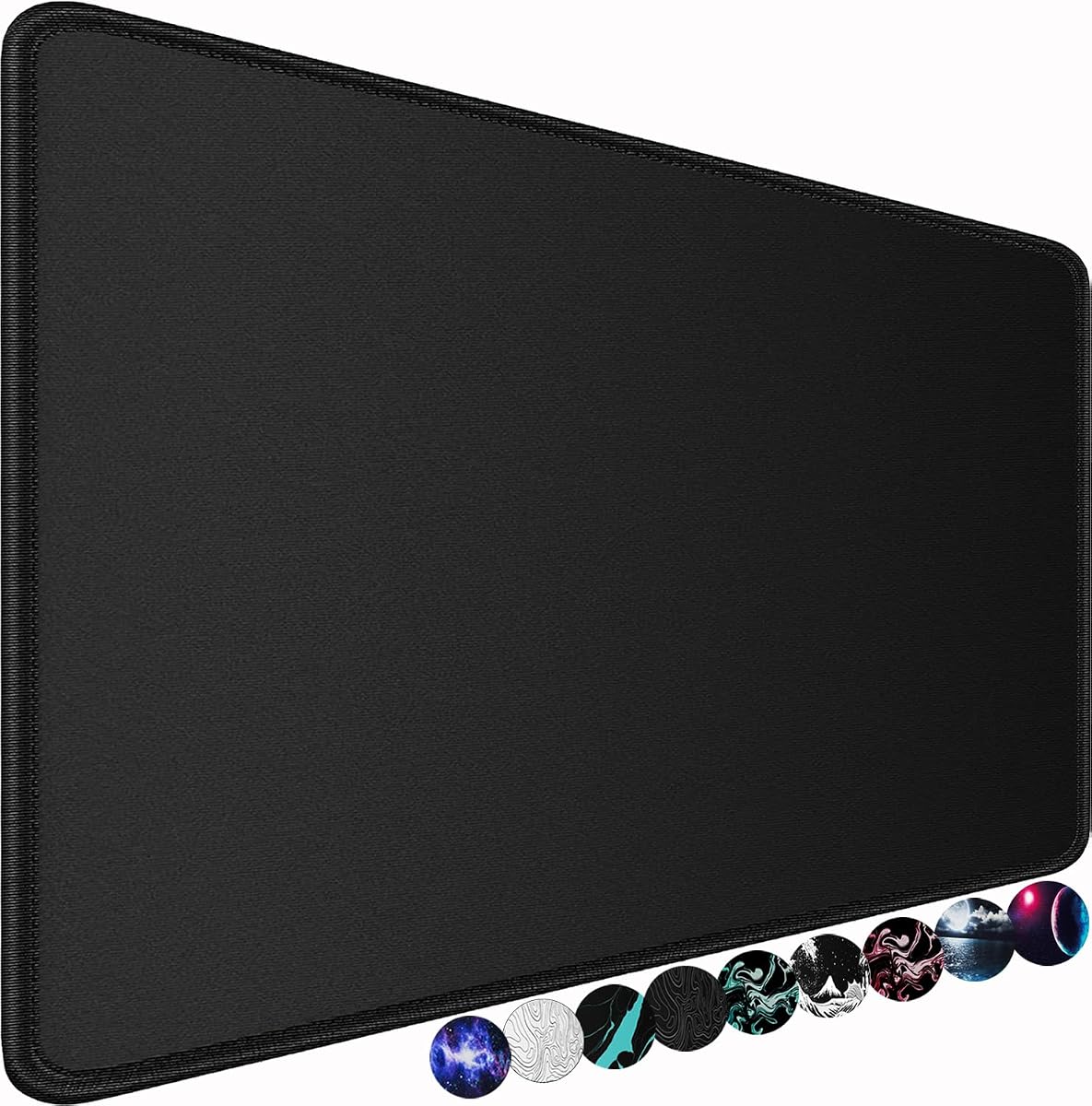
The KTRIO Large Gaming Mouse Pad delivers exceptional value for those seeking a reliable surface without breaking the bank. It features a 4.7 rating and sturdy construction that holds up well against daily wear and tear.
We may earn a commission when you buy through this link, at no additional cost to you.
Its micro-weave cloth provides an excellent balance between glide and control. The reinforced stitching along edges prevents peeling, while the spill-resistant coating ensures easy cleanup from accidental drinks during long sessions.
The main limitation is the slightly narrower width compared to XXL options, which may restrict space for larger mechanical keyboards. However, for standard setups, it provides ample room for mouse movement and desk accessories.
Perfect for budget-conscious gamers or office users needing a dependable desk mat. Its durability and water resistance make it a practical choice for high-traffic environments where spills are a concern.
Reinforced stitching along edges prevents fraying over time ensuring the pad lasts longer than basic alternatives.
Liquids bead up on the surface allowing easy cleanup with a damp cloth to protect your desk from damage.
We may earn a commission when you buy through this link, at no additional cost to you.
Razer Gigantus V2 stands out for its optimized calibration across all mouse sensors. Rated 4.7, it offers pixel-precise accuracy that reduces the need to lift your mouse during high-leverage gaming moments.
We may earn a commission when you buy through this link, at no additional cost to you.
The micro-weave surface enables quick fluid swipes suitable for both fast and controlled playstyles. Its high-density foam base keeps the pad uniformly flat even over imperfect desk surfaces ensuring consistent movement.
While pricier than generic mats the engineering behind its sensor compatibility and stability justifies the cost for serious gamers. The anti-slip base ensures the pad stays fixed during chaotic play without shifting.
Recommended for users prioritizing precision and build quality in their setup. Its design supports competitive performance while offering the comfort and stability needed for extended usage.
Calibrated with pixel-precise accuracy and total tracking responsiveness to enhance sensor performance effectively.
High-density foam keeps the mat flat over imperfect surfaces providing a sturdy foundation for consistent play.
We may earn a commission when you buy through this link, at no additional cost to you.
This Large Gaming Mouse Pad balances comfort and size with a 4.7 rating. Its dimensions accommodate keyboards and mice while keeping your desk uncluttered and organized for better focus during work or play.
We may earn a commission when you buy through this link, at no additional cost to you.
The smooth surface optimizes tracking speed and control making it great for fast-paced gaming. Professional edge stitching and waterproof material prevent fraying and spills from ruining the surface prematurely.
Some users report slight noise when typing heavily on the pad due to the lycra material. However this trade-off is acceptable given the price and comfort it provides during long sessions.
Ideal for users needing a spacious surface that offers excellent stability and ease of cleaning. Its soft feel helps muffle typing noise reducing wrist fatigue during extended desktop usage.
Water resistant coating prevents damage from spilled drinks allowing quick cleanup without affecting gameplay or work.
Combined with waterproof material stitching prevents fraying and extends lifespan even under frequent daily use.
We may earn a commission when you buy through this link, at no additional cost to you.
With a strong 4.8 rating, this Large Extended Gaming Mouse offers reliable performance and eco-friendly materials. It provides a safe non-toxic surface that supports both laser and optical mice effectively.
We may earn a commission when you buy through this link, at no additional cost to you.
The 3mm thickness adapts to all surfaces ensuring comfortable use without sinking or buckling. Waterproof coating protects against spills while stitched edges prevent fraying and extend the pad's functional lifespan.
While it may not carry a major brand name, its build quality and smooth tracking surface compete well with premium options. It rolls flat without creases making storage and transport easy.
Great for environmentally conscious buyers seeking a durable and safe surface for daily tasks. Its balance of performance and health safety makes it a smart choice for families or offices.
Made of high elasticity natural rubber that is non-toxic and safe for all users including children.
Easily rolls up without wrinkling or creases making storage easy when not in active use.
We may earn a commission when you buy through this link, at no additional cost to you.
DIGSOM adds style to utility with this 4.7-rated mouse pad featuring a minimalist topographic design. The vibrant print enhances your desk decor while providing a smooth cloth surface for precise tracking.
We may earn a commission when you buy through this link, at no additional cost to you.
Superior printing technology ensures colors remain bright even after extended use or cleaning. The 3mm thick fabric combined with spill-proof coating helps protect against accidental scratches and stains.
The main trade-off is potential fading of the pattern over years of heavy use. However for most users the aesthetic appeal and functional performance make it a worthwhile addition to modern setups.
Best suited for those who value design alongside performance. Its strong grip base and accurate control make it suitable for both gaming and office productivity tasks.
Uses superior printing tech to ensure long-lasting color vibrancy on minimalist patterns.
Non-slip rubber bottom provides strong grips keeping the mat stable during fast movements.
We may earn a commission when you buy through this link, at no additional cost to you.
The Kanagawa Large Mouse Pad features a beautiful Japanese sea wave design rated 4.8 for quality. Its vibrant pattern is printed clearly and remains bright even after multiple washes ensuring lasting visual appeal.
We may earn a commission when you buy through this link, at no additional cost to you.
The surface offers a silky smooth experience for precise control during work or gaming. Durable non-slip rubber base keeps the pad in place while soft fabric ensures comfort during extended use.
While the aesthetic is striking it may not fit minimalist setups. Yet the high performance and easy cleaning with a towel make it a versatile choice for any space.
Ideal for users who want art that performs. Its multi-functional nature supports both office and game tasks effectively.
Advanced printing technology ensures clear vivid patterns stay bright even after many washes.
Wipe clean with a paper towel or wet wipes to keep it looking new and functional.
We may earn a commission when you buy through this link, at no additional cost to you.
This RGB Mousepad Led adds dynamic visual flair with 14 lighting modes and a memory function. Rated 4.6, it offers smooth microfiber material that enhances mouse precision while preventing damage from spills.
We may earn a commission when you buy through this link, at no additional cost to you.
The USB plug-and-play design requires no drivers making setup quick and easy. You can adjust brightness and colors instantly using the built-in button for a customized gaming environment.
The main downside is the USB cable which may require extra management to avoid clutter. However the atmospheric lighting enhances gaming setups significantly for those wanting visual immersion.
Perfect for streamers or gamers wanting a colorful desk setup. Its waterproof surface ensures durability despite frequent adjustments and cleaning.
Features 14 modes including breathing and static options to suit different gaming atmospheres.
USB powered plug-and-play design allows instant use without software installation.
We may earn a commission when you buy through this link, at no additional cost to you.
LifeTrim offers an expansive 46 by 17 inch surface rated 4.8 for comfort and stability. Its 5mm thick cushioned surface reduces wrist fatigue making it ideal for long gaming or work sessions.
We may earn a commission when you buy through this link, at no additional cost to you.
The generous dimensions allow for lower sensitivity settings enabling enhanced precision in gameplay. Non-slip rubber base keeps the pad firmly in place even during intense movements.
The trade-off is the large footprint which may dominate smaller desks. However for spacious setups it provides unparalleled room for movement and accessory organization.
Best for users with large desks wanting ultimate comfort. Its versatility as a desk mat makes it useful for daily tasks.
0.2 inch thickness offers comfort that reduces wrist fatigue during extended usage.
Generous dimensions enable lower sensitivity settings for accurate gameplay.
We may earn a commission when you buy through this link, at no additional cost to you.
Logitech G840 XL ensures consistent height across your desktop for flexible keyboard placement. Rated 4.5, it provides optimal imagery for sensors and a surface texture close to ideal testing environments.
We may earn a commission when you buy through this link, at no additional cost to you.
The moderate surface friction gives the right resistance for rapid movements common in low DPI gaming. Soft material enhances comfort during repetitive wrist movements making long sessions more bearable.
While rated slightly lower than competitors it remains a reliable choice for Logitech sensor users. The design prioritizes stability and comfort over aggressive tracking speed.
Ideal for Logitech sensor users seeking reliability and comfort. Its consistent height allows for versatile setups without obstruction.
Provides optimal imagery for sensors to translate movement accurately into cursor movement.
Soft material enhances comfort during repetitive wrist movements across the edge.
We may earn a commission when you buy through this link, at no additional cost to you.
Selecting the right surface requires understanding key attributes like size, material, and base stability to match your workflow.
Material dictates how your mouse glides and stops. Micro-woven cloth offers smooth speed for fast flicks while textured surfaces provide controlled stopping power for precision aiming.
Look for high thread counts to ensure durability and consistent tracking across optical and laser sensors.
Measure your desk to decide between standard or XXL sizes. Larger pads allow full keyboard and mouse movement while keeping accessories organized.
Ensure the width accommodates your keyboard without overlapping your mouse area.
A quality rubber base prevents sliding during intense gameplay. Non-slip options with uniform thickness stay flat over uneven desks.
Check that the base remains stable without bunching during rapid movements.
Stitched edges protect against fraying and peeling. Look for reinforced stitching if you want long-term durability.
Folded edges save weight but may fray faster than stitched ones.
Coatings prevent damage from spills and protect your desk. Hydrophobic surfaces allow liquids to bead up for easy wiping.
Choose water-resistant options if spills are frequent in your environment.
Thicker pads offer cushioning for wrists during typing or gaming. Aim for 3mm or more for comfort.
Thinner pads provide more firmness but may feel harder on wrists.
Visual design impacts your workspace vibe. Minimalist or themed prints enhance desk aesthetics without compromising function.
Ensure printed designs do not interfere with tracking or cause glare.
Removable mats are easier to clean than fixed ones. Choose options that allow wiping without damaging the surface.
Regular cleaning prevents dust buildup that affects tracking.
Place the pad on a clean flat surface ensuring no debris remains underneath to avoid uneven tracking.
Clean the surface regularly using a damp cloth to remove dust and oils that can affect glide.
Avoid placing sharp objects on the pad to prevent scratches and wear on the cloth texture.
Gaming pads offer optimized surfaces for precision tracking and better durability compared to basic mats. They provide consistent speed and control essential for competitive play.
Measure your desk space and consider whether you need room for a keyboard. Larger pads support better workflow but require more surface area.
Yes most pads support both optical and laser sensors. Always check compatibility details if using high-end models.
Durability depends on material and usage but quality pads can last years. Stitched edges help extend their lifespan significantly.
Thicker pads with cushioning provide better wrist support. However ergonomic positioning is also crucial to reducing strain.
Yes they protect your desk and the pad from liquid damage. This is especially useful for long sessions with drinks nearby.
Our top picks highlight diverse strengths from budget value to premium precision and aesthetic design.
Prioritize surface texture and stability based on your gaming style and desk size.
Always check current listings for availability and specifications before finalizing your purchase.