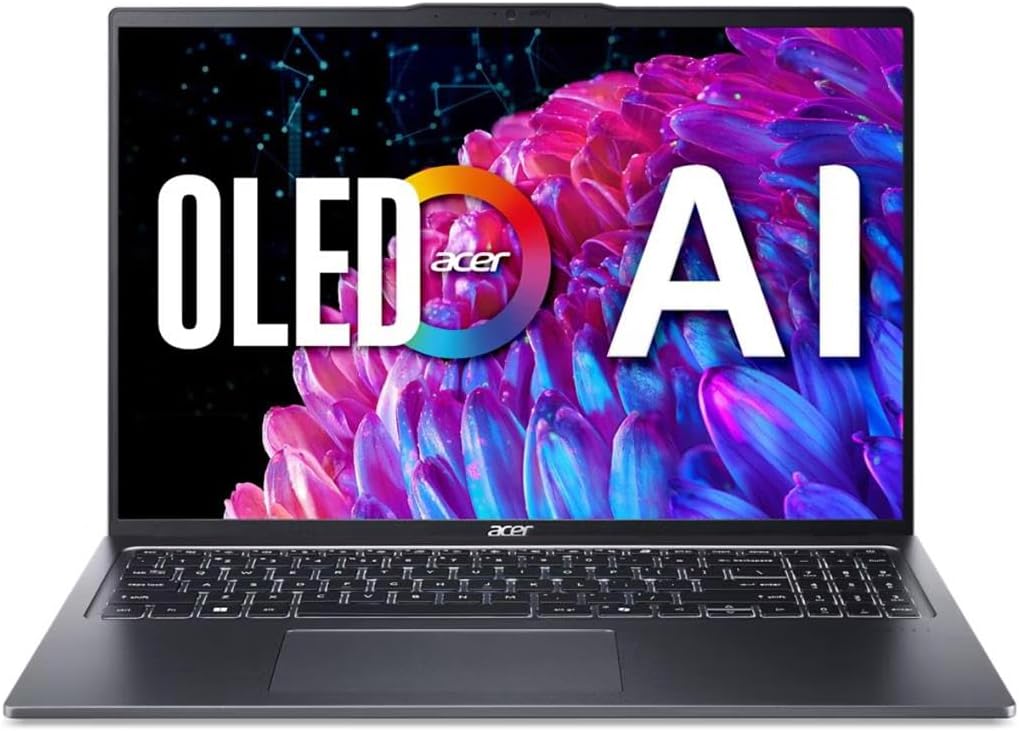
Acer Swift Go 16in OLED Laptop
4.1Editor score
3.2K OLED Display
Intel Core Ultra 5
Long Battery Efficiency
Laptops with OLED displays have revolutionized how we view content, offering deep blacks and vibrant colors. These screens provide exceptional contrast ratios that make images pop. Users benefit from true color accuracy ideal for creative work. The technology has become more accessible across various price points today.
We evaluated ten top models based on display quality, processing power, and build durability. Our comparison includes devices from major manufacturers known for innovation. Each product was analyzed for real-world usability and specific use cases. We focused on balancing performance with portability for diverse needs.
Each pick highlights unique strengths like battery life, graphics capabilities, or screen resolution. Readers will find options tailored for gaming, professional editing, or daily productivity. Prices and availability change frequently so check current listings before buying. This guide helps you navigate the complex OLED laptop market confidently.
4.1Editor score

4.0Editor score
4.5Editor score
As an Amazon Associate we earn from qualifying purchases.
The following table provides a side-by-side comparison of all ten selected models to help you visualize differences in specifications, display sizes, and key features at a glance.



The Lenovo IdeaPad Pro 5 stands out as a top contender for professionals seeking high fidelity visuals. It features a vibrant 16 inch OLED panel that delivers deep blacks and rich colors essential for design work. The build quality is solid making it reliable for travel and daily use.
We may earn a commission when you buy through this link, at no additional cost to you.
Powered by the AMD Ryzen AI 7 processor this laptop handles multitasking with ease. The discrete RTX 5050 GPU adds significant power for rendering and light gaming tasks. Connectivity is excellent with Thunderbolt USB4 and HDMI 2.1 ports supporting multiple external displays.
While the display is fantastic users should note that battery life depends on usage intensity. The 120Hz refresh rate makes motion smooth but consumes more power. Overall the trade-off is acceptable for those prioritizing screen quality and performance over all day unplugged use.
This machine is ideal for creators and professionals who need a reliable portable workstation. Its combination of AI features robust connectivity and stunning visuals makes it a compelling choice. We recommend it for anyone serious about content creation on the go.
The 2.8K OLED screen offers exceptional contrast and color accuracy for professional editing.
Integrated AI acceleration enhances productivity tasks and creative workflows efficiently.
We may earn a commission when you buy through this link, at no additional cost to you.
The Acer Swift Go 16 offers an impressive entry point into the world of OLED laptops without breaking the bank. Its 3.2K display provides crisp visuals and true blacks that rival more expensive models. This makes it a great choice for media consumption and general productivity.
We may earn a commission when you buy through this link, at no additional cost to you.
Equipped with the Intel Core Ultra 5 processor it balances performance and efficiency well. The Intel Evo certification ensures responsive wake times and optimized battery life. Connectivity includes dual USB Type C ports with Thunderbolt 4 for versatile docking and data transfer.
Users should be aware that the 8GB RAM might be a bottleneck for heavy multitasking. Upgrading is not possible on many modern ultrabooks so this limits long term scalability. However for typical office work and creative apps it remains highly capable.
We recommend this model for students and budget conscious professionals who value screen quality. It delivers a premium viewing experience at a competitive price point. The lightweight design also makes it perfect for commuting and travel.
The WQXGA+ OLED panel covers 100% of DCI-P3 color for vivid visuals.
Thunderbolt 4 ports enable high speed data transfer and external display support.
We may earn a commission when you buy through this link, at no additional cost to you.
The ASUS Vivobook S16 brings powerful AI capabilities to a sleek portable design. With a Copilot+ PC designation it features up to 50 TOPS of NPU performance for on device AI tasks. This ensures smooth running of intelligent features without relying on cloud processing.
We may earn a commission when you buy through this link, at no additional cost to you.
It boasts a generous 32GB of RAM which eliminates concerns about memory bottlenecks for heavy workloads. The 16 inch OLED display provides deep contrast and vivid colors ideal for creative tasks. The laptop is also incredibly thin and light at just 3.75 pounds.
While it lacks discrete graphics this is acceptable for productivity and creative users who do not game. The battery life is impressive though real world usage may vary based on screen brightness and load. Overall it offers a well rounded package for professionals.
This laptop is perfect for those who need substantial memory and AI features in a light chassis. The combination of specs makes it highly versatile for multitasking and content work. We suggest it for power users who prioritize memory and AI readiness.
The 50 TOPS NPU handles AI assistants and local processing efficiently.
Weighing only 3.75 pounds it is easy to carry all day.
We may earn a commission when you buy through this link, at no additional cost to you.
The HP OmniBook 3 is engineered for users who need a laptop that lasts all day. Its Snapdragon processor delivers impressive efficiency with up to 41 hours of battery life. This makes it ideal for frequent travelers who cannot access power outlets often.
We may earn a commission when you buy through this link, at no additional cost to you.
The 2K OLED display offers crisp visuals despite the smaller 14 inch form factor. Windows 11 runs smoothly on this architecture and AI tools are integrated into the system. The device also features a secure FHD IR camera for safe logins.
Storage capacity is limited to 256GB which might require cloud solutions for large libraries. Additionally some legacy software may have compatibility issues with ARM based chips. However for standard productivity and media use it performs excellently.
We recommend this model for business travelers and students prioritizing battery and portability. The extended runtime ensures productivity without interruption. It is a strong choice for those who value endurance above raw power.
The industry leading battery life supports work sessions of several hours.
Copilot key provides instant access to AI assistants for productivity.
We may earn a commission when you buy through this link, at no additional cost to you.
The Intel version of the ASUS Vivobook S16 brings robust performance to a refined chassis. Featuring the Core Ultra 9 processor it handles demanding tasks with ease. The 32GB RAM and 1TB SSD ensure ample resources for complex projects and storage needs.
We may earn a commission when you buy through this link, at no additional cost to you.
It shares the same stunning OLED display as the AMD model but focuses on Intel AI features. The design is minimalist and elegant appealing to professionals who prefer a clean aesthetic. Durability is reinforced with MIL STD 810H testing for reliability.
While the performance is excellent the price is higher than standard consumer options. The weight may also be a consideration for daily commuters. However the build quality and specs justify the cost for business users.
This machine is best suited for corporate environments and high demand users. It balances luxury design with powerful internals. We recommend it for those who value durability and premium specs in their daily driver.
The Core Ultra 9 processor delivers fast performance for intensive apps.
MIL STD 810H testing ensures resistance to drops and harsh conditions.
We may earn a commission when you buy through this link, at no additional cost to you.
The HP OmniBook 5 offers a compelling mix of screen size and battery efficiency. Its 16 inch OLED touchscreen adds versatility for touch navigation and stylus use. The Snapdragon X Plus processor ensures energy efficiency suitable for mobile workflows.
We may earn a commission when you buy through this link, at no additional cost to you.
Battery life is a standout feature reaching up to 34 hours of typical usage. The build quality feels premium despite the competitive pricing. Security is handled by an FHD IR camera that allows quick secure logins.
Users must consider that ARM based systems may not support all traditional desktop apps. However the ecosystem is growing and most common tools work well. For general productivity and media this laptop is highly effective.
We recommend this model for families and professionals seeking a large screen OLED at a good price. The balance of features makes it a versatile daily machine. It is a strong contender for value focused buyers.
The OLED touchscreen supports intuitive gestures and stylus input.
Extended runtime allows full workdays without needing a charger.
We may earn a commission when you buy through this link, at no additional cost to you.
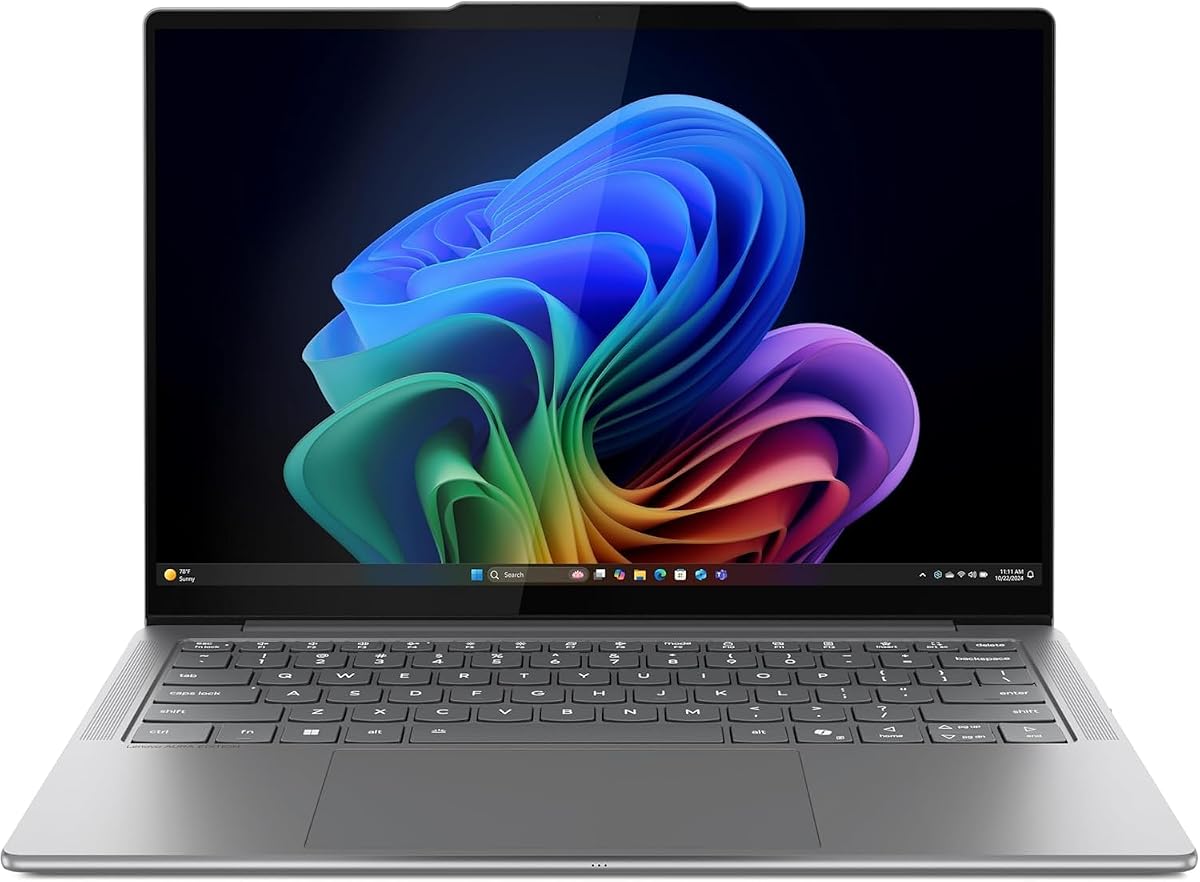
The Lenovo Slim 7i combines high brightness OLED with ultra portability. Its aluminum chassis is thin and light yet durable enough for daily travel. The display supports HDR True Black 500 and reaches 600 nits for visibility in bright rooms.
We may earn a commission when you buy through this link, at no additional cost to you.
Inside it features a powerful Intel Core Ultra 7 processor designed for AI tasks. The 32GB memory option ensures smooth multitasking for designers and editors. The thermal system keeps noise low even under load maintaining a quiet environment.
While it is expensive the quality of build and screen justify the cost for pros. Port selection is minimal so a dock may be needed for multiple peripherals. Overall it is a fantastic premium ultrabook.
This laptop is best for creators who move frequently and need high performance. The weight and screen quality make it stand out. We recommend it for professionals who value design and mobility.
The aluminum chassis is designed to be durable and comfortable to carry.
High brightness ensures clear visibility even in sunlit environments.
We may earn a commission when you buy through this link, at no additional cost to you.
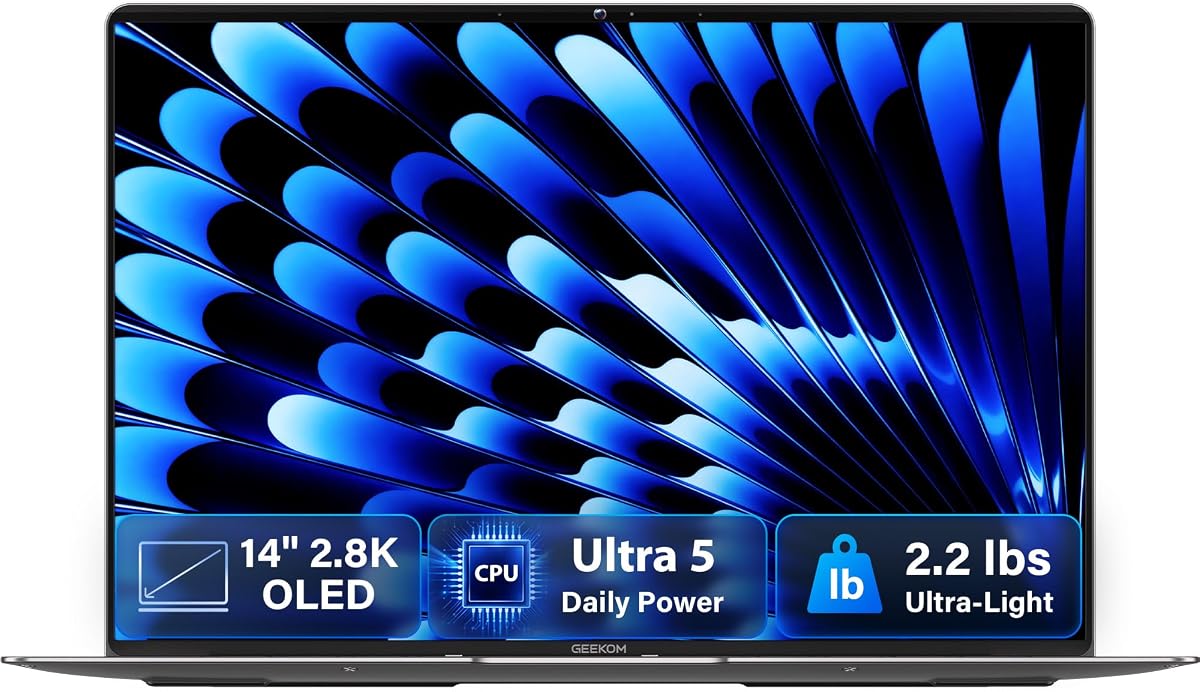
The GEEKOM GeekBook X14 Pro is one of the lightest OLED laptops available. Weighing just 2.2 pounds it is easy to carry in any bag. The 2.8K OLED screen supports 120Hz refresh rates for fluid scrolling and animation.
We may earn a commission when you buy through this link, at no additional cost to you.
It uses aerospace grade magnesium alloy for strength without extra weight. The thermal system is optimized for silence and efficiency. Connectivity includes two 40Gbps USB4 ports for versatile docking options and fast data transfer.
Users may find the brand less familiar than major OEMs but reliability is solid. Thermal performance is good for productivity but not for heavy gaming. It remains a strong choice for office and creative work.
We recommend this model for travelers who prioritize minimal weight. The specs and build quality are impressive for its size. It is a practical choice for those who value portability above all.
At just 2.2 pounds it is one of the lightest laptops on the market.
120Hz refresh rate ensures smooth visual experience during navigation.
We may earn a commission when you buy through this link, at no additional cost to you.
The Lenovo Legion 5a brings OLED visuals to the gaming world with speed. Its 165Hz OLED display offers smooth motion and deep blacks essential for immersive play. The RTX 5060 GPU ensures high frame rates in modern titles.
We may earn a commission when you buy through this link, at no additional cost to you.
Performance is supported by 32GB DDR5 RAM and a fast 1TB SSD. Connectivity is future ready with Wi-Fi 7 and multiple high speed ports. The keyboard is RGB backlit for stylish aesthetic appeal.
Users should note this model is heavier than ultrabooks and battery life is shorter. It is best used as a stationary machine with a charger nearby. The gaming features are top notch for enthusiasts.
We recommend this laptop for gamers who demand fast refresh rates and color depth. The combination of OLED and GPU power is rare and effective. It is the ultimate choice for portable gaming setups.
The 165Hz OLED panel delivers smooth gameplay with G-SYNC support.
Wi-Fi 7 connectivity ensures low latency for online multiplayer.
We may earn a commission when you buy through this link, at no additional cost to you.
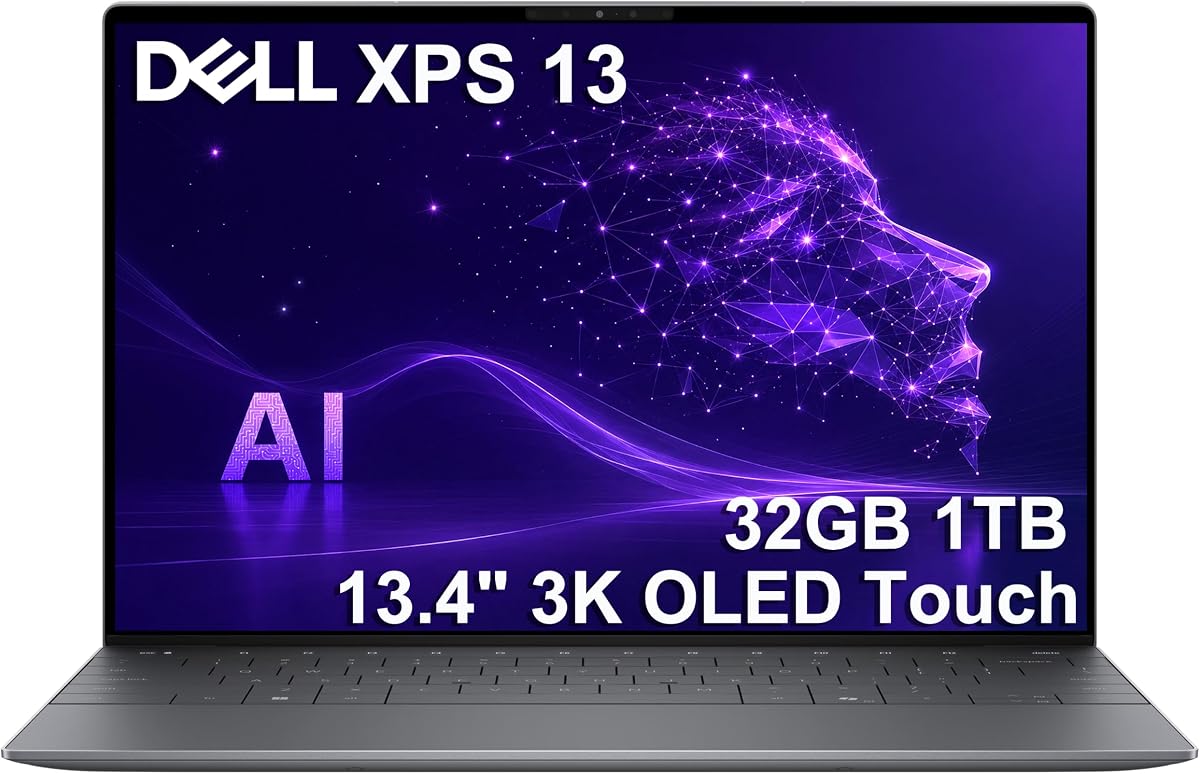
The Dell XPS 13 9345 sets a standard for premium OLED ultrabooks. Its 3K OLED touchscreen is crisp and vibrant ideal for professional presentations and creative work. The build quality is exquisite with precise materials and fit.
We may earn a commission when you buy through this link, at no additional cost to you.
Powered by the Snapdragon X Elite processor it delivers desktop class power in a tiny form. The battery life is exceptional reaching up to 27 hours of real world use. This ensures productivity without power anxiety.
The high price and limited port count are trade-offs for its size. Users will likely need a hub for extra peripherals. However the performance and battery life balance these issues effectively.
We recommend this machine for executives and professionals who need portability. It is a high end choice for those who demand the best in mobility. It stands as a top pick for premium users.
The chassis is crafted from premium materials for durability and style.
Industry leading battery life supports full days of work without charge.
We may earn a commission when you buy through this link, at no additional cost to you.
Choosing an OLED laptop requires understanding key factors that impact performance and usability.
Resolution determines image sharpness while refresh rate affects motion smoothness. Higher specs like 2.8K or 3.2K are ideal for creative work.
Look for high refresh rates if you play games or watch fast content.
Modern processors include NPU units for local AI tasks. This improves efficiency and multitasking performance significantly.
Ensure the CPU matches your workload needs for smooth operation.
Memory affects how many apps you can run simultaneously. Aim for at least 16GB for comfort and 32GB for heavy multitasking.
Fast SSDs ensure quick load times and responsive system performance.
OLED panels can drain battery faster than LCDs but newer chips help efficiency. Check manufacturer ratings for realistic expectations.
Prioritize models with fast charging if you are often away from power.
A robust chassis protects internal components and ensures durability. Lightweight designs are essential for frequent travelers.
Consider weight and thickness if you carry the laptop daily.
Ports like USB-C and HDMI are vital for connecting peripherals. Ensure the laptop has enough to support your workflow.
Thunderbolt support allows for fast data transfer and external displays.
Heat dissipation impacts sustained performance. Good thermal systems keep noise low and maintain speed.
Look for models with advanced cooling technology for long sessions.
IR cameras and fingerprint readers enhance security. Privacy shutters protect against unauthorized access.
Ensure Windows Hello support is available for quick logins.
Use auto brightness to minimize strain and prolong screen health.
Avoid static images on screen for long periods to prevent burn-in.
Clean the display with a microfiber cloth and avoid harsh chemicals.
Yes OLED displays offer deeper blacks and higher contrast which improves visual quality. They also have faster response times suitable for gaming. However they may have higher cost and burn-in risk.
OLED panels can show burn-in if static images remain for hours. Modern tech mitigates this risk significantly. Avoid static bars or logos for long periods.
Both offer strong performance. Intel excels in compatibility while AMD offers value. Choose based on your specific workflow needs.
120Hz or higher is ideal for smooth motion and gaming. Lower rates like 60Hz are fine for basic tasks but limit responsiveness.
Not necessarily unless you game or edit video. Integrated graphics work well for standard tasks and content consumption.
Many modern laptops have soldered RAM so upgrades are not possible. Check specs before purchasing to ensure sufficient memory.
We highlighted ten diverse options ranging from budget-friendly to premium models.
Prioritize your needs like battery life or performance to narrow down choices.
Always check current prices and deals before making a final purchase.