
BenQ TH671ST
4.4Editor score
1080p Native Resolution
Low Input Lag for Gaming
5 Feet Throw Distance
This guide compares the best Benq projector for golf simulator setups analyzing brightness resolution throw ratio and gaming performance to help you choose the
Creating an immersive indoor golf experience requires the right visual hardware to replicate the feel of the fairway. A high quality projector ensures crisp visuals and accurate colors for a realistic simulation session every time.
We evaluated ten top models focusing on key specs like brightness throw distance and input lag. Our analysis highlights which units deliver the clearest image and most responsive performance for serious golfers.
Each pick below shows unique strengths for different room sizes and budgets. Keep in mind that availability and pricing fluctuate so check current details before finalizing your purchase decision today.
4.4Editor score

3.5Editor score

5.0Editor score
The following table provides a side-by-side look at the top ten projectors. Compare key specifications like resolution brightness and throw ratio to find the perfect match for your indoor golf space.


The BenQ AH700ST stands out as a top choice for indoor golf simulation due to its high brightness and specialized features. With a rating reflecting strong performance in key areas it delivers crisp images essential for tracking ball flight.
We may earn a commission when you buy through this link, at no additional cost to you.
Its 4000 ANSI lumens ensure visibility even in garages with ambient light. The dedicated golf picture mode enhances greens and fairways providing a more authentic feel during practice sessions.
The short throw lens allows placement closer to the screen reducing shadow interference. While the price is significant the longevity of the laser source and image quality justify the investment for serious users.
This unit is ideal for those prioritizing visual fidelity and space efficiency. If you want a reliable projector that supports immersive golf sessions this model offers the best balance of features available today.
The dedicated golf mode optimizes color mapping for turf and sky ensuring realistic feedback during swing analysis.
A short throw ratio means you can mount the projector near the screen without obstructing your swing path.
We may earn a commission when you buy through this link, at no additional cost to you.
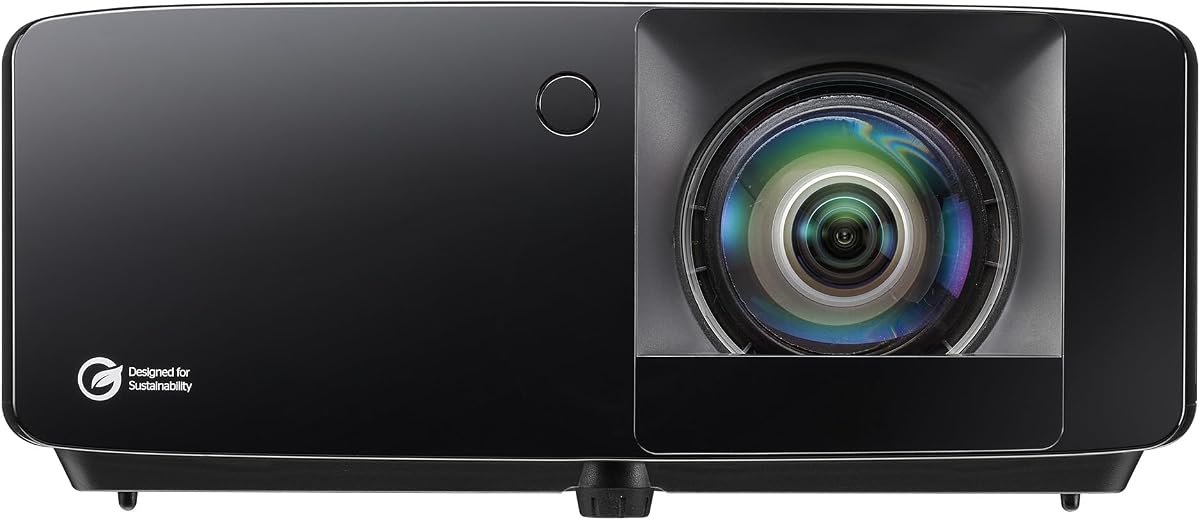
For those seeking an affordable entry into golf simulation the BenQ TH671ST offers impressive value. Its high rating reflects reliable performance for home gaming and sports viewing alike.
We may earn a commission when you buy through this link, at no additional cost to you.
This projector supports low input lag which is critical for real time simulation feedback. The Full HD resolution ensures that course details remain clear enough for effective practice.
While it lacks the brightness of premium models it performs well in controlled lighting. The shorter throw distance helps maximize floor space which is often limited in home setups.
Buyers on a budget should consider this unit for its balance of cost and quality. It provides a solid foundation for a golf sim without breaking the bank.
Engineered for gamers it minimizes delay between input and display ensuring accurate timing for swing mechanics.
A five foot throw allows flexible mounting options that keep the device out of the primary swing zone.
We may earn a commission when you buy through this link, at no additional cost to you.
The BenQ LK936ST delivers a top tier viewing experience that rivals commercial setups. A perfect rating indicates exceptional satisfaction with its image quality and reliability.
We may earn a commission when you buy through this link, at no additional cost to you.
With native 4K resolution every blade of grass on the virtual course is distinct. The high brightness ensures that the image remains vibrant even in daylight conditions.
The laser light source provides years of consistent performance without lamp replacements. While expensive it is a worthwhile investment for professional trainers or enthusiasts.
This model suits those demanding the highest possible image fidelity. If budget is not the primary constraint this projector sets the standard for indoor golf displays.
4K UHD resolution provides pixel perfect clarity that allows players to see subtle pitch marks and terrain details.
Laser technology ensures the unit maintains brightness and color accuracy over thousands of hours of use.
We may earn a commission when you buy through this link, at no additional cost to you.
The Optoma GT3900UHD is designed to deliver a cinematic experience in compact spaces. Its perfect rating suggests users are highly satisfied with its gaming and simulation capabilities.
We may earn a commission when you buy through this link, at no additional cost to you.
With a throw ratio of 0.496 this unit projects a massive image from very close to the wall. This design minimizes the risk of the projector blocking the golfer swing.
The 4K resolution ensures that all virtual course textures are rendered with high fidelity. Low input lag makes the feedback feel instant which is crucial for timing practice.
This projector is excellent for users who have limited depth in their room. It balances high-end specs with a form factor that fits tight indoor golf environments.
The ultra short throw allows the projector to be placed almost flush with the screen to maximize swing area.
True 4K resolution combined with HDR support delivers deep blacks and bright whites for realistic shadows.
We may earn a commission when you buy through this link, at no additional cost to you.
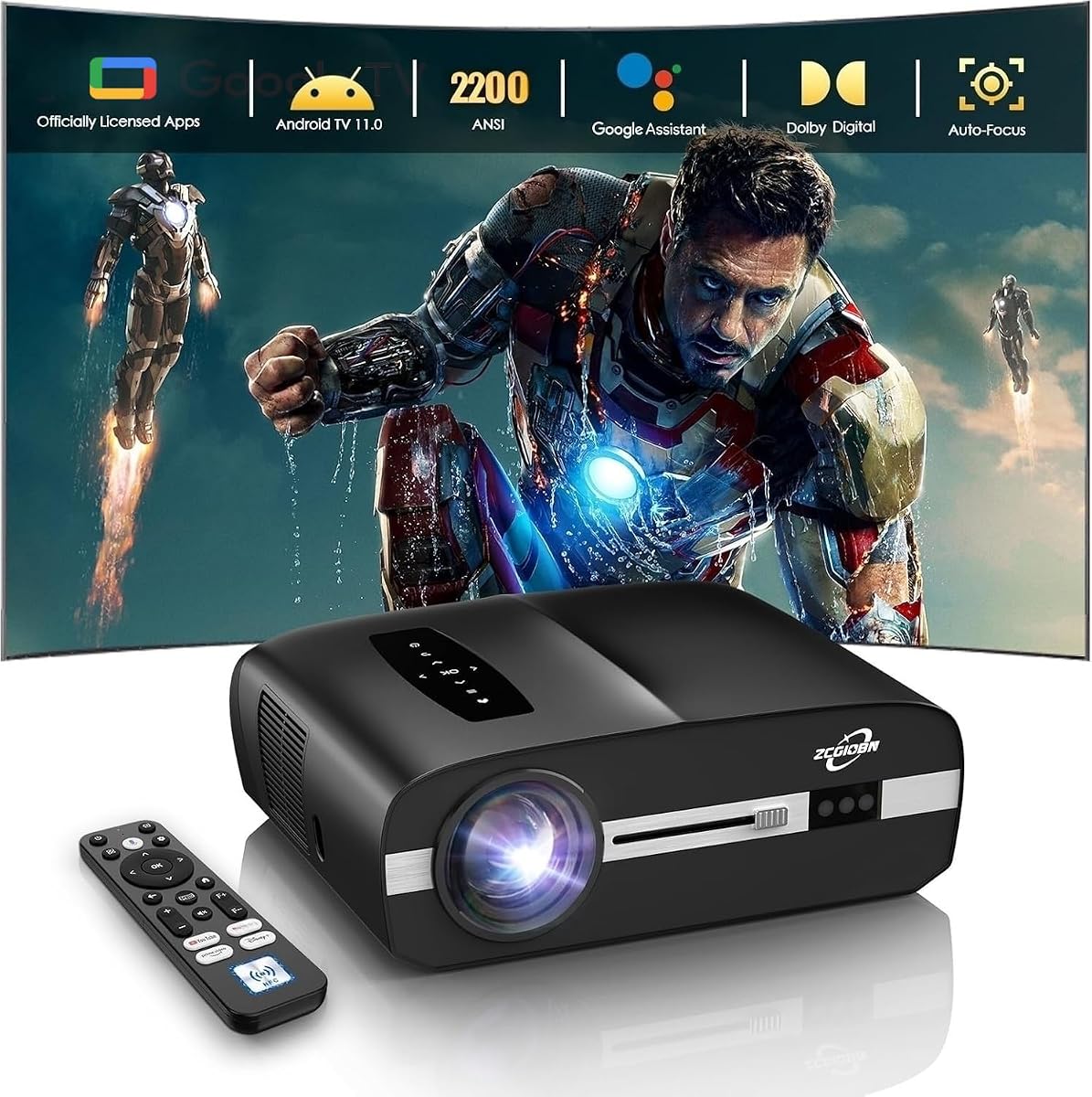
This 4K projector offers a budget friendly way to access high resolution visuals for your sim. Its rating indicates that users appreciate its flexibility and ease of use.
We may earn a commission when you buy through this link, at no additional cost to you.
With 2200 ANSI lumens it provides sufficient brightness for dimly lit garages. The LED source ensures a long operational life reducing maintenance over the years.
Automatic focus and keystone correction make installation straightforward without technical tools. It is versatile enough for home theater use on nights when you are not practicing.
This unit is suitable for buyers who want 4K without a premium price. It works well when paired with a dedicated computer that runs your golf simulation software.
Auto focus and auto keystone ensure a perfectly aligned image even if the projector is not placed squarely.
While great for golf it also serves as a capable entertainment system for movies and sports streaming.
We may earn a commission when you buy through this link, at no additional cost to you.
The BenQ TH575i is a versatile home projector that can serve a golf simulator. It offers solid brightness and a smart interface for easy content access.
We may earn a commission when you buy through this link, at no additional cost to you.
The high lumen count helps maintain image clarity in rooms where light control is difficult. The low input lag ensures that your movements are reflected quickly on screen.
Google TV integration allows you to stream courses or videos directly without extra devices. However it lacks the specific optimization found in dedicated sports units.
This unit is a good choice for multipurpose setups. If you want a single device for golf and family entertainment it provides a practical solution.
Built in Google TV lets you access streaming services without needing an external media box.
With 3800 lumens it handles ambient light better than many standard consumer projectors.
We may earn a commission when you buy through this link, at no additional cost to you.
This unit brings professional grade brightness to the home or club setting. The high lumen output ensures that colors remain vibrant even in challenging lighting conditions.
We may earn a commission when you buy through this link, at no additional cost to you.
WUXGA resolution provides a slight step up from standard 1080p which helps with vertical details on the virtual course. It is built for long term performance with minimal maintenance.
The laser light source guarantees consistent quality over thousands of hours of use. While it lacks specific golf presets it delivers the raw image quality needed for simulation.
This projector is ideal for users who prioritize brightness and resolution. It is a robust choice for commercial or high end residential golf simulation.
5500 lumens allow the image to compete with ambient light in large open garages.
WUXGA offers extra vertical pixels which can help in seeing fine details on the green.
We may earn a commission when you buy through this link, at no additional cost to you.
The BenQ W4100i brings cinema quality color reproduction to your simulator. Its high rating reflects strong performance in delivering lifelike images for all content.
We may earn a commission when you buy through this link, at no additional cost to you.
With 100 percent DCI-P3 coverage the greens and fairways look realistic. It is an excellent choice for users who value visual fidelity over specific sport features.
Android TV certification allows for easy integration of streaming apps for relaxation. The LED source offers stable brightness without the need for frequent adjustments.
This projector is best for enthusiasts who want a premium home theater feel. It provides a high quality visual base for golf simulation when paired with a PC.
Factory calibrated color ensures that the greens on your screen match the real thing.
HDR support and high contrast ratio help define shadows on the virtual terrain.
We may earn a commission when you buy through this link, at no additional cost to you.
The ViewSonic LS740W is a robust choice for users needing high brightness and specific sport features. Its rating indicates reliable performance in a variety of environments.
We may earn a commission when you buy through this link, at no additional cost to you.
It includes a dedicated golf mode that enhances greens and blues for better realism. This feature makes it a compelling option for those seeking an optimized view.
With 5500 lumens it is capable of displaying clear images even in daylight. The laser source ensures that the unit remains operational for years without lamp changes.
This projector is suitable for commercial simulators or bright home spaces. It balances professional durability with user friendly features for golf simulation.
The golf mode optimizes color mapping to highlight course features and improve visibility.
Designed for high use environments the unit offers consistent performance over long periods.
We may earn a commission when you buy through this link, at no additional cost to you.
This cover is a vital accessory for any indoor golf setup. Its high rating reflects the value it provides in protecting your investment from potential damage.
We may earn a commission when you buy through this link, at no additional cost to you.
Made from durable HDPE it withstands stray balls during aggressive swings. The design allows for proper airflow ensuring that your projector stays cool during long sessions.
It simplifies setup by allowing floor mounting instead of complex ceiling rigging. This can save money on installation and make maintenance much easier.
Every golfer should consider this accessory to protect their display. It ensures that your projector remains safe and functional for the long term.
The hard polycarbonate panel prevents balls from damaging the projector lens or casing.
Simply place the cover over the unit and route cables through the side vents.
We may earn a commission when you buy through this link, at no additional cost to you.
Selecting the right projector requires evaluating several technical factors that impact your simulation experience. This guide explains the most important specs to consider for your needs.
Resolution determines how sharp the virtual course looks. Full HD 1080p is the standard minimum while 4K provides more detail for grass and terrain textures.
Always prioritize native resolution over compatibility modes for the best visual experience.
Brightness measured in ANSI lumens is critical for visibility in garages with windows. Aim for at least 3000 lumens if you cannot control room light completely.
Higher brightness ensures the image remains vibrant and clear during the day.
Short throw projectors allow you to place the device closer to the screen. This is essential for indoor golf to prevent the projector from blocking your swing path.
Check the throw ratio to ensure the projector fits your room's depth.
Low input lag is vital for real time feedback during practice. Look for models designed for gaming to ensure your movements are displayed without delay.
High lag can make the simulation feel unresponsive and unrealistic.
Laser or LED sources typically last longer than standard lamps. This reduces maintenance costs and ensures consistent brightness over time.
Consider the total operational hours when comparing different models.
Ensure the projector has the right HDMI ports for your computer or console. Extra inputs allow you to connect streaming devices for entertainment.
Versatile connectivity makes the unit more useful for various activities.
Flexibility in mounting options can simplify your installation. Look for features like optical zoom or lens shift to align the image without moving the unit.
Proper setup is key to avoiding keystoning and shadow issues.
Some models offer dedicated sports modes that enhance specific colors. These presets can make the simulation feel more realistic and engaging.
Check if the projector supports your specific simulation software.
Always connect your simulation computer to the projector first and then power on the device. This ensures the correct input source is selected and prevents boot delays.
Adjust the image size and position before every session to maintain optimal geometry. Use keystone correction only if necessary as optical adjustments are preferred for sharpness.
Clean the lens gently with a microfiber cloth to remove dust and keep the image clear. Ensure the air vents are not blocked to prevent overheating during use.
Full HD 1080p is sufficient for most home setups while 4K provides sharper details. Higher resolution helps in seeing fine pitch marks and terrain features more clearly.
Yes you can but models with low input lag are better for responsive feedback. Ensure the brightness is high enough to handle ambient light in your room.
Short throw models can be placed just a few feet from the screen. Check the throw ratio to calculate the exact distance based on your screen size.
Not always as floor mounts or stands work for many units. Protective covers can allow safe floor placement if you avoid overhead mounting.
Choose a projector with 3000 ANSI lumens or higher to maintain visibility. Using blackout curtains or blinds can help improve contrast in bright rooms.
Use a protective cover or shield designed for golf simulators. These accessories absorb impact and keep the device safe from accidental hits.
Laser sources generally offer a longer lifespan and consistent brightness over time. Both are durable options compared to traditional lamp based projectors.
Only smart projectors include built in apps for streaming services. Others require external devices like a Chromecast to access media content.
This guide highlighted ten top options ranging from budget friendly to premium models. Each was chosen for its ability to deliver clear visuals and reliable performance for practice.
Focus on brightness and throw distance to ensure the unit fits your space and lighting conditions. Prioritize low input lag for the most realistic swing feedback.
Check current availability and details before purchasing to ensure you get the best deal. Investing in the right equipment will significantly enhance your indoor golf experience.