
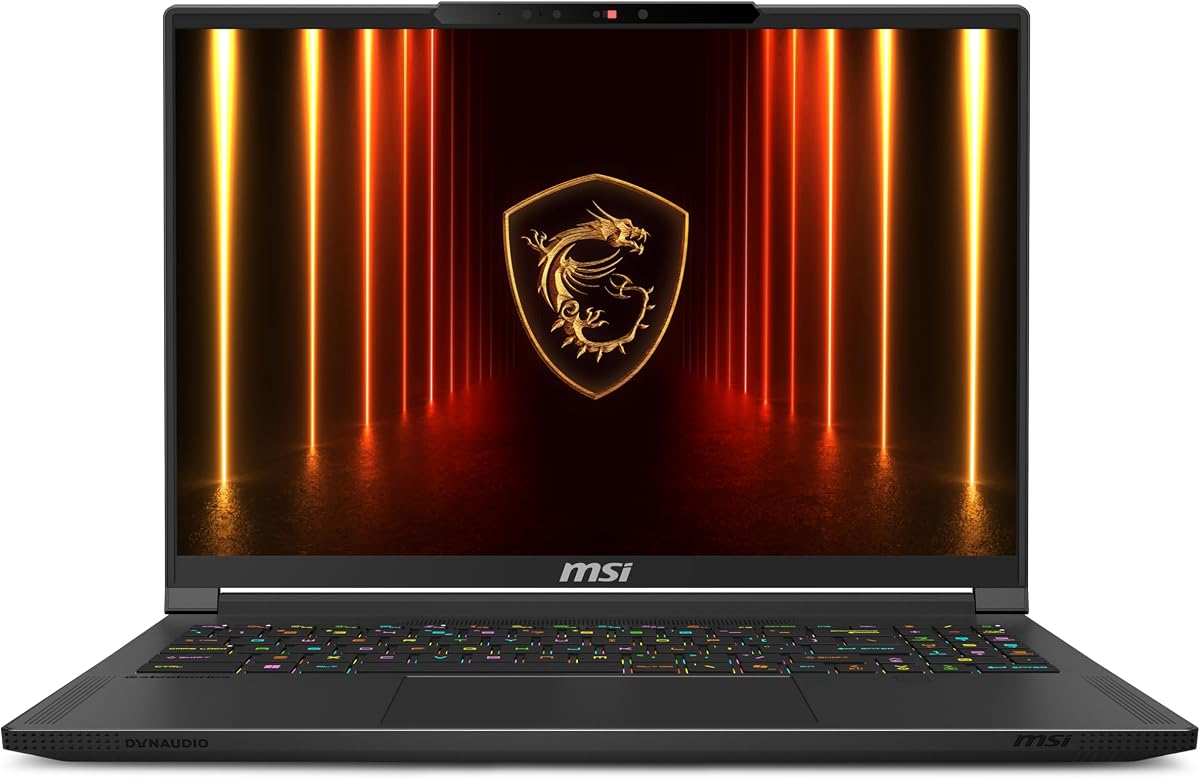
msi Stealth 16 AI+ Gaming Laptop
4.1Editor score
Intel Core Ultra 9
RTX 5070 Ti
240Hz QHD+ OLED
Gaming laptops with OLED displays represent the pinnacle of visual fidelity in portable computing. These machines combine deep blacks, vibrant colors, and instant response times to deliver an immersive experience unmatched by traditional LCD panels.
We compared ten leading models based on performance, display quality, build design, and connectivity. Our analysis focuses on how well each device handles modern AAA titles while maintaining portability and thermal efficiency during extended sessions.
Each pick highlights key strengths and trade-offs to help you choose the right tool for your needs. Prices and availability change frequently, so verify current listings before purchasing to ensure you get the best value available today.
4.1Editor score

5.0Editor score
4.7Editor score
As an Amazon Associate we earn from qualifying purchases.
This table provides a side-by-side comparison of all ten selected models. Review key specifications like processor, graphics, RAM, and display details to find the laptop that matches your performance requirements and budget constraints effectively.



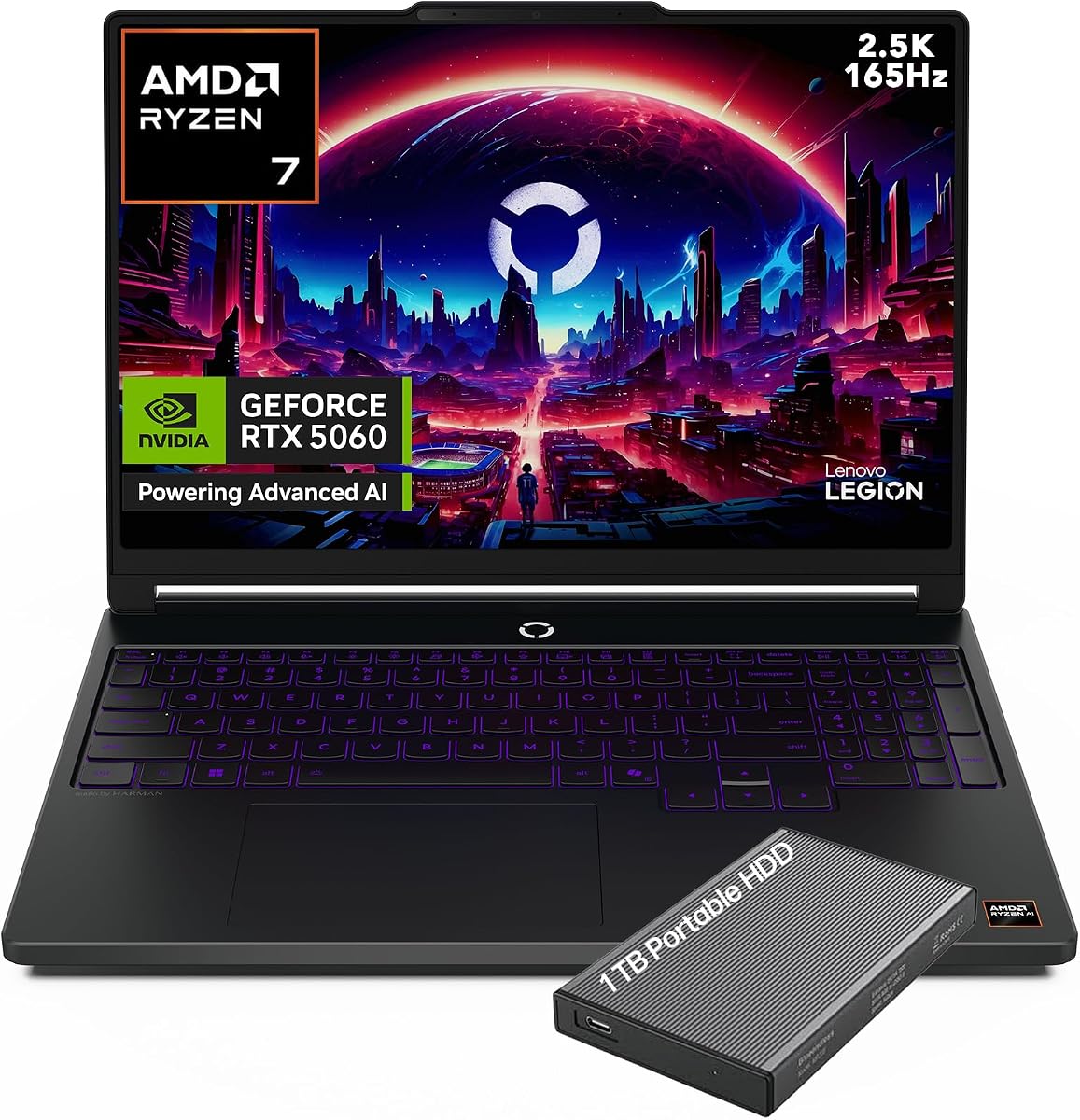
This Lenovo Legion 5a stands out as a top choice for gamers seeking visual excellence. Its OLED screen delivers deep blacks and vivid colors that make games feel incredibly immersive and lifelike.
We may earn a commission when you buy through this link, at no additional cost to you.
Powered by the AMD Ryzen 7 250 and RTX 5060, it handles modern titles with ease. The 32GB of RAM ensures smooth multitasking even when running background apps while gaming.
The weight is noticeable if you plan to move it often. However, the performance and display quality make it a strong desktop replacement for stationary gaming setups.
Buy this if you prioritize screen quality and performance over portability. It is an excellent pick for users who want a powerful machine for gaming and content creation.
The 15.3-inch OLED panel with 100% DCI-P3 coverage provides accurate colors for creative work and stunning visuals for gaming.
Integrated AMD Ryzen AI offers up to 16 TOPS for NPU performance, enhancing supported applications and gaming experiences.
We may earn a commission when you buy through this link, at no additional cost to you.
The Legion 5 offers exceptional processing power for demanding workloads. The Intel Core i9 processor ensures quick compilation times and smooth video rendering alongside gaming performance.
We may earn a commission when you buy through this link, at no additional cost to you.
Its RTX 5070 GPU provides strong ray tracing capabilities and high frame rates. The glossy OLED display enhances contrast making images pop on screen during visual intensive tasks.
Battery life is typical for high performance laptops in this class. Expect to stay plugged in during intense sessions to maintain consistent performance levels throughout your work.
Choose this model for power users who need top-tier CPU performance. It suits creators and gamers who need raw horsepower in a mobile form factor.
The 14th Gen Intel Core i9 with 24 cores handles multitasking effortlessly for gaming and professional applications.
A 15.1 inch WQXGA OLED glossy display offers sharp visuals and high contrast for an immersive viewing experience.
We may earn a commission when you buy through this link, at no additional cost to you.
This version of the Legion 5a provides a balanced mix of performance and value. It includes an external drive which adds storage convenience for those needing immediate extra space.
We may earn a commission when you buy through this link, at no additional cost to you.
The OLED screen remains a highlight with its high refresh rate and accurate colors. It is ideal for fast-paced gaming where smooth motion is critical to the experience.
Upgrading RAM later is possible if you need more capacity for heavy multitasking. The current setup works well for most current titles and general productivity tasks.
This model is a strong contender for budget conscious gamers. It delivers premium visual features without the highest price tag found on competing models.
Priced competitively, this laptop includes bundled accessories like an external drive making it a complete package out of the box.
Modern ports including Wi-Fi 7 and USB4 ensure fast data transfer and reliable connections for external devices.
We may earn a commission when you buy through this link, at no additional cost to you.
The Legion 5i is designed for users who value portability. Its thinner profile makes it easier to carry to classes or LAN parties without sacrificing too much performance.
We may earn a commission when you buy through this link, at no additional cost to you.
Lenovo PureSight OLED technology ensures exceptional color accuracy and contrast. This is particularly useful for graphic designers or streamers who need accurate color representation.
While the price is on the higher side the inclusion of GamePass adds value. This service provides access to hundreds of games which offsets the initial cost for some users.
Buy this if you need a mobile workstation for gaming and work. It balances build quality with visual fidelity effectively for students and professionals.
Lenovo AI Engine+ adjusts performance in real time to maintain high FPS in AAA games while optimizing battery life.
Legion Coldfront Hyper technology uses turbo charged fans and heat pipes to keep the system cool during intense sessions.
We may earn a commission when you buy through this link, at no additional cost to you.
This MSI laptop is a powerhouse for enthusiasts who demand the best. The Ryzen 9 processor leads the class in AI performance making it future proof for emerging applications.
We may earn a commission when you buy through this link, at no additional cost to you.
The 240Hz OLED display is a treat for competitive gamers who want the smoothest possible motion. Colors are rich and blacks are perfect due to the OLED technology.
The high price reflects the premium components used inside. If you need top speed for rendering or gaming this machine will not disappoint you or your performance requirements.
Consider this for professional workflows and high end gaming. It is an investment that pays off in productivity and visual quality for serious users.
Over 50 NPU TOPS enable local AI processing and Copilot features without needing cloud resources for fast results.
A 240Hz refresh rate on a QHD+ OLED panel ensures ultra smooth motion for competitive shooters and high FPS titles.
We may earn a commission when you buy through this link, at no additional cost to you.
The Stealth 16 offers similar premium specs at a competitive price point. It is a great choice for users who want top tier hardware without the highest cost option.
We may earn a commission when you buy through this link, at no additional cost to you.
The Intel Core Ultra 9 processor handles demanding tasks with ease. Paired with the 5070 Ti graphics card it can run modern games at high settings comfortably.
Be prepared for significant power draw during heavy use. The OLED screen and high performance components require more energy than standard LCD laptops in this category.
This is an excellent pick for cost conscious professionals. It balances performance and price effectively making it a smart choice for many buyers.
The Core Ultra 9 manages multitasking efficiently allowing users to run multiple heavy applications simultaneously without lag.
QHD+ resolution combined with OLED tech provides sharp text and deep blacks for media consumption and design work.
We may earn a commission when you buy through this link, at no additional cost to you.
This 2026 model continues the legacy of the Legion series with reliable performance. The 32GB of RAM ensures that users can run modern titles with plenty of headroom.
We may earn a commission when you buy through this link, at no additional cost to you.
The OLED display provides a vibrant experience for games and movies alike. Colors are vivid though professional color grading may require calibration for absolute accuracy.
It lacks USB-C charging which limits portability options. However for users who mostly keep the laptop plugged in this is not a significant drawback for them.
Choose this for a dependable daily driver for gaming. It offers a balanced package of performance and features for most standard gaming scenarios.
Lenovo's reputation for build quality means this machine can withstand the rigors of regular use over time.
The Ryzen 7 250 paired with RTX 5060 ensures that you can play the latest AAA titles at high settings.
We may earn a commission when you buy through this link, at no additional cost to you.
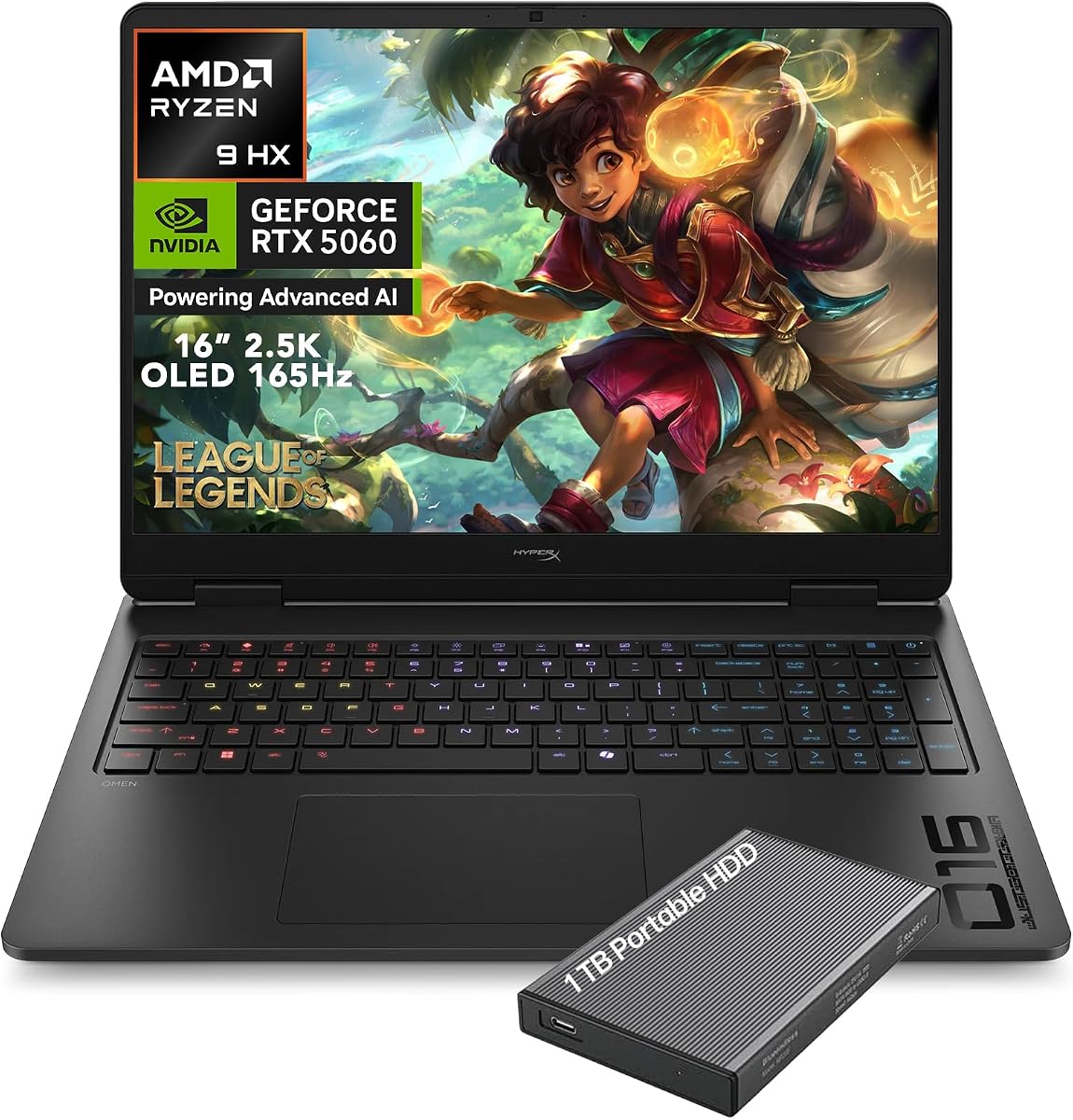
The HP HyperX OMEN brings premium gaming features to the table. The self cleaning fan technology helps maintain performance by reducing dust buildup over time.
We may earn a commission when you buy through this link, at no additional cost to you.
HyperX audio provides immersive sound for games which enhances the overall experience. This is a great option for users who rely on speakers for their audio needs.
The battery life is average for this class of device. You will likely need to bring the charger for long trips if you plan on gaming away from an outlet.
This model is a great choice for desktop replacements. It delivers strong performance and gaming specific features that appeal to dedicated gamers.
HyperX dual speakers with DTS:X Ultra offer spatial 3D audio that enhances gameplay immersion without headphones.
Tempest Cooling with self cleaning technology keeps the system running at peak efficiency during long sessions.
We may earn a commission when you buy through this link, at no additional cost to you.
This Lenovo Legion 5 is built for high FPS gaming with powerful hardware. The Core i9 processor ensures that you get maximum performance from modern titles.
We may earn a commission when you buy through this link, at no additional cost to you.
The 24 zone RGB keyboard adds a personalized touch to your setup. You can customize lighting effects through the gaming studio for a unique experience.
The price is high but justified by the included specs. It is an excellent machine for competitive gamers who need every advantage they can get.
Buy this if you need top speed for games and work. It is a strong option for power users who want a complete high end package.
Legion 5 Gaming Light Studio allows for deep customization of keyboard lighting to match your mood or game.
The 14th Gen Core i9 with 24 cores ensures that you can game and stream without performance bottlenecks.
We may earn a commission when you buy through this link, at no additional cost to you.
The 2026 version of the Legion 5a brings refined features to a compact chassis. It is a great choice for students who need a machine for both school and play.
We may earn a commission when you buy through this link, at no additional cost to you.
The OLED display remains a standout feature with vibrant colors. It makes media consumption and gaming a visually pleasing experience for the end user.
The laptop is relatively light which helps with daily carrying. This makes it a good option for those who move around frequently between locations.
Consider this if you need a portable and powerful option. It balances features and weight effectively for mobile gamers and professionals.
At just 4.12 lbs this laptop is light enough to carry comfortably in a backpack for daily commutes.
The Eclipse Black chassis is durable and designed to withstand the rigors of regular daily use.
We may earn a commission when you buy through this link, at no additional cost to you.
Selecting the right gaming laptop with an OLED display involves balancing performance needs with visual preferences. This guide outlines key factors to consider when evaluating your options.
Refresh rate determines how many frames per second your screen can show. For competitive gaming, look for rates of 120Hz or higher to reduce motion blur and improve reaction times.
A higher refresh rate ensures smoother motion which is crucial for fast paced shooters and esports titles.
The CPU is the brain of your laptop. For gaming and content creation, choose models with high core counts like i7 or Ryzen 7 and above for better multitasking.
A powerful processor ensures that your system can handle background apps and games simultaneously without lag.
The GPU handles rendering images and effects. Look for RTX series cards with ample VRAM to support ray tracing and high resolutions in modern titles.
A dedicated GPU is essential for running AAA games at high settings and ensuring stable frame rates.
RAM affects how many apps you can run at once. Aim for at least 16GB to ensure smooth performance during gaming sessions and general productivity tasks.
More RAM allows for better multitasking and prevents slowdowns when switching between applications.
OLED screens often consume more power than traditional LCDs. Check battery capacity and expected runtime to ensure the laptop meets your portability needs.
Expect shorter battery life with high performance models but look for fast charging to minimize downtime.
Modern connections like Wi-Fi 7 and USB-C provide faster data transfer and better network performance. These features are vital for online gaming and data heavy workflows.
Ensure the laptop has enough ports to connect your peripherals without needing a hub.
A responsive keyboard is essential for gaming. Look for anti ghosting and customizable RGB lighting to enhance your comfort and control during long sessions.
Good key travel and feedback improve typing and gaming experiences significantly.
A sturdy chassis protects internal components during transport. Consider the materials used and hinge quality to ensure the laptop withstands regular use.
Durable builds reduce the risk of damage during daily commuting or travel.
To maintain the longevity of your OLED screen, use auto dimming features and avoid static images for prolonged periods. This prevents burn in which can permanently damage the display.
Clean the screen gently with a microfiber cloth to remove fingerprints and dust. Avoid harsh chemicals that could damage the anti reflective coatings on the panel.
Keep your laptop cool by using it on a hard surface or a cooling pad. Good airflow ensures the fans can dissipate heat effectively during intense gaming sessions.
Yes, OLED displays offer perfect blacks and high contrast which enhance visual immersion. The fast response time also reduces motion blur making games feel smoother.
Modern OLED panels include features to mitigate burn in like pixel shifting. Avoid keeping static elements like taskbars visible for hours without changing content.
Wi-Fi 7 offers lower latency and higher bandwidth which reduces lag in online games. It ensures a more stable connection compared to older standards.
For most modern titles 16GB is sufficient. However, streaming or heavy multitasking may require 32GB for optimal performance.
Absolutely. The high performance processors and vibrant screens make these devices great for video editing and graphic design work.
Typically 50,000 hours to half brightness. With moderate use they last many years. Brightness levels and usage habits affect lifespan.
These ten models represent the best options available for gamers seeking OLED displays. Each offers unique strengths from raw performance to portability.
Prioritize the display quality and refresh rate if immersion is your main goal. Balance this with performance needs and budget to find the right fit.
Prices fluctuate frequently so check current listings before purchasing. Verify that the specific configuration meets your needs for RAM and storage.