
Acer HDMI 2.1 Cable 6.6FT
4.7Editor score
48Gbps bandwidth support
Compatible with PS5 and Xbox
Braided cord design
This guide compares the best HDMI Cable for Oculus Rift by evaluating speed, durability, and compatibility to help you choose the right connector for your VR
Finding the right connection for your virtual reality headset is crucial for immersive experiences. A high-quality HDMI cable ensures your graphics card communicates seamlessly with your display, preventing lag or signal loss during intense gaming sessions.
We evaluated top-rated cables based on bandwidth, build quality, and compatibility with modern VR standards. Our team analyzed specifications and user feedback to identify options that deliver stable 4K or 8K performance without unnecessary expense.
Each pick highlights specific strengths like refresh rate support or durability features. Prices and availability fluctuate frequently, so always verify current listings before purchasing to ensure you get the best deal for your specific headset model.
4.7Editor score

4.8Editor score

4.5Editor score
This side-by-side comparison highlights key specifications across ten leading HDMI cables to help you quickly identify the best match for your Oculus Rift or similar VR headset needs.
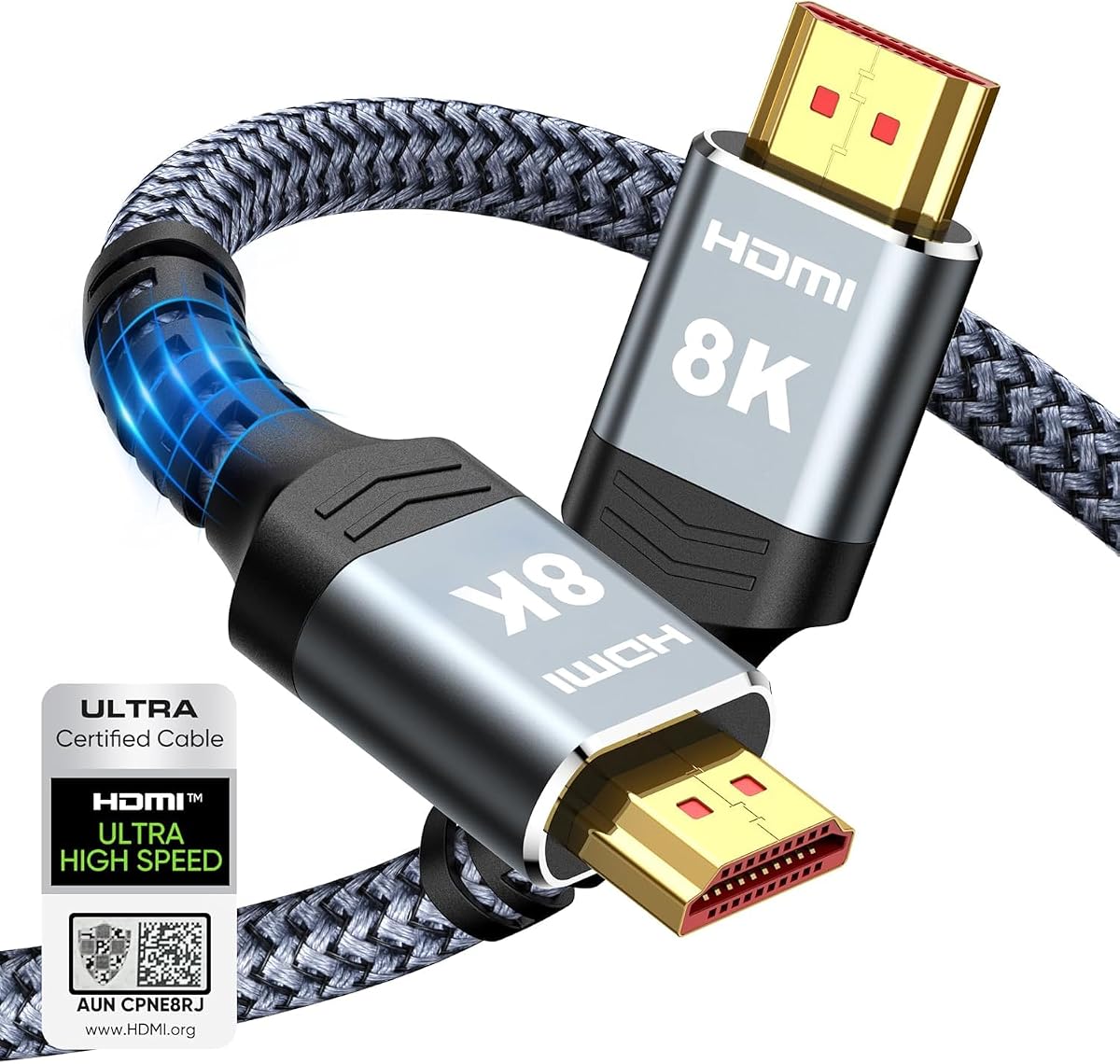

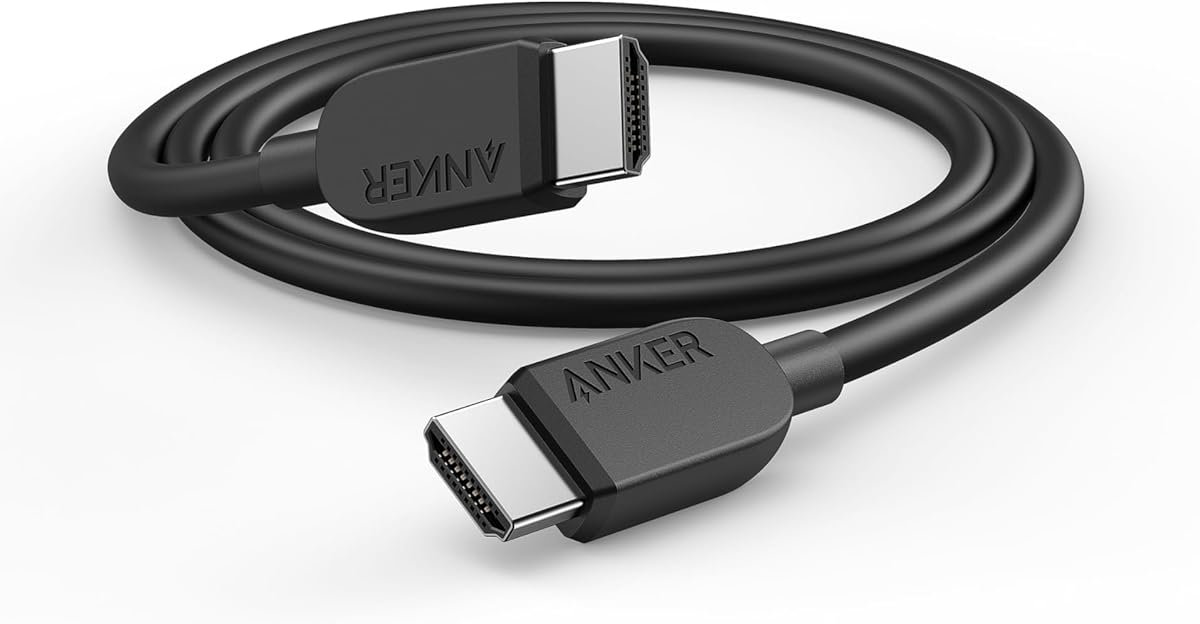

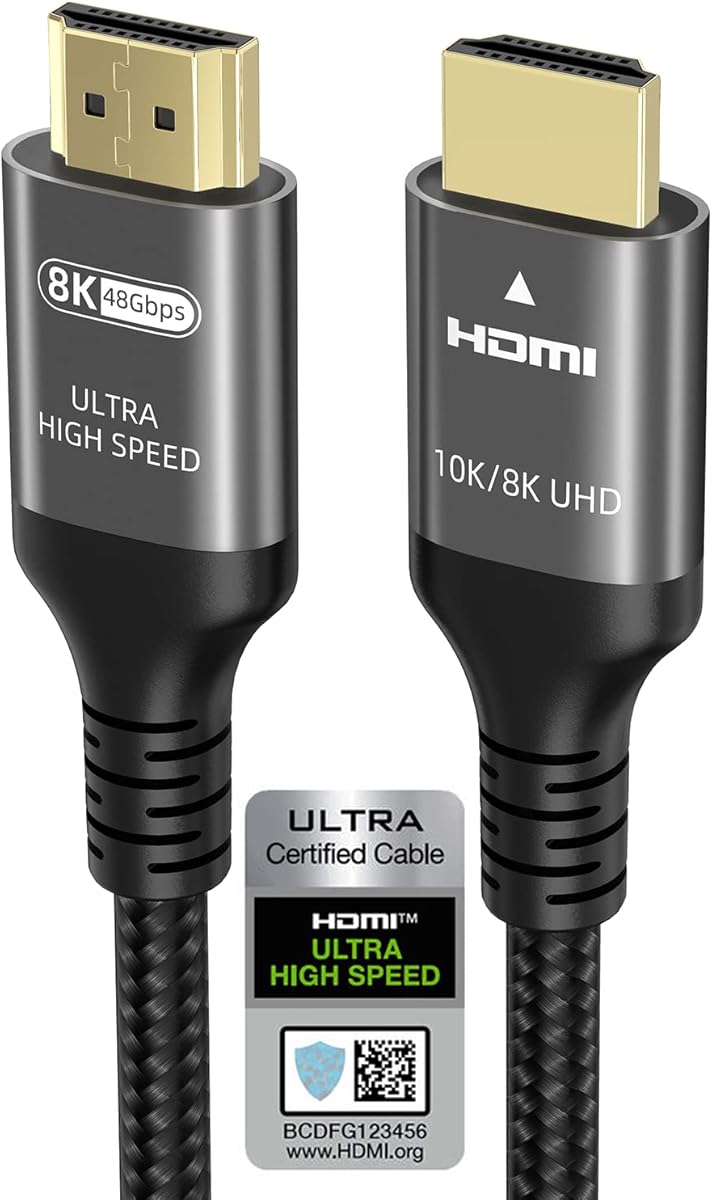


The UGREEN HDMI 2.1 cable is an excellent choice for users seeking high-speed connectivity for virtual reality setups. With a 4.8 star rating from users, it is known for maintaining stable video signals even during demanding gaming sessions.
We may earn a commission when you buy through this link, at no additional cost to you.
Its ability to handle 48Gbps bandwidth ensures that high refresh rates are maintained without dropping frames. The aluminum alloy shell and braided jacket provide strong protection against wear and tear, making it reliable for long-term use.
While the 6.6ft length might be limiting for some room layouts, the performance benefits outweigh this constraint for most desk-based VR users. The support for eARC and dynamic HDR adds extra value for those using high-end audio systems.
This cable is ideal for enthusiasts who need a reliable connection for their Oculus Rift or similar headsets. It balances performance and durability effectively, making it a top recommendation for anyone prioritizing visual quality.
The 48Gbps bandwidth allows for seamless transmission of high-resolution video, ensuring that fast-paced VR games look crisp and responsive.
Built with a robust aluminum alloy case and nylon braiding, this cable resists damage from frequent bending and ensures a longer lifespan.
We may earn a commission when you buy through this link, at no additional cost to you.
The Acer HDMI 2.1 cable offers a budget-friendly solution for connecting your VR headset without compromising on essential performance features. Users appreciate its ability to support 4K@120Hz, which is crucial for smooth gameplay in virtual reality environments.
We may earn a commission when you buy through this link, at no additional cost to you.
The braided design adds a layer of protection that helps prevent damage from regular use. It is also backward compatible with older HDMI versions, making it a versatile choice for users with various devices and setup requirements.
While it lacks some of the premium features found in more expensive cables, its core performance is solid for the price. It handles high refresh rates well, which minimizes latency and motion blur during intense gaming moments.
If you are looking for an affordable way to upgrade your connection for Oculus Rift or other VR gear, this cable is a strong contender. It provides the necessary bandwidth and stability for most modern graphics cards.
At a lower price point, this cable delivers high-speed performance that rivals more expensive options, making it perfect for cost-conscious gamers.
The high-purity copper core and aluminum alloy shell ensure stable signal transmission, reducing the risk of flickering or connection drops.
We may earn a commission when you buy through this link, at no additional cost to you.
The Highwings 15 FT HDMI cable is designed for users who need extra reach for their VR setup. Its CL3 rating allows it to be installed safely within walls, offering a clean look without the risk of safety hazards.
We may earn a commission when you buy through this link, at no additional cost to you.
Despite the longer length, it maintains high performance with support for 4K@240Hz and 48Gbps bandwidth. This ensures that even with the extended distance, the signal remains strong and free from degradation or loss.
The copper build contributes to its durability and signal integrity, though it does make the cable slightly thicker than standard options. Users report that the flexibility remains good enough for routing around corners and furniture.
For VR enthusiasts who have larger play spaces or want a permanent installation, this cable is the ideal choice. It combines performance with safety features that shorter cables often lack, providing peace of mind.
Being CL3 rated means this cable is safe for in-wall installation, allowing for a clean and professional setup in home theaters or VR rooms.
Advanced copper wire technology ensures minimal signal attenuation even at 15 feet, maintaining the high refresh rates required for VR.
We may earn a commission when you buy through this link, at no additional cost to you.
This Highwings cable is built to handle the latest display standards, including 8K resolutions. While VR typically relies on high refresh rates, having a cable that supports 8K@60Hz ensures compatibility with future high-end displays and GPUs.
We may earn a commission when you buy through this link, at no additional cost to you.
The 10ft length provides ample room for connecting desktop PCs to monitors without stretching. Its anti-bending tail design is a thoughtful addition that prevents stress on the connectors, a common point of failure.
The variable refresh rate support helps reduce tearing and stuttering, which is beneficial for VR applications that demand consistent frame delivery. It is a solid general-purpose cable that performs well in gaming scenarios.
If you are looking for a durable, future-ready connection, this cable offers excellent value. Its robust construction and high bandwidth make it a reliable choice for maintaining a stable VR setup.
Support for 8K and 4K@120Hz ensures the cable will remain useful even as display technology advances beyond current standards.
The upgraded anti-bending design on the tail helps extend the life of the cable by reducing stress on the connection points.
We may earn a commission when you buy through this link, at no additional cost to you.
The Silkland cable stands out because it carries official HDMI 2.1 certification, verified via a QR code. This gives users confidence that the cable meets strict industry standards for performance and reliability.
We may earn a commission when you buy through this link, at no additional cost to you.
Its support for Dolby Atmos and dynamic HDR makes it suitable for immersive entertainment setups beyond just gaming. The copper cores and ferrite beads help maintain signal integrity, preventing common issues like flickering.
While the price might be slightly higher than generic brands, the certification and build quality justify the cost. It is designed to handle the demands of high-speed data transfer without dropping frames or causing black screens.
For users who prioritize verified performance and reliability, this cable is an excellent option. It ensures that your VR or console setup runs smoothly without worrying about compatibility issues.
The HDMI 2.1 certification ensures the cable meets rigorous testing standards for speed and signal quality.
Immersive audio formats like Dolby Atmos and DTS:X are supported, delivering a richer soundscape for VR experiences.
We may earn a commission when you buy through this link, at no additional cost to you.
Anker is known for producing reliable tech accessories, and this HDMI cable is no exception. It supports 4K@240Hz, making it a strong candidate for high-speed VR connections where smooth visuals are essential.
We may earn a commission when you buy through this link, at no additional cost to you.
The design is specifically tested to withstand up to 1,000 bends, ensuring it remains functional even with frequent plugging and unplugging. This level of durability is crucial for users who move their gear around often.
While it is shorter than some competitors, it is perfect for desktop setups where cables do not need to span long distances. The 18-month warranty provides additional assurance that the product is built to last.
If you value brand reputation and build quality, this cable is a solid choice. It offers high performance without unnecessary bulk, making it a practical option for everyday use.
Designed to withstand up to 1,000 bends, this cable is built to handle the wear and tear of regular use.
With 48Gbps bandwidth, video transfers and streaming happen without interruptions or lag.
We may earn a commission when you buy through this link, at no additional cost to you.
Buying cables in a pack often saves money, and this option from Highwings offers two units for a competitive price. It allows you to have a spare cable ready for your VR setup or for other devices.
We may earn a commission when you buy through this link, at no additional cost to you.
The 48Gbps bandwidth and variable refresh rate support ensure smooth visuals for gaming. The aluminum alloy shell provides a sturdy feel that resists bending at the connector points.
While it does not have unique features beyond standard high-speed specs, the value of getting two cables makes it a smart purchase. It is ideal for households with multiple gaming setups or consoles.
This bundle is a practical choice for anyone who wants a reliable high-speed cable without spending too much. The consistent quality across both units ensures you get what you pay for.
The 2-Pack offers an economical way to upgrade your connections while keeping a backup on hand.
Both cables undergo rigorous testing to ensure they meet the same high standards for speed and durability.
We may earn a commission when you buy through this link, at no additional cost to you.
This cable is notable for its support of extremely high refresh rates, reaching up to 360Hz for lower resolutions. While most VR headsets cap at 90Hz or 120Hz, having this headroom ensures smooth performance on compatible monitors.
We may earn a commission when you buy through this link, at no additional cost to you.
It is officially certified by the HDMI Forum, which guarantees compliance with technical standards. This reduces the risk of compatibility issues with modern GPUs and gaming consoles.
The low EMI design helps prevent interference that could lead to signal drops or visual artifacts. It supports advanced color depth, ensuring that images look vibrant and accurate across different displays.
For users who need a cable that supports cutting-edge display tech, this is a reliable option. It offers a balance of high-speed capabilities and verified standards compliance.
Official certification ensures the cable meets strict HDMI Forum requirements for performance and compliance.
Support for up to 360Hz refresh rates makes this cable suitable for competitive gaming and VR setups.
We may earn a commission when you buy through this link, at no additional cost to you.
This cable is designed to meet future standards with 96Gbps bandwidth and support for 16K resolutions. While current VR headsets may not require this level of speed, it ensures compatibility with upcoming display technology.
We may earn a commission when you buy through this link, at no additional cost to you.
Its 4.9 rating from users speaks to its exceptional build quality and performance. The unique double-layer fishnet winding provides extra protection against signal interference and physical damage.
Although it may be considered overkill for current devices, the peace of mind it offers for future upgrades is valuable. It supports immersive audio formats that enhance the VR experience beyond just visuals.
If you are willing to invest in the highest performance available, this cable is the top choice. It is ideal for users who want to ensure their setup remains relevant for years to come.
With 96Gbps bandwidth, this cable handles data transfer at speeds far beyond current needs.
The 4.9 user rating reflects high satisfaction with its performance, build, and reliability.
We may earn a commission when you buy through this link, at no additional cost to you.
The BlueRigger 15ft cable is a robust solution for large rooms where distance is a constraint. It offers a lifetime warranty, which is a strong indicator of the manufacturer's confidence in its product quality.
We may earn a commission when you buy through this link, at no additional cost to you.
Its 25,000 bend lifespan means it is designed to withstand extensive use without breaking. The gold-plated connectors help prevent corrosion, maintaining a clean connection for years.
While the price is higher than standard cables, the warranty and length make it a worthwhile investment for permanent setups. It provides the reach needed for VR play areas without signal loss.
For those needing extra length and long-term reliability, this cable is highly recommended. The combination of durability and warranty support makes it a top pick for demanding applications.
A lifetime warranty ensures that the cable is backed by the manufacturer for the long term.
The 15ft length provides ample distance for connecting devices across large rooms.
We may earn a commission when you buy through this link, at no additional cost to you.
Selecting the right HDMI cable involves balancing speed, length, and durability. This guide covers the key factors you should evaluate to ensure a reliable connection for your virtual reality headset.
Modern VR headsets require high bandwidth to deliver smooth, high-resolution visuals. Look for cables rated for at least 48Gbps, which supports HDMI 2.1 standards. This speed ensures that you can achieve high refresh rates without signal degradation or frame drops.
Always choose a cable that matches or exceeds the bandwidth requirements of your graphics card and display to maintain optimal performance.
The length of the cable determines how far you can sit from your PC or console. Common lengths range from 6ft to 15ft. Ensure the cable is flexible enough to route around furniture without bending at sharp angles that could damage the internal wires.
For large rooms, a longer cable provides flexibility, but always check if it maintains signal integrity at that distance.
Durability is crucial for cables that are frequently plugged and unplugged. Look for braided nylon jackets and metal connectors to resist wear and corrosion. Some cables offer specific tests like bend resistance which can indicate a longer lifespan.
Prioritize cables with robust materials to avoid frequent replacements due to physical damage.
High refresh rates are essential for reducing motion sickness in VR. Ensure the cable supports the maximum refresh rate of your headset, typically 120Hz or higher for modern devices. HDMI 2.1 cables are generally capable of handling these rates effectively.
Check the specifications to confirm compatibility with your specific VR refresh rate needs.
Cables with official HDMI certification have been tested to meet strict industry standards. This reduces the risk of compatibility issues or performance bottlenecks. Certification labels often provide assurance that the cable will perform as advertised.
Opt for certified cables to ensure reliable connectivity across different devices and setups.
Advanced features like eARC and HDR support can enhance the overall experience. While VR primarily focuses on visuals, audio quality matters for immersion. Ensure the cable supports the audio formats you intend to use with your sound system.
Look for features like Dynamic HDR and eARC if you plan to use the cable for both gaming and home theater applications.
The shape of the connector matters for tight spaces. Angled connectors can help prevent bending at the port, while slim connectors fit better in restricted areas. Ensure the connectors are gold-plated to prevent oxidation.
Choose a connector style that fits your specific setup needs to maintain a stable connection.
Higher prices often correlate with better materials and longer warranties. Evaluate if the extra cost is justified by the features and longevity offered. A lifetime warranty can be a great safeguard against defects.
Balance your budget with the need for quality, considering the warranty terms as part of the value.
To ensure the best performance, always plug the cable firmly into both the graphics card and the display or VR adapter. A loose connection can lead to flickering or signal loss.
Avoid bending the cable at sharp angles, especially near the connectors. Excessive bending can damage the internal wires and reduce the lifespan of the cable.
Store any extra cable length neatly to prevent tangling. Keeping the cable organized reduces strain on the connectors and helps maintain its flexibility over time.
Yes, a high-quality HDMI cable with sufficient bandwidth reduces latency by ensuring fast and stable signal transmission. Using a cable that supports HDMI 2.1 helps minimize lag during gameplay.
While older Rift models may work with HDMI 2.0, newer VR headsets benefit from HDMI 2.1 for higher refresh rates and resolutions. It ensures future-proofing and smoother performance for demanding applications.
Look for an official HDMI certification label on the packaging or product page. Some brands also provide QR codes that you can scan to verify the cable's compliance with HDMI standards.
It is generally better to use a single continuous cable to avoid signal loss. Extensions can introduce additional points of failure and may degrade the signal quality over longer distances.
Very long cables can sometimes experience signal degradation. High-quality cables are designed to maintain signal integrity over longer distances, but using a shorter cable is always preferred if possible.
Most VR setups work well with 6ft to 10ft cables. If you have a large play space, consider a 15ft cable to ensure you have enough slack without compromising performance.
Choosing the right HDMI cable is essential for a smooth and immersive virtual reality experience. The top picks in this guide offer a range of options to suit different budgets and setup requirements.
Prioritize cables with high bandwidth and durability to ensure consistent performance. Features like HDMI 2.1 certification and strong build quality make a noticeable difference in daily use.
Always check current prices and availability before making a purchase. Prices fluctuate, and finding a deal on a high-performance cable can save you money while upgrading your setup.