
NIMO 15.6 AI Creator Laptop
5.0Editor score
AMD Ryzen 5 6600H
16GB RAM 512GB SSD
15.6 inch Full HD Display
Vlogging requires reliable hardware that handles video editing, streaming, and daily tasks without lag. Finding the right laptop means balancing processing power with portability for creators on the go.
We analyzed ten top models based on processor speed, graphics capability, display accuracy, and battery endurance. Our comparison focuses on real-world workflows like 4K editing and live streaming.
Each pick highlights specific strengths for vloggers, from budget-friendly options to premium machines. Prices and availability change frequently, so verify details before purchasing to ensure the best fit.
5.0Editor score

4.3Editor score

4.9Editor score
As an Amazon Associate we earn from qualifying purchases.
This side-by-side comparison evaluates ten leading laptops for vloggers based on key specifications including processor, memory, storage, and display features.





This laptop ranks as a top choice for entry-level vloggers needing reliable performance without breaking the bank. Its AMD Ryzen 5 processor and 16GB RAM handle daily editing tasks smoothly.
We may earn a commission when you buy through this link, at no additional cost to you.
Key strengths include expandable memory slots allowing up to 64GB RAM and a 100W PD charging system for flexible power during shoots. The backlit keyboard aids typing in dim environments.
Trade-offs involve integrated graphics limiting heavy 4K rendering and a standard 1080p display lacking premium color accuracy. These are acceptable for beginners focusing on 1080p vlogs.
Ideal for students and new creators starting their channel who need a versatile machine for work and light editing. It balances cost with essential features effectively.
Dual SO-DIMM slots allow RAM upgrades to 64GB while M.2 slots support SSD expansion to 4TB for growing media libraries.
A 53.58Wh battery paired with 100W PD charging ensures flexibility for coffee shop work and travel without bulky adapters.
We may earn a commission when you buy through this link, at no additional cost to you.
The GEEKOM GeekBook X14 Pro stands out for its stunning 2.8K OLED display ideal for accurate color grading and visual precision. Weighing just 2.2 lbs it is perfect for travel.
We may earn a commission when you buy through this link, at no additional cost to you.
Strengths include the Intel Core Ultra 9 processor with NPU for on-device AI tasks like noise reduction and the 72Wh battery supporting up to 16 hours of use.
Trade-offs involve reliance on dongles for some ports and a premium price tag compared to standard laptops. These are manageable for creators prioritizing display quality and portability.
Best for professional vloggers needing high fidelity visuals and lightweight mobility. It excels in presentation and content creation workflows requiring sharp visuals.
The 2.8K OLED screen with 100% DCI-P3 coverage delivers true blacks and vibrant hues essential for accurate video grading.
The dedicated NPU enables efficient AI tasks like eye tracking and background blur without taxing the main processor.
We may earn a commission when you buy through this link, at no additional cost to you.
This model offers premium processing power with the AMD Ryzen 7 8745HS and 32GB RAM making it capable of handling 4K video editing seamlessly. It is designed for serious creators.
We may earn a commission when you buy through this link, at no additional cost to you.
Standout features include USB4 connectivity supporting external GPUs for expanded rendering and a 75Wh battery delivering up to 12 hours of office work.
Trade-offs involve the standard FHD display which may not match OLED color accuracy and a heavier build for extended handheld use. These are acceptable given the raw power provided.
Recommended for professionals and students needing desktop-level performance on the go. It is an excellent choice for rendering and compiling heavy workloads.
USB4 40Gbps allows connection to eGPUs enabling advanced 3D rendering and AAA gaming when docked.
Advanced thermal management keeps the 45W processor cool and quiet even during sustained heavy workloads without throttling.
We may earn a commission when you buy through this link, at no additional cost to you.
The HP 17 Laptop provides a large 17.3 inch display ideal for split-screen editing and spreadsheet management. Its Windows 11 Pro offers enterprise level security for professionals.
We may earn a commission when you buy through this link, at no additional cost to you.
Key strengths include the anti-glare screen for comfortable viewing and a full-size keyboard with numeric keypad aiding data entry. It ships with useful accessories like a mouse.
Trade-offs include only 8GB RAM which may bottleneck heavy multitasking and lack of high-speed ports. These are acceptable for users prioritizing screen real estate.
Best for vloggers needing a desktop replacement for editing on a fixed desk. The large screen enhances workflow efficiency significantly.
The 17.3 inch FHD display offers expansive viewing area for timeline editing and multiple windows simultaneously.
Windows 11 Pro delivers enhanced security and management tools for business users handling sensitive content.
We may earn a commission when you buy through this link, at no additional cost to you.
This HP 17 model balances performance with affordability for students and casual creators. Its large 17.3 inch screen makes editing timelines easier on the eyes.
We may earn a commission when you buy through this link, at no additional cost to you.
Strengths include Wi-Fi 6 for stable uploads and a privacy camera with physical shutter ensuring secure video calls. The included accessories streamline setup.
Trade-offs involve limited 8GB RAM requiring careful management of apps and basic ports. These are acceptable for the price and screen size provided.
Ideal for students needing a reliable machine for editing and presentations. It offers solid performance for daily academic and creative tasks.
Wi-Fi 6 ensures fast file uploads and low latency video conferencing essential for remote workflows.
Integrated privacy camera with physical shutter keeps content secure during online meetings.
We may earn a commission when you buy through this link, at no additional cost to you.
The Dell 16 Laptop offers business-ready features with a comfortable FHD+ display and strong Intel Core 7 processor. It ensures eye comfort with ComfortView Plus technology.
We may earn a commission when you buy through this link, at no additional cost to you.
Standout features include 16GB RAM for smooth multitasking and 1 year onsite service for quick support. The FHD camera enhances virtual meetings.
Trade-offs involve lack of dedicated graphics limiting 3D work and basic storage speeds. These are acceptable for vloggers focusing on 1080p content and writing.
Recommended for vloggers prioritizing business reliability and long-term support. It suits creators who need a dependable machine for daily work.
ComfortView Plus reduces blue light emissions to reduce eye strain during long editing sessions.
Dell services provide onsite support to minimize downtime when hardware issues arise.
We may earn a commission when you buy through this link, at no additional cost to you.
This NIMO model is designed for long-term use with dual M.2 and RAM slots allowing easy hardware expansion. Its Ryzen 7 8745HS handles demanding rendering well.
We may earn a commission when you buy through this link, at no additional cost to you.
Strengths include the 180 degree lay-flat hinge for easy screen sharing and Radeon 780M graphics for smooth playback. It supports external GPU connectivity.
Trade-offs involve a standard FHD display and weight limiting portability. These are acceptable given the flexibility and upgrade potential it offers.
Ideal for creators planning to grow their setup over years. It adapts to increasing storage and memory needs effortlessly.
Dual slots for RAM and SSD mean you can expand storage to 4TB and RAM to 64GB as needed.
The 180 degree hinge allows seamless screen sharing during team meetings and presentations.
We may earn a commission when you buy through this link, at no additional cost to you.
The Acer Aspire laptop features AI acceleration via dedicated NPU for efficient local editing and effects. It includes a massive 2TB SSD for large media libraries.
We may earn a commission when you buy through this link, at no additional cost to you.
Key strengths include 32GB RAM for seamless multitasking and a touchscreen for intuitive retouching. WiFi 6E ensures fast cloud sync.
Trade-offs involve lack of discrete GPU limiting heavy rendering and standard build materials. These are acceptable for creators prioritizing AI tools and storage.
Best for photographers and video editors needing AI workflows and ample space. It excels in automated tasks and local processing.
The dedicated NPU handles AI features like auto-framing locally ensuring privacy and speed.
A 2TB SSD provides enough space for months of high-res video footage without external drives.
We may earn a commission when you buy through this link, at no additional cost to you.
This 2-in-1 laptop offers versatile 360 degree flip-and-fold design perfect for sketching or client presentations. Its 16 inch 2K touchscreen delivers clear visuals.
We may earn a commission when you buy through this link, at no additional cost to you.
Strengths include multiple modes like tent and stand for different workflows and stylus support for creative input. The Core Ultra 7 handles editing smoothly.
Trade-offs involve average battery life during intense use and limited ports requiring adapters. These are manageable for users needing creative flexibility.
Ideal for vloggers who value versatility and direct input. It transforms easily between laptop and tablet for dynamic work.
Transition automatically adjusts screens to full screen across four modes for seamless workflow.
16 inch 2K touchscreen provides vivid color and precise finger navigation for edits.
We may earn a commission when you buy through this link, at no additional cost to you.
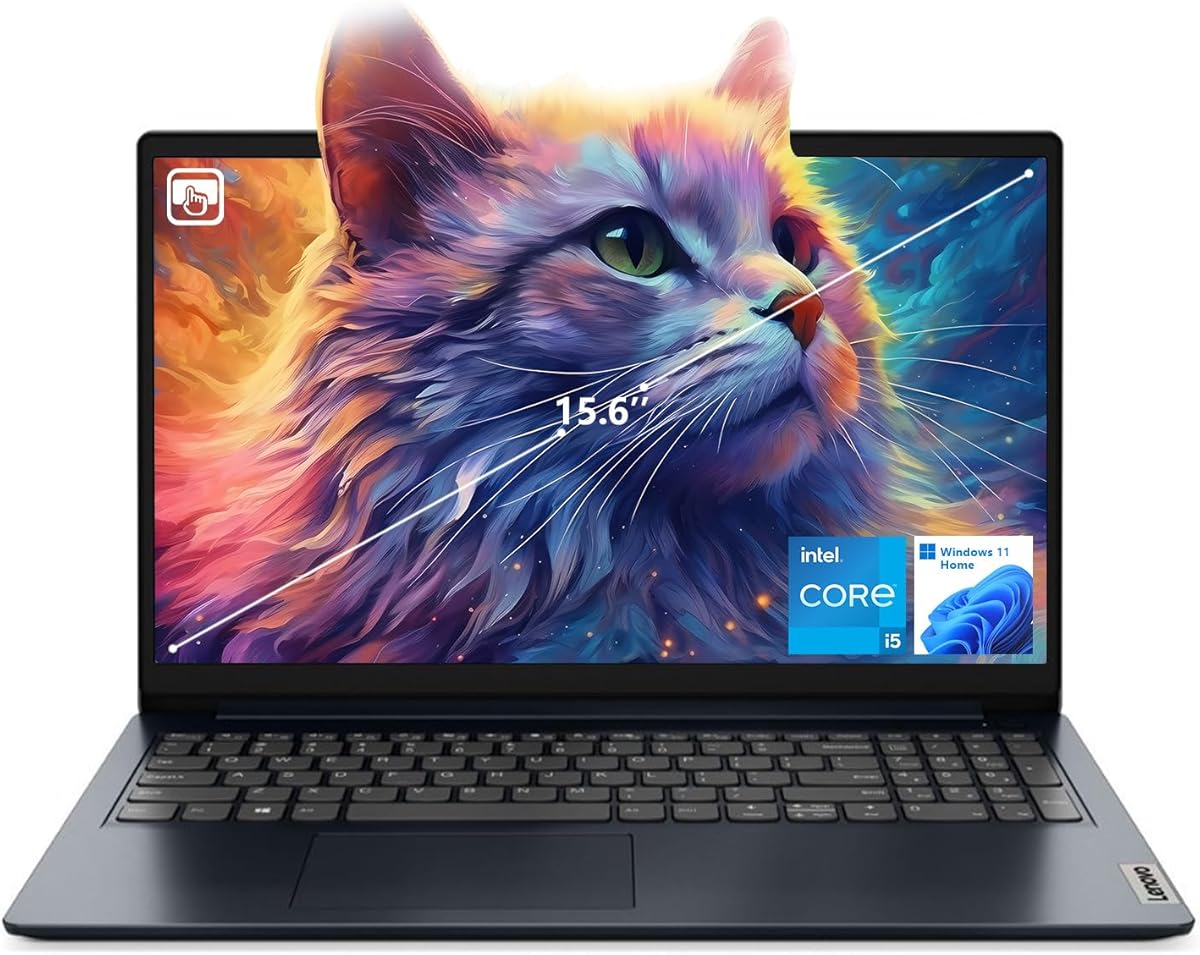
The Lenovo IdeaPad 1i offers a budget-friendly touchscreen option for casual creators. Its Intel Core i5 processor and 16GB RAM handle daily apps well.
We may earn a commission when you buy through this link, at no additional cost to you.
Key strengths include the IPS touchscreen for basic retouching and Wi-Fi 6 connectivity. It runs Windows 11 Home smoothly.
Trade-offs involve standard FHD panel lacking brightness and DDR4 RAM speed. These are acceptable for entry-level editing and budget constraints.
Best for students and beginners needing a functional device with touch. It covers essentials without unnecessary costs.
Touchscreen capability allows quick navigation and basic retouching without a mouse.
Intel Core i5-1235U provides sufficient speed for light video editing and multitasking.
We may earn a commission when you buy through this link, at no additional cost to you.
Selecting the right laptop for vlogging requires careful consideration of several technical factors to ensure seamless content creation.
A fast multi-core processor like Intel Core Ultra or AMD Ryzen 7 is essential for rendering 4K video and running editing software smoothly.
Look for processors with high base clock speeds and multiple threads to handle background tasks without slowdowns.
16GB of RAM is the minimum recommended for editing while 32GB allows for heavy multitasking with multiple browser tabs and apps.
Ensure the RAM is fast DDR5 or DDR4x to keep system operations snappy during large file handling.
Video files consume significant space so aim for at least 1TB SSD storage to keep raw footage and projects locally.
PCIe NVMe SSDs are preferred for faster read write speeds reducing load times for media files.
A Full HD or 2K display with accurate color reproduction ensures your edits look correct across devices.
IPS panels with wide viewing angles help when collaborating or sharing the screen with clients.
Long battery life is crucial for shooting on location away from power outlets for extended periods.
Laptops with 10 hours plus battery runtime reduce interruptions during outdoor vlogging sessions.
Ports like USB-C HDMI and SD card readers streamline transferring footage from cameras without dongles.
USB4 Thunderbolt support allows future upgrades via external GPUs or high speed storage.
Lightweight laptops under 3 pounds are easier to carry in backpacks for daily commutes and travel.
Balance weight with performance so the machine remains manageable without sacrificing editing power.
Effective cooling systems prevent overheating during long renders keeping performance consistent over time.
Look for models with multiple heat pipes and quiet fans to avoid thermal throttling under load.
Always update your drivers and firmware regularly to maintain compatibility with the latest editing software features and security patches.
Use a cooling pad when rendering large 4K files to reduce internal temperatures and extend hardware lifespan over years.
Back up projects on external drives or cloud storage regularly to prevent data loss from hardware failure or accidental deletion.
For 4K editing you need at least an Intel Core i7 or AMD Ryzen 7 processor 32GB RAM and a 1TB SSD. A dedicated GPU or strong integrated graphics help with smooth playback.
16GB RAM is sufficient for basic 1080p editing and streaming but upgrading to 32GB ensures better multitasking when using browsers and editors together.
Touchscreens are not essential for editing but they help with intuitive navigation and retouching. Most software works fine with a mouse and keyboard.
Aim for at least 8 to 10 hours of battery life to manage outdoor shoots and travel without needing constant access to power outlets.
Accurate color ensures your footage looks correct on other devices. Good color accuracy prevents mismatches when publishing online.
Both operate well for editing. Windows offers more budget options and customization while Macs provide strong ecosystem integration for video work.
Many laptops allow SSD upgrades but some have soldered memory. Check user manuals for slot availability before buying.
USB-C and SD card readers are essential for transferring footage. HDMI helps connect external monitors for viewing content.
This guide presents ten laptops balancing performance and price for vloggers in 2026. The NIMO models and GEEKOM stand out for their power and value.
Prioritize processor speed and display quality to ensure your editing process remains smooth and visually accurate during creation.
Verify current availability and specs before purchasing since prices change often. The best choice depends on your specific content needs and budget.