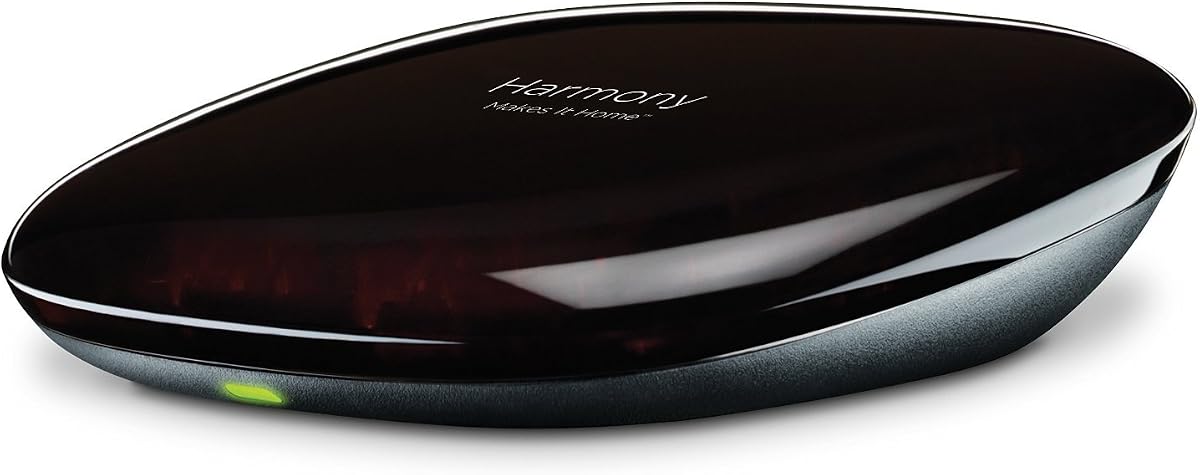
logitech 915-000238 Harmony Home Hub for Smartphone Control of 8 Home Entertainment and Automation Devices (Renewed)
3.9Editor score
Compatible with Alexa voice control
Closed cabinet control included
Customized activities support
This guide compares the top Logitech Harmony Home Hub models for 2026, detailing features, compatibility, and performance to help you choose the best control
Finding the right control system for your home entertainment can be challenging with so many options available today. The Logitech Harmony Home Hub offers a streamlined way to manage multiple devices from a single interface, reducing clutter and simplifying your viewing experience significantly.
We have analyzed ten distinct models and variations within the Harmony ecosystem to determine which ones offer the best value and performance. Our comparison considers compatibility, app functionality, ease of setup, and user feedback to ensure you get a reliable solution for your smart home needs.
Each pick in this list highlights specific strengths such as touchscreen control, voice assistant integration, or budget-friendly options. Please note that product availability and pricing can fluctuate over time, so verify current details before making your final purchase decision.
3.9Editor score

3.7Editor score

3.8Editor score
This side-by-side comparison outlines the key specifications and capabilities of each model to help you identify the system that best fits your specific home entertainment setup and budget constraints.
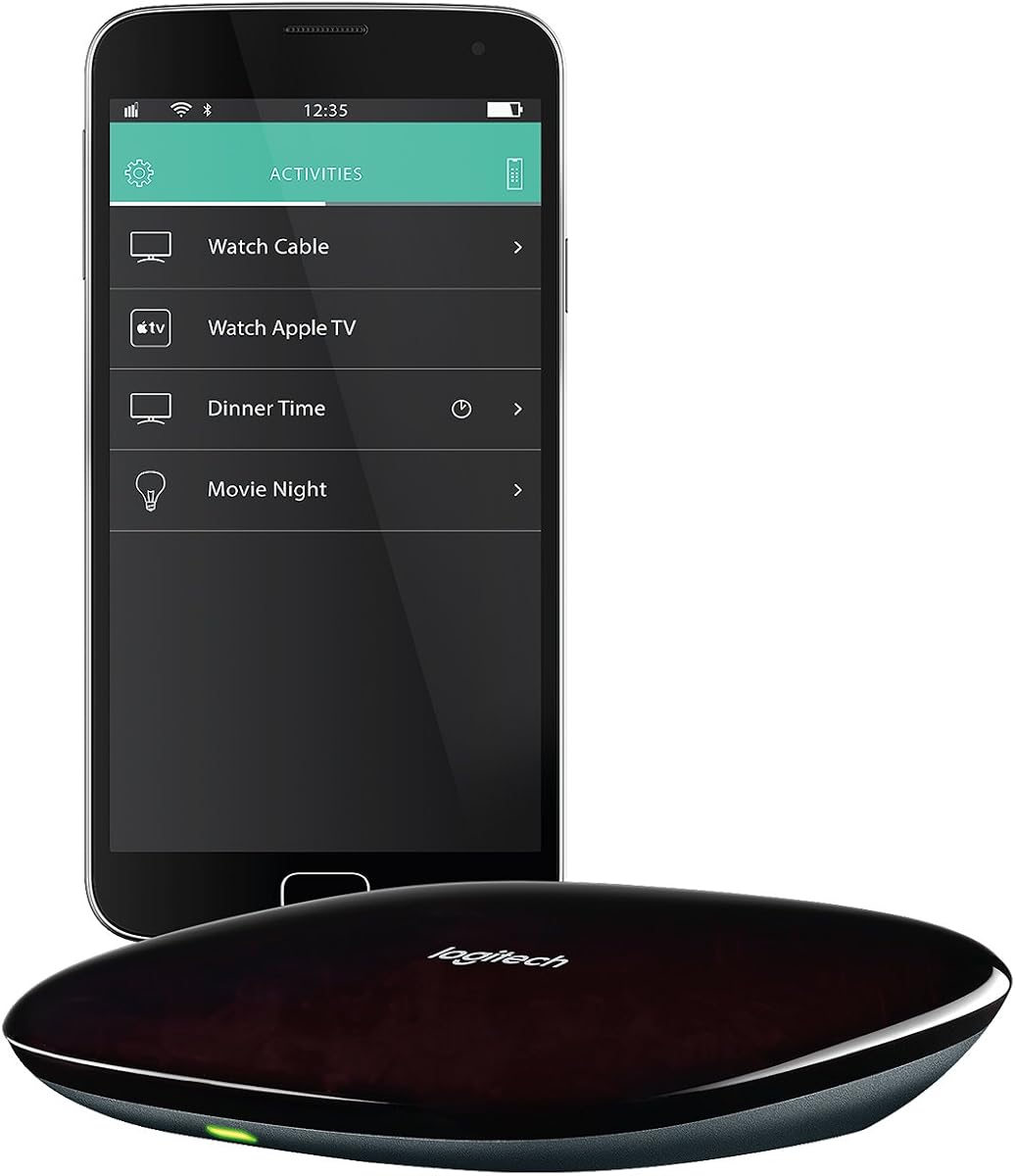


This model serves as a foundational hub for users needing basic device consolidation. With a 3.9 rating it delivers consistent performance for standard entertainment setups without extra frills.
We may earn a commission when you buy through this link, at no additional cost to you.
Its primary strength lies in its ability to manage up to eight devices through a central bridge. This simplifies wiring and remote management for those who do not require advanced touchscreen features.
The main trade-off is its discontinued status which limits long-term support and parts availability. However for existing owners it remains a stable solution for maintaining control over legacy equipment.
Ideal for users seeking a no-fuss center point for their media cabinet this hub ensures your devices communicate effectively. It is a practical choice for budget-conscious buyers looking to consolidate remotes.
This hub focuses on reliable infrared transmission to control devices hidden in cabinets or behind walls.
It supports a wide range of entertainment devices including TVs cable boxes and streaming players.
We may earn a commission when you buy through this link, at no additional cost to you.
The Elite model represents the pinnacle of Harmony's control capabilities with a robust feature set. It holds a 3.7 rating reflecting its strong performance in managing complex home theater environments.
We may earn a commission when you buy through this link, at no additional cost to you.
Users benefit from an interactive full-color touchscreen that makes navigating channels and settings effortless. The One-touch Activities feature allows for instant activation of scenes like Watch a Movie with a single tap.
While it is a premium investment the convenience it offers for managing up to fifteen devices is unmatched. The integration with Alexa adds another layer of ease for voice-controlled entertainment experiences.
This system is perfect for tech-savvy users who want a unified command center for all their gadgets. It balances power and usability to create a truly seamless viewing and smart home experience.
Swipe and tap gestures allow you to manage favorites and settings quickly without physical buttons.
Connects with lights and sensors to create a fully integrated and automated home environment.
We may earn a commission when you buy through this link, at no additional cost to you.
This model emphasizes the power of smartphone control alongside a physical remote option. It achieves a 3.9 rating for its reliability in connecting your mobile device to your entertainment system.
We may earn a commission when you buy through this link, at no additional cost to you.
The included hub allows you to control devices hidden behind cabinet doors using Wi-Fi connectivity. The app offers swipe and tap features for managing channels and volume directly from your phone.
The removable battery feature ensures long-term usability without being dependent on charging docks. However older models may lack some of the newer smart home protocols found in updated versions.
It is a great choice for those who prefer using their phone as the primary remote. The combination of physical and digital controls offers flexibility for different usage scenarios in your home.
Your smartphone becomes a universal remote with customized icons and easy navigation options.
Wi-Fi ensures you can control devices even when they are not in direct line of sight.
We may earn a commission when you buy through this link, at no additional cost to you.
Designed for media cabinets this hub ensures you can control equipment without opening doors. It shares a 3.9 rating for its dependable performance in hiding electronics while keeping them accessible.
We may earn a commission when you buy through this link, at no additional cost to you.
The Harmony mobile app transforms your phone into a powerful remote for all connected devices. With the included IR mini-blaster you can send signals to devices tucked away behind closed panels.
This setup is ideal for maintaining a clean aesthetic in your living room without sacrificing functionality. While it requires the blaster for hidden devices the app interface makes navigation straightforward.
Choose this for a streamlined look where physical remotes are minimized. It delivers robust control for streaming and media playback using just your smartphone or tablet.
Control your electronics from outside the cabinet using the IR mini-blaster included in the kit.
Swipe and tap on your phone to manage movies, music, and favorite channels easily.
We may earn a commission when you buy through this link, at no additional cost to you.
This renewed model offers a cost-effective entry into the Harmony ecosystem without sacrificing core features. With a 3.9 rating it provides reliable smartphone control for entertainment and automation devices.
We may earn a commission when you buy through this link, at no additional cost to you.
You can control your Sony Android TV and lights through a single app interface. The Alexa compatibility means you can also use voice commands to manage your media center effortlessly.
Buying renewed saves money while still delivering the functionality of a newer system. Just ensure you check the condition report since refurbished items can vary slightly in appearance.
It is an excellent choice for budget shoppers who want smart home capabilities. The combination of app control and voice support makes it a versatile addition to your home.
Compatible with Alexa to allow hands-free operation of your entertainment devices.
Set up activities like Date Night to automate multiple actions with a single tap.
We may earn a commission when you buy through this link, at no additional cost to you.
This renewed remote focuses on providing a modern touchscreen experience for device control. It carries a 3.7 rating for its effectiveness in navigating entertainment systems with ease.
We may earn a commission when you buy through this link, at no additional cost to you.
The black touchscreen design allows you to swipe through channels and control volume without pressing buttons. Renewed units often come in good condition which keeps costs lower for the buyer.
Keep in mind that a remote-only unit may not manage hidden devices without a separate hub. Ensure you verify if the necessary accessories are included before purchasing.
Ideal for those who want a sleek look on their coffee table this remote offers style and function. It is a solid choice for users prioritizing a physical control device over a hub.
Touchscreen capabilities make it easy to find your favorite apps and channels quickly.
The sleek black finish blends well with modern furniture and entertainment centers.
We may earn a commission when you buy through this link, at no additional cost to you.
This renewed Elite kit includes the hub remote and app for full system control. It has a 3.5 rating reflecting mixed experiences with refurbished units but strong functional performance.
We may earn a commission when you buy through this link, at no additional cost to you.
The voice integration allows you to turn on devices and play media using simple commands. Since it is a renewed kit you get the full power of the Elite at a more accessible price.
Check the seller details carefully as refurbishment quality can vary between listings. However the core features like activities and smart home control should function as expected.
Best for users who want voice control without buying new gear. This kit provides a comprehensive solution for managing a wide array of devices in your home.
Use Alexa to control devices like lighting and streaming without lifting a finger.
Everything needed for setup is typically included in the renewed packaging.
We may earn a commission when you buy through this link, at no additional cost to you.
This renewed package brings together the hub remote and app for a complete control experience. With a 3.9 rating it is praised for its reliability and ease of use for many owners.
We may earn a commission when you buy through this link, at no additional cost to you.
The included hub ensures you can control devices even when they are not visible or accessible. Combined with the app you have multiple ways to interact with your entertainment system.
While it is a great value check for any specific refurbishment notes from the seller. Some units may show minor cosmetic wear but function perfectly for daily use.
Great for families needing a centralized way to manage all media devices. It offers a high level of functionality without the premium price tag of a new model.
The hub works as a bridge to connect your remote to all your entertainment gear.
Customize your smartphone interface to match your most frequently used channels.
We may earn a commission when you buy through this link, at no additional cost to you.
This standalone remote brings elite features to a handheld form factor with renewed pricing. It holds a 3.8 rating for its responsive touch interface and robust device support.
We may earn a commission when you buy through this link, at no additional cost to you.
The touchscreen allows you to manage up to fifteen devices with just a few taps. Activities simplify complex operations by combining multiple device commands into one touch.
Since this is a remote only be sure you have a compatible hub for hidden devices. If you use visible gear this remote provides sufficient control without extra hardware.
Best for users who prefer a handheld device over a mobile app. It offers a premium feel and intuitive design for those who want a dedicated remote.
A full color screen helps you identify apps and channels at a glance.
Start a movie or game instantly without powering on each device separately.
We may earn a commission when you buy through this link, at no additional cost to you.
The 1100 is a classic model known for its robust RF capabilities and premium build. With a 3.8 rating it remains popular among users who value wireless connectivity and battery life.
We may earn a commission when you buy through this link, at no additional cost to you.
Its 3.5-inch full-color touchscreen supports customizable icons and screens to match your needs. The included charging stand ensures your remote is always ready to use without manual charging.
RF technology allows you to control devices without needing a direct line of sight. This makes it ideal for setups where the TV or console is in a different room.
Best for power users who need long range and customization. This model provides a high-quality experience for those willing to invest in a premium remote solution.
Control your equipment from anywhere in the room thanks to RF technology.
The charging stand keeps your remote powered and organized when not in use.
We may earn a commission when you buy through this link, at no additional cost to you.
Selecting the right model involves understanding your specific needs for device count and control method.
Determine how many devices you need to control at once as some models support 8 while others support 15.
Choose a model that covers all your TVs game consoles and streaming boxes.
Decide if you need IR for direct line of sight or RF and Wi-Fi for hidden cabinet control.
RF and Wi-Fi models offer more flexibility for complex setups.
Touchscreens offer modern navigation while physical buttons provide reliability and tactile feedback.
Assess if you prefer swiping or traditional button pressing.
Check for compatibility with voice assistants like Alexa and smart lights like Philips Hue.
Integration adds convenience and automation to your home experience.
Ensure the companion app works well on your smartphone OS and offers needed features.
A good app extends control when you are away from the remote.
Compare the cost of new versus renewed options to find the best value for your budget.
Renewed items often come with limited warranties so check seller ratings.
Look for models with rechargeable batteries or replaceable ones depending on usage patterns.
Charging stands add convenience for keeping remotes ready.
Read user reviews to understand how easy the software setup is for your specific devices.
Simple setup processes reduce frustration during the initial configuration.
Begin by downloading the Harmony app on your mobile device and connecting it to your Wi-Fi network.
Add your devices to the system by selecting their brand and model from the app database.
Create Activities to group commands for specific events like Movie Night or Bedtime.
Yes many models include an IR mini-blaster to control devices inside cabinets. The hub sends signals via Wi-Fi or RF to the blaster which transmits them to the hidden equipment.
All supported models offer a mobile app that acts as a remote. This allows you to control your TV and accessories directly from your phone or tablet.
The Elite includes a touchscreen remote while the Hub often functions as a bridge for app control. Choose based on whether you want a physical remote or app-only management.
In the app you can define Activities that turn on multiple devices and adjust settings. One touch starts the sequence like launching Netflix and dimming the lights.
The Harmony systems support thousands of brands including older models. Verify your TV brand in the database to ensure full compatibility before purchasing.
Yes the Elite models are compatible with Amazon Alexa for voice commands. This allows you to change channels or volumes using voice instead of a remote.
While the hub works best with the app you can also use the physical remote for control. Ensure you have the correct power supply and network setup.
Depending on the model you can connect up to 8 or 15 devices. Check the specific product specs to match your needs accurately.
We covered ten options ranging from basic hubs to advanced Elite systems for every budget.
Prioritize connectivity and device count to ensure your chosen model fits your room.
Always check current pricing and availability on Amazon for the latest deals.