
TP-Link AXE5400 Tri-Band
4.3Editor score
Tri-Band WiFi 6E support
5400 Mbps combined speed
EasyMesh network expansion
This guide compares the top low latency WiFi routers for gaming and streaming, evaluating speed, coverage, and features to help you choose the perfect network
Low latency WiFi routers are essential for modern homes where gaming, video calls, and high-definition streaming happen simultaneously. These devices prioritize data packet delivery to minimize lag, ensuring your online activities run smoothly without frustrating delays or dropped connections during critical moments.
We have evaluated ten leading routers based on their wireless standards, hardware capabilities, and real-world performance metrics. Our comparison focuses on models that deliver consistent speeds, support multiple devices without congestion, and offer advanced features like mesh compatibility and robust security protocols for a reliable network experience.
Each selection highlights unique strengths, from budget-friendly options to high-end gaming beasts. While these picks represent current market leaders, remember that individual performance can vary based on your ISP plan and home layout. Always check the latest pricing and availability before making your final decision.
4.3Editor score

4.6Editor score

4.3Editor score
Below is a detailed side-by-side comparison of the top ten routers. This table highlights key specifications to help you quickly identify which model best fits your specific connectivity needs and household size.
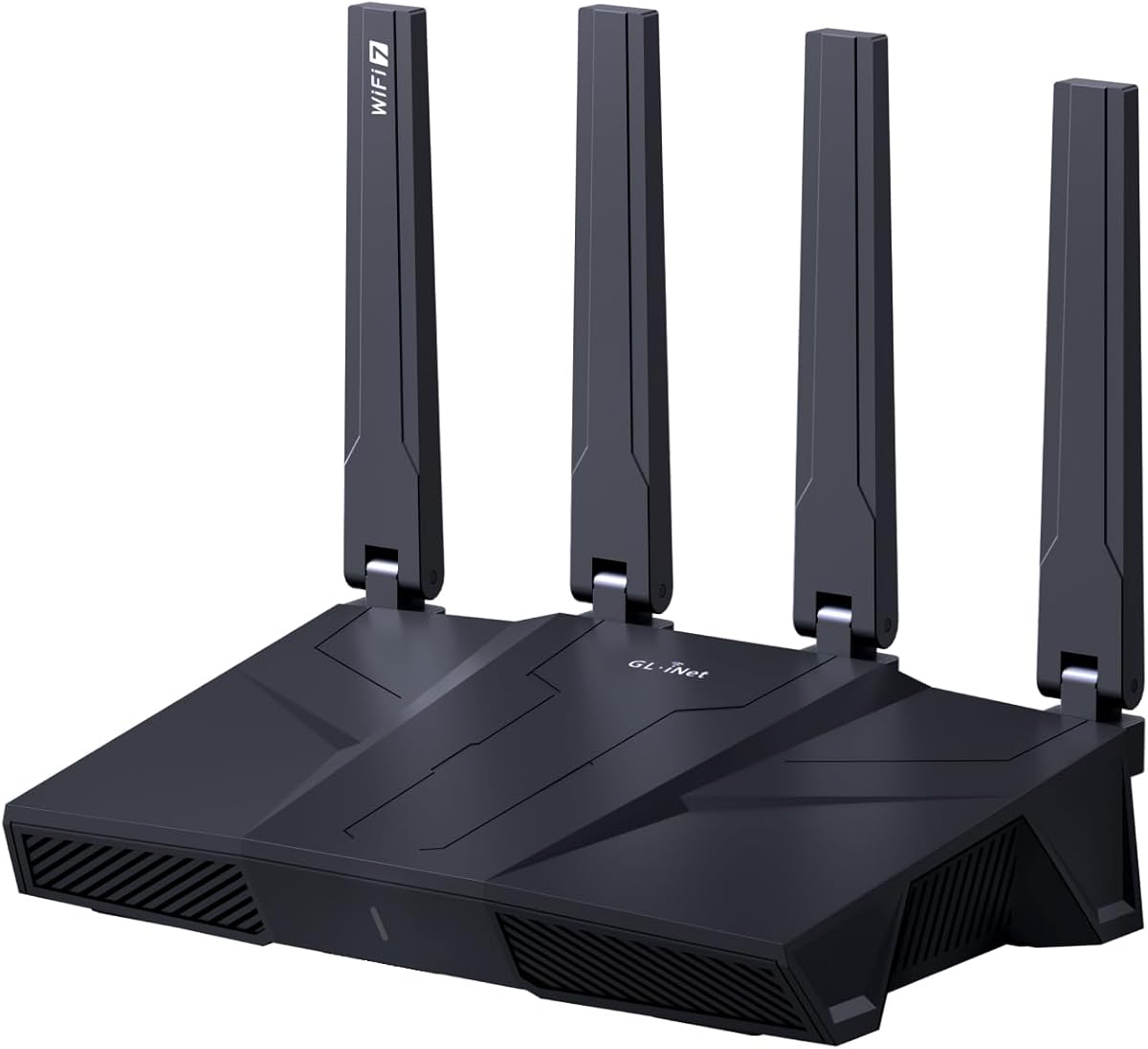



The GL.iNet GL-MT6000 Flint 2 stands out as a premier choice for gamers and power users seeking reliable low latency connections. With a strong rating, this router leverages Wi-Fi 6 technology to deliver speeds up to 6 Gbps, ensuring smooth 4K streaming and responsive online gaming without interruptions.
We may earn a commission when you buy through this link, at no additional cost to you.
Its standout qualities include robust wired and wireless performance. The inclusion of dual 2.5G ports allows you to connect high-speed modems and gaming rigs directly, bypassing wireless bottlenecks. Additionally, the router supports OpenVPN and Wireguard at impressive speeds, giving you control over your bandwidth usage while maintaining security.
Honest trade-offs exist primarily in the setup process. Users must update the firmware immediately upon initial setup to unlock the full potential of the device. While this ensures superior performance and a better user experience, it adds a small step for those who expect plug-and-play simplicity out of the box.
This router is ideal for households with over a hundred devices or those who enjoy customizing their network with additional plugins. If you value speed, security, and flexibility, the Flint 2 is a highly recommended investment for your home network infrastructure.
Dual 2.5G ports ensure your fastest devices always get the bandwidth they need without wireless interference.
With support for AdGuard Home and various VPN protocols, you can tailor your network to block ads and secure data effectively.
We may earn a commission when you buy through this link, at no additional cost to you.
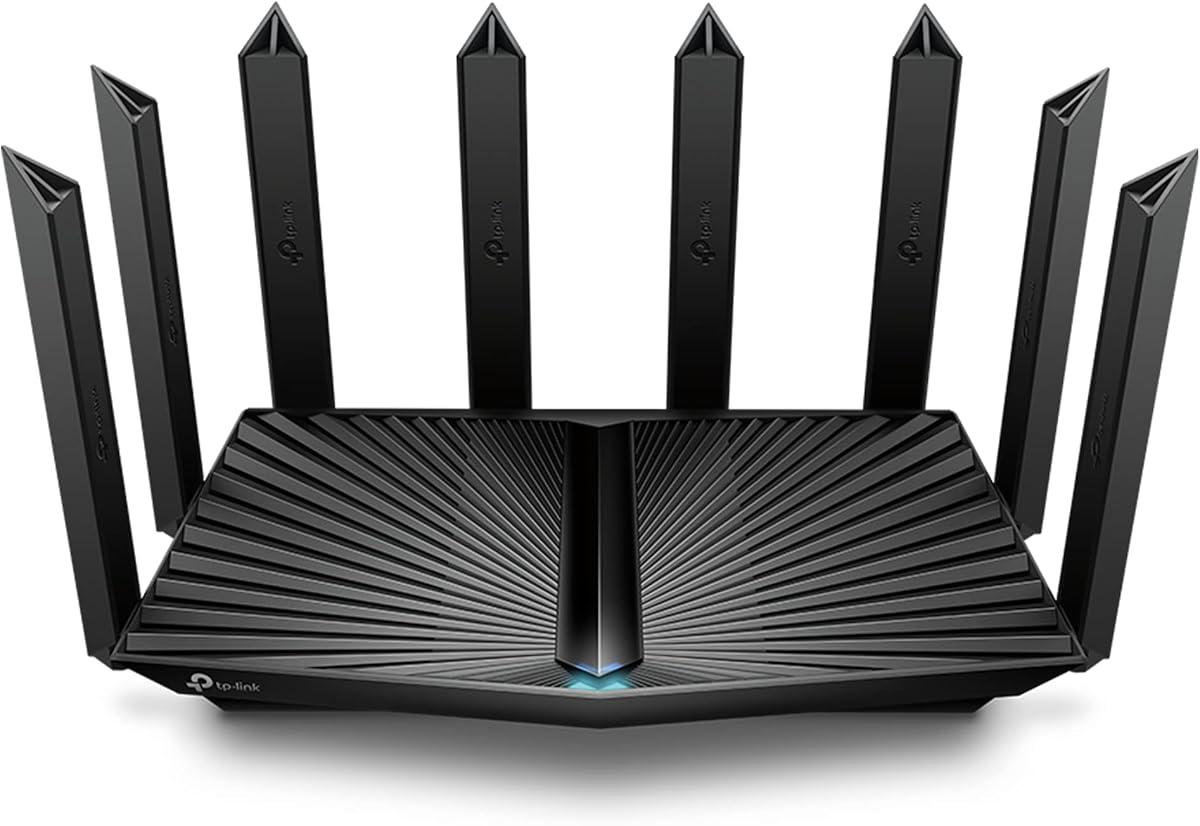
The TP-Link AXE5400 offers exceptional value by bringing WiFi 6E technology to a budget-friendly price point. Its rating reflects consistent performance, making it a top pick for users who want near-zero latency without spending a fortune on premium hardware. This router is particularly strong for gaming and video chatting.
We may earn a commission when you buy through this link, at no additional cost to you.
Key strengths lie in its tri-band architecture, which includes a dedicated 6 GHz band. This band provides more bandwidth and faster speeds, freeing up the other bands for legacy devices. The router also features OFDMA technology to handle multiple simultaneous connections efficiently, preventing the network slowdowns that occur with too many devices.
While it excels in performance, some users may find the reliance on a separate modem necessary. Additionally, while basic security features are free, advanced protection requires a HomeShield subscription. These are minor trade-offs considering the router delivers excellent throughput and reliable connectivity for the average household.
If you are looking for an affordable upgrade to improve your network response time, this router is a smart choice. It balances cost and performance well, offering modern features like EasyMesh compatibility to expand your network coverage as your needs grow.
This band offers less interference and faster speeds for compatible devices, crucial for latency-sensitive tasks.
EasyMesh compatibility allows you to add extenders later to eliminate dead zones without changing your router.
We may earn a commission when you buy through this link, at no additional cost to you.
The GL.iNet Flint 3 represents a significant leap forward with its Wi-Fi 7 capabilities. Rated highly by users, it delivers ultra-fast speeds and significantly reduced latency, making it perfect for future networks. With speeds up to 9 Gbps, it handles 8K streaming and intense gaming sessions with ease.
We may earn a commission when you buy through this link, at no additional cost to you.
A standout feature is the Multi-Link Operation (MLO) technology. This allows your devices to connect to multiple bands simultaneously, which improves stability and reduces lag. The router also offers extensive coverage up to 2,000 square feet and supports a massive number of connected devices without performance drops.
The main trade-off is the cost relative to older standards. Additionally, you need Wi-Fi 7 capable devices to fully utilize its top speeds. However, for those investing in a long-term solution, the advanced features and reliability make it a worthwhile investment for a smart home.
This router is best for tech-savvy users who want the latest wireless technology. It combines high performance with practical tools like parental controls and ad blocking, ensuring a balanced and secure digital environment for the whole family.
MLO allows simultaneous connection across bands, enhancing stability and reducing latency in crowded networks.
Integrated support for Bark helps parents manage screen time and online safety effortlessly.
We may earn a commission when you buy through this link, at no additional cost to you.
The NETGEAR Nighthawk WiFi 7 router is built to handle demanding homes with multiple high-performance devices. With a solid rating, it ensures reliable connectivity for streaming, gaming, and video calls across large areas. Its tri-band design keeps your fastest devices on a dedicated lane to prevent slowdowns.
We may earn a commission when you buy through this link, at no additional cost to you.
Key strengths include its impressive range of up to 2,500 square feet. The router offers multi-gig wired connections via 2.5G ports, which is essential for modern high-speed internet plans. You can also manage everything remotely using the free Nighthawk app, which includes speed tests and device pausing.
One consideration is the optional nature of advanced security features like NETGEAR Armor. While basic protection is included, full security requires a subscription. Additionally, larger multi-story homes might benefit from adding a mesh system later, though this unit covers significant ground on its own.
Choose this router if you need a balance of speed, range, and ease of use. It is an excellent fit for families who want a robust network that can handle daily digital demands without constant maintenance or configuration.
The 6 GHz band ensures your fastest devices have exclusive bandwidth, preventing slowdowns from other traffic.
The Nighthawk app gives you full control over your network settings and guest access from anywhere.
We may earn a commission when you buy through this link, at no additional cost to you.
The NETGEAR Nighthawk WiFi 7 RS90 brings modern connectivity to households seeking a balance between price and performance. It offers reliable speeds and coverage that handle daily tasks like streaming and gaming effectively. With a consistent rating, it proves to be a sturdy contender in the mid-range market.
We may earn a commission when you buy through this link, at no additional cost to you.
Its main strength is the adoption of WiFi 7 technology at an accessible price point. The router supports up to 50 devices and covers up to 2,000 square feet, which is sufficient for most apartments and medium-sized homes. The included 2.5G WAN port allows it to leverage faster internet plans.
A trade-off is the lack of a third band, which might limit total throughput compared to tri-band models. Additionally, it has fewer LAN ports than some competitors. However, for users who do not need massive wired connections, these limitations are acceptable for the value provided.
This model is suitable for those wanting a step up from older routers without breaking the bank. It offers a user-friendly experience with essential security features, making it a practical choice for general home use.
WiFi 7 delivers faster data rates and lower latency compared to previous generations like WiFi 6.
The Nighthawk app simplifies network management, letting you control settings and guests easily.
We may earn a commission when you buy through this link, at no additional cost to you.
The TP-Link Archer BE230 is an excellent entry point into the world of Wi-Fi 7 routers. It offers reliable connectivity and modern features that improve network efficiency without the high cost of flagship models. Its rating reflects solid performance for streaming and everyday tasks.
We may earn a commission when you buy through this link, at no additional cost to you.
Key strengths include its support for Multi-Link Operation and 4K-QAM, which boost throughput and reliability. The router comes with dual 2.5G ports, allowing you to bypass the 1G barrier for faster internet access. This makes it suitable for homes with gigabit or faster plans.
Trade-offs include the absence of a dedicated 6 GHz band, which limits maximum wireless capacity compared to tri-band versions. Additionally, coverage is slightly less than larger routers. However, for smaller to medium homes, these factors do not significantly impact the user experience.
This router is a smart buy for those wanting future-proof technology at a lower price. It handles multiple devices well and offers easy management through the Tether app, ensuring a smooth transition to next-gen networking.
4K-QAM increases data capacity, allowing for faster speeds even in congested wireless environments.
EasyMesh support lets you add range extenders to eliminate dead zones seamlessly.
We may earn a commission when you buy through this link, at no additional cost to you.
The GL.iNet Flint 3e focuses on performance and privacy, making it a top choice for gaming and secure browsing. It delivers ultra-fast speeds and reduced latency, ensuring your connections remain stable during intense activities. Users appreciate its ability to handle over a hundred devices effectively.
We may earn a commission when you buy through this link, at no additional cost to you.
A standout feature is its VPN capability, delivering speeds up to 1100 Mbps. This is crucial for those who need secure access to work or gaming networks without sacrificing performance. The router also includes AdGuard Home, providing a clutter-free browsing experience by blocking ads and trackers.
Trade-offs include a setup process that involves updating firmware for optimal performance. While this ensures superior security and speed, it requires a bit more effort than standard routers. However, for tech users, this flexibility is often a welcome feature.
This router is best for households prioritizing security and speed. Whether you are gaming or working from home, it offers a stable, high-speed environment with robust tools to protect your data and manage screen time.
Maintain secure connections without lag, thanks to optimized OpenVPN and Wireguard performance.
Built-in AdGuard Home allows you to control tracking and ads effortlessly within your home network.
We may earn a commission when you buy through this link, at no additional cost to you.
The ASUS ROG Rapture GT-BE98 Pro is the ultimate gaming router for those who demand the absolute best performance. With a high rating, it delivers unmatched speeds and reliability, ensuring that your gaming sessions are never interrupted by network lag. It stands out as a premium option for enthusiasts.
We may earn a commission when you buy through this link, at no additional cost to you.
Its standout feature is the staggering 30 Gbps throughput, powered by quad-band technology. This ensures that every device in your home gets the bandwidth it needs. Additionally, the Triple-Level Game Acceleration optimizes traffic to game servers, reducing latency and keeping your connection stable.
The trade-off is the significant cost. This router is expensive and requires high-end devices to utilize its full speed. For average users, the extra performance might be overkill. However, for serious gamers or tech enthusiasts, it is a worthy investment in future-proof networking.
Choose this router if you want top-tier performance and extensive wired connectivity. Its ability to handle high-speed networks and gaming traffic makes it a standout choice for those who refuse to compromise on quality.
Optimizes gaming traffic from your PC to the game server for the lowest possible latency.
Dual 10G ports allow for ultra-fast wired connections to NAS drives and high-performance PCs.
We may earn a commission when you buy through this link, at no additional cost to you.
The TP-Link Archer AX80 offers a compelling mix of speed and reliability for households that do not need the latest WiFi 7 standard. With a strong rating, it delivers consistent performance for streaming and gaming. Its dual-band design ensures that your devices communicate efficiently without congestion.
We may earn a commission when you buy through this link, at no additional cost to you.
Key strengths include its support for MU-MIMO and OFDMA technologies, which reduce latency by managing multiple data streams effectively. The router covers a wide area using eight high-gain antennas, ensuring that your signal reaches even the farthest corners of your home. A single 2.5G port handles fast internet plans.
Trade-offs include the lack of a dedicated 6 GHz band found in newer models. However, for most users, the speed and stability of WiFi 6 are more than sufficient. It remains a highly reliable choice for those looking to upgrade from older routers without overspending.
This router is best for general home use where reliability is key. It balances performance and cost well, offering essential security features and easy management via voice commands for a convenient user experience.
OFDMA and MU-MIMO ensure multiple devices get data simultaneously, reducing network traffic jams.
Eight high-gain antennas focus Wi-Fi signals to hard-to-reach areas for consistent connectivity.
We may earn a commission when you buy through this link, at no additional cost to you.
The ASUS ROG GT-AXE11000 remains a powerhouse for gaming homes. Although older than WiFi 7, it offers exceptional speeds and dedicated bands for high-performance tasks. Its rating reflects reliable connectivity that handles modern demands like 4K streaming and competitive gaming with ease.
We may earn a commission when you buy through this link, at no additional cost to you.
Its key strength is the inclusion of a 6 GHz band, which provides wider channels and less interference. This directly translates to lower latency for gaming. The router is engineered with a cooling system and optimized antennas to maintain performance even during heavy usage periods.
A trade-off is that it does not support the latest WiFi 7 protocols. However, for those upgrading from WiFi 5, the leap to WiFi 6E is significant. It also consumes more power, which is a minor concern for most desktop setups.
This router is best for gamers who want robust performance and do not need the very latest tech. It offers excellent wired and wireless speeds, making it a dependable choice for high-demand networks.
The 6 GHz band delivers higher capacity and lower latency, essential for lag-sensitive gaming.
Hardware-level acceleration ensures game traffic gets priority, reducing lag spikes effectively.
We may earn a commission when you buy through this link, at no additional cost to you.
Selecting the right router involves understanding key factors that impact your network's performance. This guide outlines the most critical elements to consider when shopping for low latency solutions.
The wireless standard determines the speed and latency capabilities of your router. Wi-Fi 7 offers the lowest latency with features like Multi-Link Operation, while Wi-Fi 6E provides a dedicated 6 GHz band. Ensure your devices support the chosen standard to benefit from reduced lag.
Look for models supporting at least Wi-Fi 6E to minimize interference.
A powerful processor and sufficient RAM are crucial for handling multiple devices without slowdowns. High-performance CPUs ensure that data packets are processed quickly, maintaining a stable connection. Look for routers with dual-core or quad-core processors.
Prioritize models with at least 512MB of memory for smooth operation.
Wired connections offer the most stable low latency experience for gaming consoles and desktops. Check that your router includes Gigabit or Multi-Gig ports. A 2.5G WAN port allows you to utilize faster internet plans without bottlenecks.
Choose a router with at least one 2.5G Ethernet port.
The physical size of your home dictates the range you need. A router with beamforming technology focuses signals toward connected devices. For larger homes, consider models that support mesh expansion to eliminate dead zones.
Ensure the router's coverage matches your square footage.
Built-in security protects your network from external threats. Look for routers with automatic firmware updates and advanced protection suites. These features ensure your data remains safe without slowing down your connection.
Verify that the router supports standard security protocols.
QoS settings allow you to prioritize specific traffic like gaming or video calls. This ensures that critical applications receive bandwidth even when the network is busy. Some routers offer automatic QoS detection for ease of use.
Select a router with customizable QoS options.
Modern homes have dozens of connected devices. A router that supports a high number of connections will prevent congestion. Look for specifications that mention support for over 50 devices.
Check the supported device count before buying.
An intuitive app simplifies network management. You should be able to pause devices, run speed tests, and update firmware easily. This helps you maintain low latency by addressing issues quickly.
Choose a model with a user-friendly mobile application.
Start by placing your router in a central location away from obstructions. Elevating it on a shelf helps broadcast signals more effectively throughout your home.
Keep the firmware updated to ensure you have the latest performance improvements and security patches. Most routers offer automatic update options for this purpose.
Regularly restart your router to clear temporary memory and reset connections. This simple step can resolve minor latency issues and improve overall speed.
Latency refers to the time it takes for a data packet to travel from your device to the server and back. Low latency is critical for real-time applications like online gaming and video calls where delays are noticeable. High latency often causes lag, buffering, and frozen screens.
WiFi 7 offers the fastest speeds and lowest latency currently available. It is worth it if you plan to use high-speed internet plans and future-proof your network. For most users, WiFi 6E provides excellent performance at a lower cost.
To reduce lag, use a wired connection whenever possible. Ensure your router supports Quality of Service to prioritize gaming traffic. Keeping your firmware updated also helps maintain optimal performance levels.
A router cannot increase your ISP speed but it can optimize how that speed is distributed. Older routers often become bottlenecks. Upgrading to a modern model ensures you get the full speed you pay for.
Yes, you need a modem to connect to your ISP and a router to broadcast WiFi. Some devices combine both, but separate units often offer better performance and low latency for demanding users.
Check for updates monthly or enable automatic updates. Firmware updates fix bugs and security vulnerabilities. Regular updates ensure your router runs efficiently without unnecessary latency.
Our top picks cover a range of needs from budget-friendly WiFi 6E options to high-end WiFi 7 powerhouses. The GL.iNet Flint 2 stands out as the overall choice for its balance of speed and versatility.
When choosing, prioritize a modern wireless standard and robust hardware to ensure your network handles daily loads without lag. Consider your home size and device count to select the right coverage capacity.
Prices and availability change frequently, so verify current details before purchasing. Investing in the right router now will keep your home connected smoothly for years to come.