
[2 Pack] Screen Protector For ASUS ROG Ally X RC72LA / ROG Ally RC71L
4.8Editor score
9H hardness tempered glass
Maintains touch sensitivity
Non-adhesive backing
Protecting your handheld gaming device is essential for long-term performance and visual clarity. A high-quality screen protector guards against scratches, fingerprints, and accidental drops without compromising touch sensitivity or display quality.
We evaluated ten leading options based on material quality, installation ease, and user feedback. Each product was assessed for compatibility with ROG Ally models, optical clarity, and resistance to daily wear and tear during intense gaming sessions.
Each pick highlights specific strengths like anti-glare finishes or ultra-thin designs. Prices and availability change frequently, so verify current details before purchasing to ensure you get the best value for your specific device model.
4.8Editor score

4.6Editor score
4.3Editor score
As an Amazon Associate we earn from qualifying purchases.
The following table provides a side-by-side comparison of all ten selected screen protectors. Use this overview to quickly compare key specifications and features before making your final choice.




This amFilm screen protector stands out for its high definition transparency and reliable scratch resistance. It is specifically designed to fit various ROG Ally models including the latest Xbox Ally X. The 99.9% transparency ensures your game visuals remain vibrant and clear.
We may earn a commission when you buy through this link, at no additional cost to you.
The surface hardness rated at 9H provides strong protection against daily scratches from keys or coins. The oleophobic coating significantly reduces fingerprints which keeps the display cleaner during long gaming sessions. You get three protectors in the package offering great value.
While the installation is straightforward you might need to be careful with dust particles for a bubble-free result. The thickness is ultra thin at 0.3mm ensuring no loss in touch sensitivity. It offers a reliable barrier without adding bulk to your device.
This protector is ideal for gamers seeking a balance of quality and value without compromising display fidelity. It delivers clear visuals and solid protection for everyday use. We recommend it as the top choice for most ROG Ally owners.
The high transparency ensures colors and details remain sharp matching the original screen experience perfectly.
The oleophobic coating helps keep the screen clean from oils and smudges for a pristine look.
We may earn a commission when you buy through this link, at no additional cost to you.
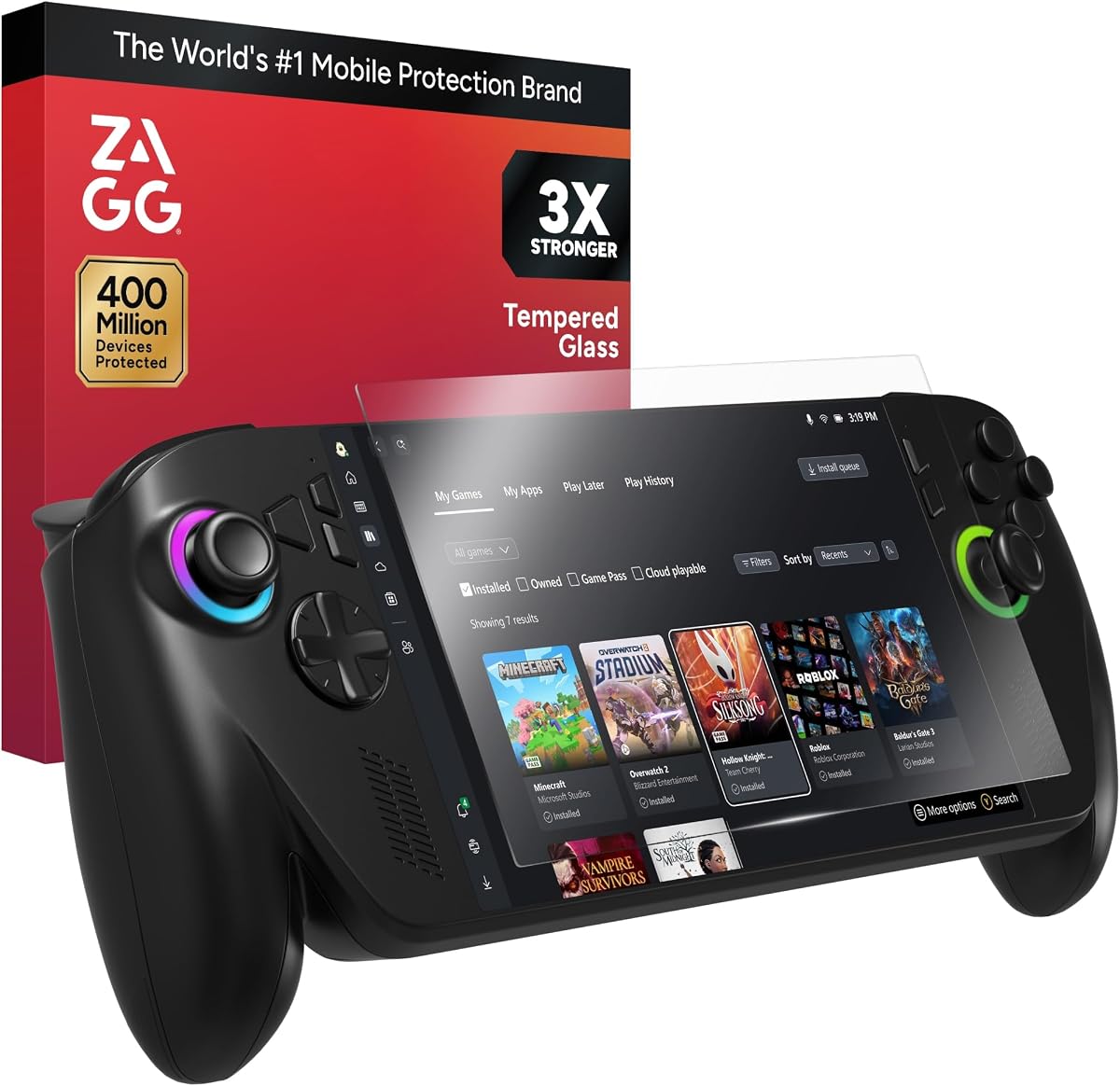
ZAGG Glass+ offers superior impact protection engineered to be significantly stronger than standard glass protectors. It is designed specifically for the ROG Xbox Ally X and Ally models providing a perfect fit and enhanced durability for premium users.
We may earn a commission when you buy through this link, at no additional cost to you.
The precision surface finishing delivers maximum scratch resistance while maintaining crystal clear visuals. The oleophobic coating effectively repels oils keeping the screen cleaner for longer periods during intense gaming. The EZ Apply tray simplifies installation significantly.
The premium feel matches the original screen ensuring taps and swipes feel natural and precise. However the higher cost may not be necessary for casual users looking for basic protection. It is best suited for those wanting top-tier performance.
Choose this protector if you prioritize maximum strength and ease of installation over budget constraints. It delivers a smooth experience and reliable defense against damage. We recommend it for serious gamers who want the best available.
Engineered to be 3X stronger than standard glass this protector withstands heavy wear and accidental drops.
The included installation tray ensures perfect alignment and bubble-free application every time.
We may earn a commission when you buy through this link, at no additional cost to you.
This budget-friendly option delivers excellent value with a high rating and solid protection. It is designed for the ROG Ally X and original Ally models using tempered glass that resists scratches effectively. The non-adhesive backing ensures easy removal without residue.
We may earn a commission when you buy through this link, at no additional cost to you.
The 9H hardness provides reliable defense against everyday hazards like keys or coins. High transparency keeps your game visuals clear and vibrant. Installation is quick and straightforward making it accessible for everyone.
While it may lack premium features like auto-alignment trays it performs well for its price. The cut might be slightly less precise than top-end brands but still covers the active screen area. It is a solid choice for casual users.
We recommend this protector for anyone seeking affordable protection without sacrificing core durability. It offers great performance and simplicity. It is our top pick for budget-conscious gamers.
You get two high-quality protectors at a very low price making it cost effective for replacements.
The non-adhesive backing ensures no sticky mess when you decide to replace the protector later.
We may earn a commission when you buy through this link, at no additional cost to you.
This four-pack offering provides excellent long-term value for frequent users. The 0.33mm ultra-thin design ensures high sensitivity and precise touch response. Hydrophobic coating prevents permanent stains from oils keeping the screen cleaner.
We may earn a commission when you buy through this link, at no additional cost to you.
The auto-adhesion technology allows for easy installation without a frame. It maintains high definition transparency to restore original screen colors. Four protectors mean you have backups ready for when the first wears out.
Installation might lack advanced alignment tools but the auto-adhesion helps reduce bubbles. It is a practical solution for those needing multiple replacements over time. The value is hard to beat with four units.
We recommend this pack for users who want extra protectors on hand. It offers durability and clarity at a reasonable price. Ideal for those who value quantity and practicality.
Getting four protectors means you are covered for years of protection without repurchasing often.
The hydrophobic layer resists oil stains keeping the glass clear even after long gaming sessions.
We may earn a commission when you buy through this link, at no additional cost to you.
This pack offers solid protection with military grade 9H hardness tempered glass. The plasma oleophobic coating ensures smooth touch and resistance to fingerprints and grease. The 0.5mm edge reserve prevents warping with cases.
We may earn a commission when you buy through this link, at no additional cost to you.
The 2.5D rounded corners feel smooth and reduce chipping risks. Ultra HD transparency ensures your display looks vibrant and clear. Installation is designed to be bubble-free for a clean finish.
While the edge reserve helps with cases it might leave a tiny gap which some users may notice. Overall it offers great durability and clarity. It is a practical choice for daily use.
We recommend this for users needing reliable protection with case compatibility. It balances quality and usability well. A strong option for gamers with protective cases.
The reserved edge space allows you to use protective cases without causing lifting or bubbles.
Rounded corners provide a comfortable feel and reduce the risk of chipping over time.
We may earn a commission when you buy through this link, at no additional cost to you.
This OneTouch protector features an automatic alignment kit simplifying installation to just 30 seconds. It is designed specifically for the latest ROG Xbox Ally X models. The 9H hardness provides excellent resistance against impacts and scratches.
We may earn a commission when you buy through this link, at no additional cost to you.
High-quality materials ensure a clear visual experience and smooth touch. The hydrophobic coating effectively prevents fingerprints keeping the screen clean. Over 5 million users trust amFilm for device protection.
While the auto-alignment is convenient it comes at a higher price point. It might not be necessary for those comfortable with manual installation. But it saves time and reduces errors significantly.
We recommend this for users who want the easiest installation experience possible. It is ideal for those less confident in DIY protector application. A great choice for quick setup.
The automatic alignment kit ensures perfect placement quickly without needing a steady hand.
You can install a new protector in 30 seconds reducing frustration and time spent.
We may earn a commission when you buy through this link, at no additional cost to you.
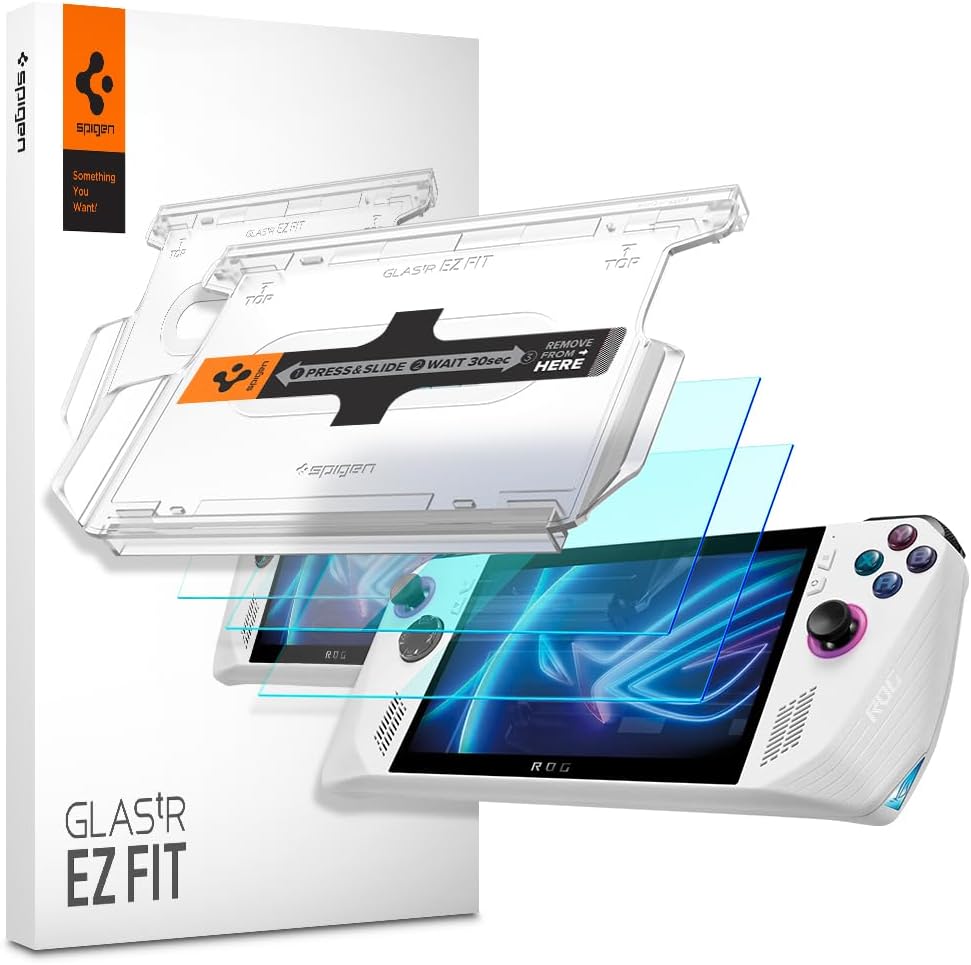
Spigen GlasTR EZ FIT offers precision-cut compatibility specifically for the original ROG Ally. The EZ FIT auto-alignment tray ensures perfect positioning in under 60 seconds. Crystal clarity is maintained at 100% for vivid colors.
We may earn a commission when you buy through this link, at no additional cost to you.
The original touch experience is preserved with no lag or resistance. Shatter protection film helps contain fragments for added safety. Slim edge-inset cut works well with most cases.
Note that this is NOT compatible with the ROG Xbox Ally models. If you have the original Ally it provides excellent fit and function. The higher cost reflects the precision engineering involved.
We recommend this specifically for original ROG Ally users wanting precision and clarity. The EZ tray makes it simple and effective. A great option for legacy Ally owners.
Designed specifically for ROG Ally ensuring accurate alignment and clean flush finish.
Anti-shatter film helps contain glass fragments for a safer experience in case of breakage.
We may earn a commission when you buy through this link, at no additional cost to you.
This matte protector is designed to reduce harsh reflections for a better gaming experience. It is highly resistant to fingerprint marks and oil smudges. Every set is backed by a lifetime warranty and retail packaging.
We may earn a commission when you buy through this link, at no additional cost to you.
The premium texture removes glare effectively but may slightly reduce screen clarity. It is ideal for bright environments where glare is a problem. Easy to install and built to last.
While clarity is not as high as clear glass the anti-glare benefit is significant. It keeps the screen looking fresh longer due to fingerprint resistance. Choose this if glare reduction is your priority.
We recommend this for outdoor gamers or those in bright rooms. It provides a premium matte feel and protection. A specialized choice for visibility focus.
The matte finish removes unwanted reflections allowing you to focus on gameplay even in bright settings.
Backed by a lifetime warranty providing peace of mind for long-term use and potential replacements.
We may earn a commission when you buy through this link, at no additional cost to you.
Mr.Shield uses Japan hardest glass for high scratch resistance and clarity. The silicone adhesives ensure viewing clarity and easy removal. Smooth touch responsiveness ensures gaming controls feel natural.
We may earn a commission when you buy through this link, at no additional cost to you.
High grade components contribute to a 99.99% HD clarity. It protects against high impact drops and daily wear effectively. Installation is simple and removal leaves no sticky residue.
While basic compared to premium options it delivers solid performance. The oleophobic coating helps keep fingerprints at bay. It is a reliable choice for standard protection.
We recommend this for users seeking high clarity and smooth touch at a fair price. It offers dependable protection and durability. A good choice for everyday gaming.
Achieves near perfect visual clarity ensuring your display looks vibrant and sharp.
Constructed from high grade glass that resists scratches and impacts for long-term safety.
We may earn a commission when you buy through this link, at no additional cost to you.
This universal screen protector fits multiple models including ROG Ally X and MSI Claw. Surface hardness rated at 9H ensures high durability and scratch resistance. Precise laser cut edges with polished rounded corners provide a smooth feel.
We may earn a commission when you buy through this link, at no additional cost to you.
99.99% HD clarity ensures the screen looks pristine. High technology glues provide bubble-free installation and removal. It offers a versatile solution for different handheld devices.
While not as specialized as model specific options it works well across devices. The affordability makes it a great backup or alternative. Reliable performance for general protection needs.
We recommend this for users needing a versatile option for multiple devices. It offers solid protection and clarity. A good choice for flexibility and value.
Compatible with ROG Ally X and other devices providing flexibility for various handhelds.
High technology glues ensure bubbles are minimized for a clean installation every time.
We may earn a commission when you buy through this link, at no additional cost to you.
Choosing the right screen protector involves balancing durability, clarity, and installation ease. Here are key factors to consider for optimal performance and protection.
Tempered glass with a 9H hardness rating is recommended for scratch resistance. This ensures your display is protected from sharp objects like keys or coins.
Look for 9H glass to guarantee strong protection against daily wear and impact damage.
High definition clarity ensures colors and details remain sharp and vibrant. Poor quality protectors may blur your game visuals or distort colors.
Choose high transparency options to maintain your display's original look and feel.
A good protector maintains the original touch sensitivity of your ROG Ally. This is critical for precise controls during fast-paced gaming.
Select ultra-thin designs to prevent any lag or resistance when interacting with your screen.
Oleophobic coatings reduce oil and fingerprint marks which keep the screen cleaner. This helps maintain a clear view during long gaming sessions.
Prioritize models with oleophobic or hydrophobic layers for easier cleaning.
Installation trays or auto-alignment kits make applying the protector easier and bubble-free. Manual installation can be tricky without proper tools.
Opt for auto-alignment options if you prefer a simpler application process.
Ensure the protector is tailored to your specific ROG Ally model. Mismatched protectors may not fit properly or leave edges exposed.
Always verify model compatibility before purchasing to avoid fit issues.
Some protectors are designed with edge reserves to work with protective cases. This prevents lifting or warping when used with a case.
Check if the protector supports your favorite case to avoid incompatibility.
Buying multi-packs provides value if you need replacements later. Warranty coverage adds extra peace of mind against manufacturing defects.
Look for packages with extras and warranty to protect your investment.
Start by cleaning your device screen thoroughly with a microfiber cloth to remove dust and oils. Use any included cleaning wipes to ensure the surface is free of particles before applying.
Align the protector carefully using the alignment tray if provided to avoid bubbles or gaps. Press down gently from the center outward to ensure proper adhesion.
Regularly clean the protector with a soft cloth to maintain clarity and fingerprint resistance. Avoid using harsh chemicals that could damage the oleophobic coating or screen.
Most high-quality tempered glass protectors do not affect touch sensitivity if they are ultra-thin. Look for 0.3mm thickness or less to ensure a seamless experience.
Use a credit card wrapped in a cloth to gently push bubbles toward the edges. If bubbles persist, carefully lift the protector and clean the surface again.
Many protectors are designed to be case-friendly with edge reserves. Check the product specs to ensure it fits well with your specific ROG Ally case.
Replace your protector when visible scratches accumulate or adhesive fails. Typically, this occurs after months of daily use depending on care and wear.
Matte protectors reduce glare significantly which is useful outdoors. However, they may slightly reduce color clarity compared to clear glass options.
Yes, but ensure the screen is thoroughly cleaned and free of residue before application. Dust removal stickers included in packages help with this process.
9H refers to the hardness scale indicating scratch resistance against sharp objects. It ensures your screen stays clear despite contact with keys or coins.
Installation kits help achieve bubble-free results but are optional. Some protectors use auto-adhesion for easy manual installation without trays.
We have reviewed ten top screen protectors ranging from budget-friendly options to premium solutions. Each offers distinct advantages for clarity, durability, and ease of use.
Prioritize optical clarity and touch sensitivity to ensure your gaming experience remains smooth. Consider case compatibility and installation features to simplify setup.
Prices and availability change frequently so verify current options and details before purchasing. We recommend checking our top picks for the best value and performance.