
Magnetic Laptop Privacy Screen 15.6
4.3Editor score
Removable washable design
80% blue light filter
Anti-glare surface
This comprehensive guide compares the top magnetic anti blue light laptop screen protector options to help you reduce eye strain and protect your device
Protecting your eyes from harmful blue light is essential for anyone who spends long hours in front of a laptop. Magnetic screen protectors offer a convenient way to filter blue light without permanent adhesive. These devices help reduce eye strain and improve sleep quality significantly.
We evaluated ten top-rated magnetic anti blue light laptop screen protectors based on compatibility, ease of installation, and optical clarity. Our analysis focuses on products that offer genuine protection while maintaining screen quality. Each model was assessed for its unique features and user feedback.
Each pick highlights specific strengths like privacy features, matte finishes, or precise laptop compatibility. Prices and availability change frequently so always verify details before purchasing. This guide helps you find the perfect balance between protection and performance for your workflow.
4.3Editor score
4.3Editor score

4.1Editor score
The following table provides a side-by-side comparison of all ten products evaluated in this guide allowing you to quickly identify the best fit for your specific laptop model and privacy needs.



The VINTEZ Magnetic Blue Light Screen Protector stands out as a top choice for MacBook Pro users seeking reliable eye protection. With a strong rating of 4.3 stars it has gained trust from numerous users who value comfort during long work sessions. Its standout quality lies in the seamless magnetic attachment that avoids adhesive damage to your screen.
We may earn a commission when you buy through this link, at no additional cost to you.
This protector features a 95% ultra-transparency rate which ensures your display remains clear and vibrant while blocking harmful blue light. Users appreciate that it does not blur fog or create air bubbles making it feel like part of the screen. The precise cutout for the camera adds a professional touch and reinforces the design against wear.
While the VINTEZ protector is excellent it comes at a higher price point compared to generic options. Additionally it is limited to specific MacBook Pro models which means you must verify compatibility before purchase. These trade-offs are acceptable given the lifetime replacement policy which offers peace of mind for daily use in busy environments.
If you own a compatible MacBook Pro and prioritize eye health this screen protector is a solid investment. It is ideal for remote workers students and anyone who spends hours on their laptop. We recommend verifying your model number carefully to ensure a perfect fit and maximum benefit from the blue light filtering technology.
The 95% transparency rate ensures minimal color distortion while effectively reducing blue light exposure to protect your eyes.
The lifetime replacement policy ensures that even if the screen protector gets damaged you can get a free replacement easily.
We may earn a commission when you buy through this link, at no additional cost to you.
The Magnetic Laptop Privacy Screen offers an affordable solution for users needing both privacy and blue light protection. With a rating of 4.3 stars it appeals to budget-conscious buyers who do not want to sacrifice functionality. It features a magnetic attachment method that makes installation quick and easy without leaving residue on your screen.
We may earn a commission when you buy through this link, at no additional cost to you.
This screen protector reduces 80% of harmful blue light and includes an anti-glare matte surface to minimize eye strain. The privacy feature narrows the viewing angle to 28 degrees ensuring that only you can see the screen content from the front. The removable and washable design allows you to clean it regularly and store it when not in use.
One significant trade-off is that the touchscreen will not function after installation which may limit usability for some devices. Additionally it is designed specifically for 15.6 inch laptops with a 16:9 aspect ratio so you must verify your dimensions before purchasing. These limitations are acceptable given the low cost and dual protection against blue light and prying eyes.
This option is best for office workers or students who travel frequently and need privacy on the go. It is also suitable for those who do not rely on touchscreen functionality for their daily tasks. We recommend measuring your screen width and height carefully to ensure a perfect fit before placing your order.
Combines blue light filtering with privacy protection offering two essential benefits in one affordable screen protector.
The removable design allows you to wash and reuse the protector extending its lifespan and maintaining clarity over time.
We may earn a commission when you buy through this link, at no additional cost to you.
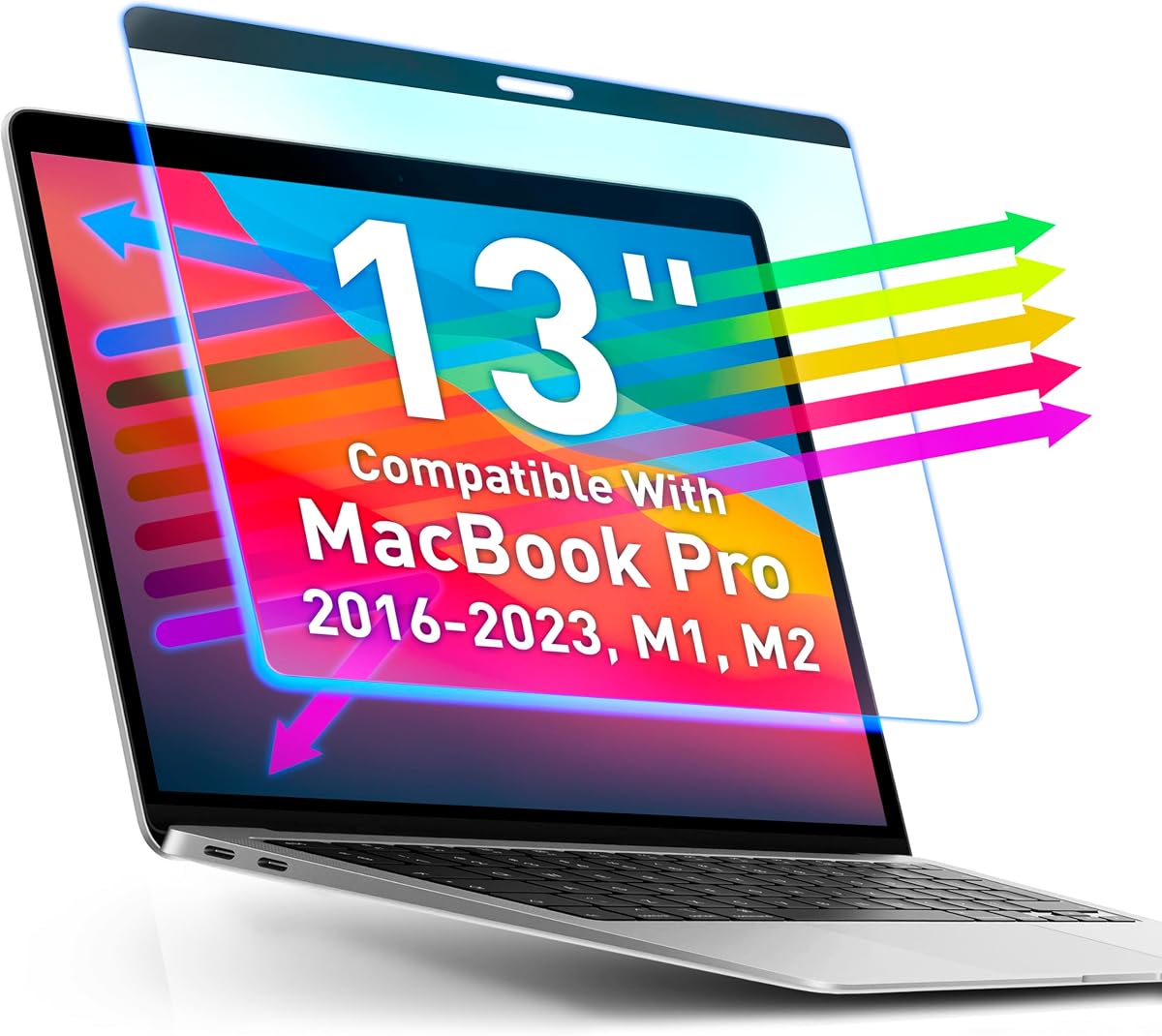
The F FORITO Magnetic Anti Blue Light Screen Protector is designed specifically for MacBook Pro 13 inch users who demand high color accuracy. With a rating of 4.1 stars it is praised for its advanced magnetic alignment that ensures a flawless installation in seconds. The protector maintains 98% color accuracy which is essential for creative professionals who rely on precise color representation.
We may earn a commission when you buy through this link, at no additional cost to you.
Users appreciate the magnetic top and removable silicone grips that hold the screen firmly without peeling corners. This design prevents lifting during travel and leaves zero glue marks when removed making it a clean and safe option. The built-in eyestrain relief combines anti-glare and anti-blue light technology to support long work sessions comfortably.
While the product performs well some users report a slightly lower rating compared to competitors due to minor fit issues. The compatibility is strictly limited to specific MacBook Pro models from 2016 to 2022 so verification is crucial before buying. These factors are minor trade-offs considering the high color accuracy and the convenience of a bubble-free installation process.
This protector is ideal for graphic designers photographers and other creative professionals using a MacBook Pro. It ensures that your visual work remains vibrant and true to life while protecting your eyes from fatigue. We recommend checking your model number carefully to confirm compatibility and get the most out of the color accuracy features.
The 98% color accuracy ensures that your photos and designs remain vibrant and unaltered during editing sessions.
Silicone grips and magnetic top prevent peeling corners and provide a stable fit even during travel.
We may earn a commission when you buy through this link, at no additional cost to you.
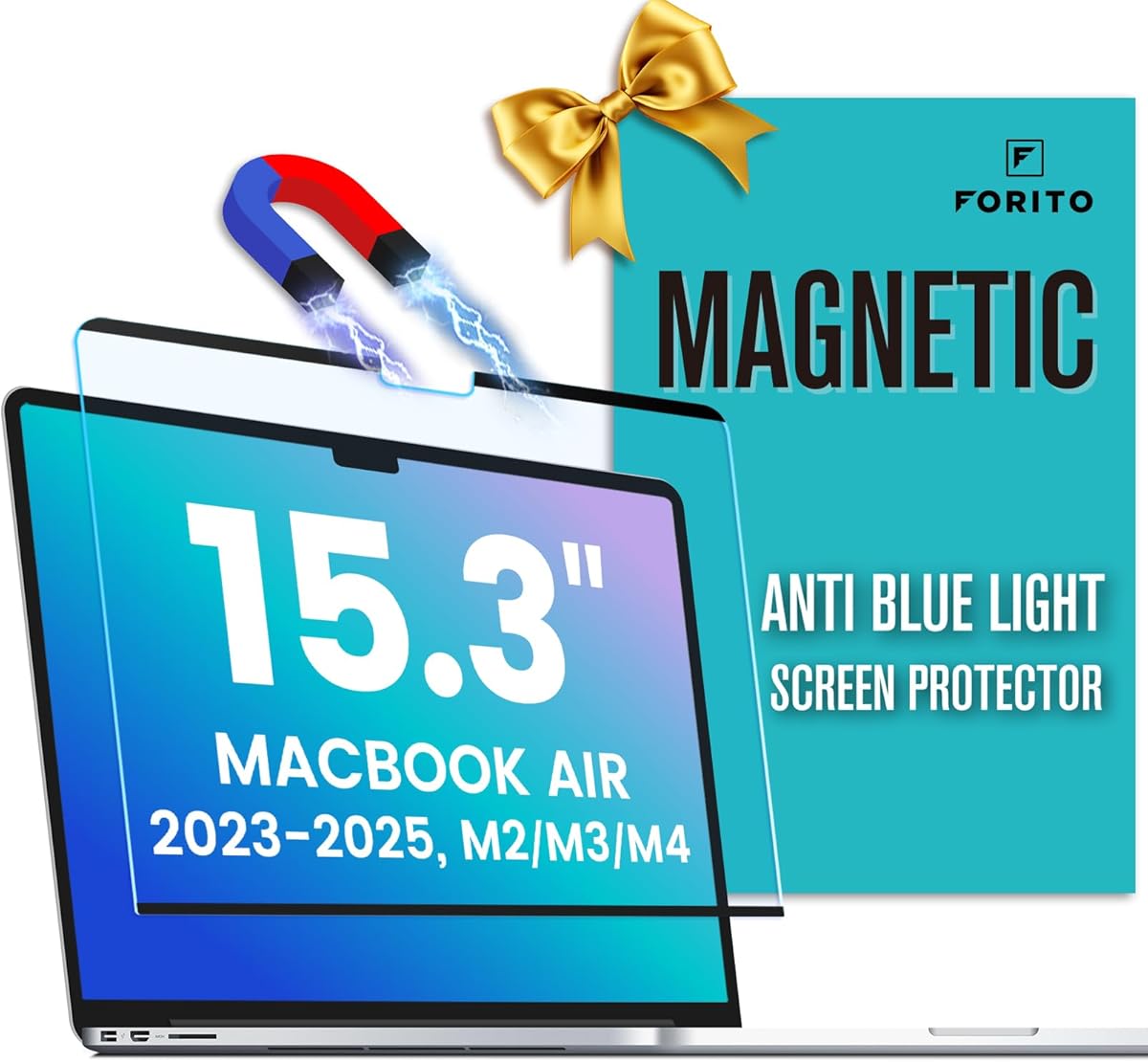
The F FORITO Magnetic Anti Blue Light Screen Protector is tailored for owners of the latest MacBook Air 15 inch models. With a rating of 3.9 stars it is one of the few options that supports the newest M2 M3 and M4 chips released from 2023 to 2025. Its advanced magnetic alignment ensures a bubble-free installation that is faster than most other methods available.
We may earn a commission when you buy through this link, at no additional cost to you.
Like its counterpart for the MacBook Pro this protector maintains 98% color accuracy to ensure your creative work remains vibrant. The built-in eyestrain relief and anti-glare matte finish help reduce fatigue during long work sessions. The silicone grips and magnetic top hold the screen firmly preventing peeling corners even when you are traveling.
Some users report a lower rating which may stem from limited availability or minor fit inconsistencies with newer models. The product is also limited to the 15 inch MacBook Air so it will not fit smaller or larger devices. These constraints are understandable given the niche compatibility but they limit the pool of potential buyers.
If you recently upgraded to a 2023 or newer MacBook Air 15 inch this screen protector is a viable choice. It balances modern compatibility with reliable eye protection and color fidelity. We recommend verifying your exact model number and release year before purchasing to avoid compatibility issues.
Designed specifically for MacBook Air 15 inch models released between 2023 and 2025 ensuring perfect fit and function.
Maintains 98% color accuracy so your videos and designs stay vibrant and true to life.
We may earn a commission when you buy through this link, at no additional cost to you.
The 2Pack Magnetic Laptop Privacy Screen Filter is an excellent choice for users with 16 inch laptops that have a 16:10 aspect ratio. It holds a perfect 5.0 star rating indicating high satisfaction among buyers who value precision and privacy. The magnetic suction design ensures near-perfect edge-to-edge adhesion with zero gaps and zero ghosting for a clean look.
We may earn a commission when you buy through this link, at no additional cost to you.
This screen protector not only blocks blue light but also enhances privacy by limiting the viewing angle from the sides. The package includes two filters which is great for families or office sharing scenarios where multiple devices need protection. The included microfiber cleaning cloth helps maintain clarity and keeps the screen free of fingerprints and dust.
The main limitation is the strict requirement for a 16:10 aspect ratio meaning it will not fit traditional 16:9 screens. Users must measure the width and height of their screen excluding the bezel to confirm compatibility before ordering. This precision ensures a perfect fit but may complicate the purchase process for those unsure of their exact dimensions.
This product is best for modern laptops like HP Dell and Samsung models that use the wider 16:10 format. It is ideal for professionals who travel often and need both privacy and eye protection in public spaces. We recommend measuring your screen carefully and contacting support if you have any questions about dimensions before buying.
Engineered specifically for 16:10 widescreen monitors ensuring zero gaps and a seamless look on modern laptops.
The inclusion of two filters provides great value allowing for replacements or use across multiple devices.
We may earn a commission when you buy through this link, at no additional cost to you.
The Protescreen Privacy Screen Protector offers comprehensive privacy and eye protection for MacBook Air 13 inch users. With a rating of 4.0 stars it stands out for including a complimentary sliding camera cover which adds an extra layer of security. The unique ultra-thin micro-louver technology limits the viewing angle to about 30 degrees on each side to prevent prying eyes.
We may earn a commission when you buy through this link, at no additional cost to you.
This protector features a high light transmittance of 93% which ensures a clear visual experience even for HD movies. The anti-glare function blocks 95% of reflected light helping to reduce eye damage under strong light. The oleophobic layer prevents fingerprints and the screen can be washed gently with a nanofiber cloth for reuse.
While the privacy angle is standard at 30 degrees which may not be sufficient for highly secure environments it is adequate for most public use. The compatibility is specific to MacBook Air models released between 2022 and 2026 so you should verify your chip version before purchasing. These limitations are minor given the added value of the camera cover and lifetime support.
This option is ideal for students and professionals who work in cafes and airports and need both privacy and privacy protection. The camera cover is a useful bonus for those concerned about webcam security. We recommend checking your model number and release year to ensure the fit is perfect for your device.
Includes a sliding camera cover that further protects your privacy by physically blocking the webcam when not in use.
With 93% light transmittance you get a clear visual experience without sacrificing screen brightness or quality.
We may earn a commission when you buy through this link, at no additional cost to you.
The Magnetic Privacy Screen for MacBook Air 13.6 is designed for users who value privacy and eye protection. With a rating of 4.3 stars it uses micro-louver technology to narrow the viewing angle and protect sensitive data. The precise cutout for the camera and reinforced design ensure a clean look without obstructing important features.
We may earn a commission when you buy through this link, at no additional cost to you.
This protector features US and international patent rights reserved which suggests a unique approach to privacy and eye protection. The anti-scratch technologies keep the screen safe from dust and scratches while the magnetic installation makes it easy to snap on and off. It is also TAA compliant making it suitable for government and institutional use.
One consideration is that you may need to adjust your screen brightness to modify the privacy angles which can be slightly inconvenient. The compatibility is limited to MacBook Air models released from 2022 to 2025 so verifying your model is essential. These trade-offs are acceptable given the lifetime replacement policy and the strong privacy features offered.
This screen protector is best for individuals and small businesses that handle sensitive information in public spaces. It is also suitable for users who prefer government-compliant products for their devices. We recommend confirming your model number before purchasing to ensure the privacy features work as expected on your laptop.
The TAA compliance makes this an excellent choice for government and institutional use requiring trusted supply chain standards.
The lifetime replacement policy ensures that you are covered if the screen protector becomes damaged over time.
We may earn a commission when you buy through this link, at no additional cost to you.
The Mamol Magnetic Laptop Privacy Screen offers robust privacy and eye protection for 15.6 inch laptops. With a rating of 4.2 stars it is highly regarded for its lifetime warranty service which provides peace of mind for daily use. The automatic snap-on magnetic attachment makes installation quick and eliminates the risk of adhesive damage to your screen.
We may earn a commission when you buy through this link, at no additional cost to you.
This protector limits the viewing angle to 30 degrees ensuring that your screen content remains private to you. It reduces UV light up to 97% and blue light up to 65% helping to alleviate eye strain after hours of screen time. The package includes a cleaning kit storage clip and detailed instructions to ensure a smooth setup experience.
The protector may be slightly heavier than standard films which could affect the overall weight of your laptop when attached. Additionally it is designed specifically for 16:9 aspect ratio laptops so you must verify your screen dimensions before ordering. These factors are minor trade-offs given the comprehensive warranty and the included accessories that enhance usability.
This product is ideal for travelers and professionals who use HP Dell or Acer laptops and need reliable privacy. The lifetime warranty makes it a safe long-term investment for your device. We recommend measuring your screen width and height to confirm compatibility with the 16:9 aspect ratio before placing your order.
The lifetime warranty ensures that you can get support or replacement service if any issues arise with the product.
Includes a cleaning kit storage clip and nanofiber cloth to make installation and maintenance easier for you.
We may earn a commission when you buy through this link, at no additional cost to you.
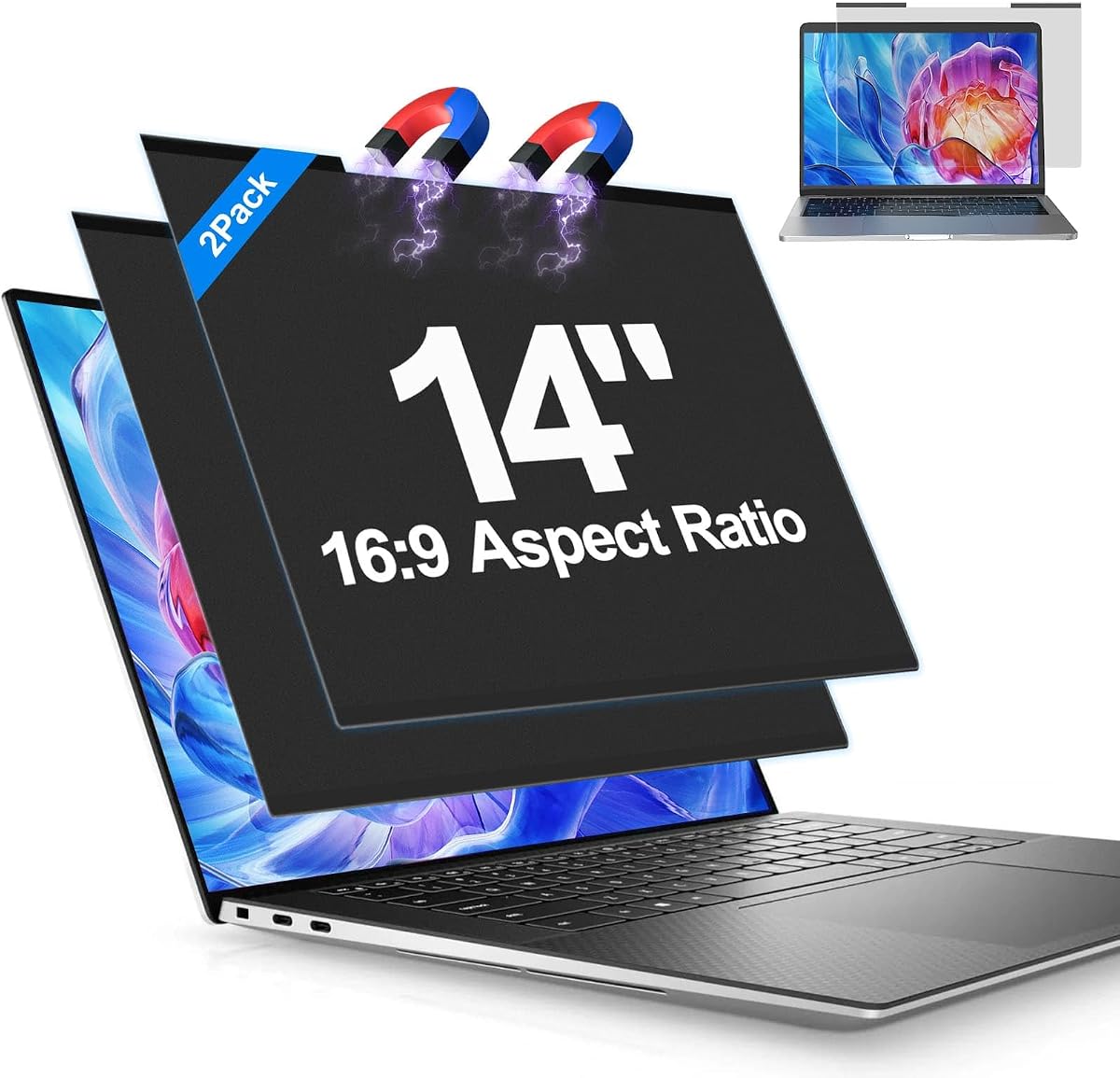
The 2Pack Magnetic Laptop Privacy Screen Filter is a durable choice for users with 14 inch 16:9 laptops. It has an impressive 4.9 star rating reflecting high user satisfaction with its quality and performance. The aluminum alloy foldable design provides exceptional toughness compared to traditional acrylic screens ensuring it stays intact even in harsh environments.
We may earn a commission when you buy through this link, at no additional cost to you.
This screen protector features a robust anti-scratch coating that maintains clear and sharp visibility for enhanced protection. The magnetic suction design allows for one-second installation and the portable design adapts to any environment from office to travel. The included two packs offer great value for those who need replacements or have multiple devices to protect.
The foldable design may add some bulk to your laptop which could be a consideration if you prioritize extreme portability. It is also strictly limited to 14 inch laptops with a 16:9 aspect ratio so measuring your screen is essential. These factors are minor given the high durability and the included accessories that improve the user experience.
This product is best for users who need a tough and reliable privacy screen for daily travel or office use. It is also great for sharing privacy protection across multiple devices thanks to the two-pack option. We recommend measuring your screen width and height to confirm compatibility before placing your order.
The aluminum alloy construction makes this screen protector tougher than traditional options ensuring long-lasting protection.
Getting two filters in one package provides excellent value and flexibility for multiple devices or future replacements.
We may earn a commission when you buy through this link, at no additional cost to you.
The Kensington MagPro Magnetic Laptop Privacy Screen is a premium option designed for users who value trusted brands and reliability. With a rating of 4.1 stars it features a patented magnetic strip that allows for quick attachment and removal while still allowing your laptop to close and enter sleep mode. The slim bezel compatibility makes it ideal for modern laptops with edge-to-edge displays.
We may earn a commission when you buy through this link, at no additional cost to you.
This protector filters out harmful blue rays by up to 22% and includes a low reflective coating to reduce glare for improved clarity. The limited viewing angle narrows the field of vision to 30 degrees helping to keep information private in offices and public spaces. The removable design ensures you can take it off and reattach it whenever needed without damage.
The higher price point may be a consideration for budget-conscious buyers especially compared to other generic options. Additionally the blue light reduction is moderate at 22% which may not be enough for those seeking maximum eye protection. These trade-offs are acceptable given the slim bezel compatibility and the premium build quality associated with the brand.
This screen protector is best for corporate users and professionals who need a reliable and premium privacy solution. It is also ideal for modern laptops with slim bezels where other protectors might not fit. We recommend verifying your screen dimensions to ensure compatibility with the 16:9 aspect ratio before purchasing.
Designed for unobstructed viewing on edge-to-edge displays ensuring a clean look without interfering with modern laptop design.
The patented magnetic strip allows you to close your laptop and enter sleep mode without removing the screen protector.
We may earn a commission when you buy through this link, at no additional cost to you.
Choosing the right screen protector involves balancing compatibility privacy needs and eye protection features. This guide breaks down the key factors to consider before you make your purchase.
The most critical factor is ensuring the protector matches your screen dimensions exactly. Many products are designed for specific aspect ratios like 16:9 or 16:10 so measure your screen width and height excluding the bezel. A mismatch can lead to gaps that affect privacy and the overall look of your device.
Always verify the aspect ratio and dimensions on your laptop's official specifications before purchasing to ensure a perfect fit.
Blue light filtering ranges from moderate to high efficiency across different products. Look for specs that indicate the percentage of blue light blocked such as 80% or 95% to ensure adequate eye protection. Higher efficiency is generally better for reducing strain but may also impact color accuracy slightly.
Prioritize protectors with high blue light reduction if you work long hours in front of your screen to minimize eye fatigue.
Privacy screens use micro-louver technology to limit the viewing angle to between 28 and 30 degrees. This ensures that side viewers see a darkened screen while you maintain clear visibility from the front. The narrower the angle the better the privacy but also consider how much side visibility you might need for collaboration.
Choose a product with a viewing angle that suits your environment whether it is a busy office or a quiet public space.
Magnetic attachment is the preferred method for easy installation and removal without leaving adhesive residue. This allows you to take the protector off for cleaning or storage whenever you need to. Ensure the product uses strong magnets and silicone grips to prevent peeling corners during travel.
Look for products that advertise bubble-free and snap-on installation to save time and ensure a clean look on your screen.
The material of the screen protector affects its longevity and scratch resistance. Premium options may use aluminum alloy or composite materials that resist drops and scratches better than standard acrylic. Anti-scratch coatings are also important to maintain clarity and prevent damage from daily handling.
Invest in a protector with high-quality materials and scratch-resistant coatings to ensure it lasts for extended use without clouding.
A good warranty or lifetime replacement policy adds value and peace of mind to your purchase. This ensures that if the screen protector gets damaged you can get a replacement without extra cost. Check the seller's policy for lifetime free support and how quickly they respond to customer inquiries.
Prioritize brands that offer lifetime warranties and responsive customer support to protect your investment in the long run.
For creative professionals and those who value visual fidelity high light transmittance and color accuracy are essential. Look for products that claim 90% or higher transparency to avoid washed-out colors or dim screens. Some products maintain specific color accuracy metrics like 98% to ensure your work remains true to life.
Choose a protector with high transparency ratings if you rely on your screen for design work or detailed media consumption.
Some screen protectors come with added benefits like sliding camera covers or included cleaning kits. These features can enhance privacy and convenience by offering all-in-one protection for your device. Check if the package includes useful accessories like microfiber cloths or storage clips to save money on extras.
Look for products with extra features like camera covers or cleaning kits if you want a complete privacy and protection solution.
To install your magnetic screen protector start by ensuring your laptop screen is clean and free of dust. Align the magnetic strip at the top of the protector with the top of your screen and let it snap into place naturally. This should take just a few seconds and leaves no adhesive residue behind.
For cleaning remove the protector gently and wash it with water and a mild soap if needed. Dry it with a nanofiber cloth before reattaching it to maintain clarity and prevent smudges. Regular cleaning ensures that the screen remains visible and the blue light features work effectively.
When traveling or storing your laptop you can remove the screen protector easily using the magnetic release. Store it in its included clip or case to avoid bending or scratching the filter. This ensures that the protector remains in good condition for future use when you need privacy again.
Most magnetic privacy screens disable the touchscreen functionality because they block the infrared sensors used for touch input. If you rely heavily on touchscreen features you should avoid privacy screens and opt for a standard blue light filter instead. This limitation is standard across most magnetic screen protectors on the market.
The amount of blue light blocked varies by product ranging from about 20% to over 90%. Some models advertise up to 95% reduction for maximum eye comfort while others focus on privacy with lower blue light blocking. Check the product specifications to find a model that matches your eye protection needs.
No the magnetic strip is designed to attach without damaging your screen or leaving residue. The magnets are usually covered with silicone or soft materials to prevent scratches during installation and removal. You can safely install and remove the protector multiple times without harming your device.
You must ensure the protector matches the 16:10 aspect ratio of your monitor to avoid gaps. Many standard protectors are made for 16:9 screens so always check the dimensions listed in the product details. Buying a model specifically designed for 16:10 laptops will ensure a perfect fit.
Privacy screens may reduce brightness slightly when viewed from the front but most maintain good visibility without adjustment. You can increase your screen brightness to compensate for any dimming effect. The privacy function does not affect the brightness of the screen directly from the front view.
It is recommended to clean the screen protector once a week or whenever you notice fingerprints or smudges. Use a microfiber cloth for dry cleaning and water with mild soap for deeper cleaning if the product is washable. Regular cleaning helps maintain the clarity and effectiveness of the blue light filter.
Compatibility depends on the screen size and aspect ratio rather than the age of the laptop. Measure your screen width and height to find a protector that fits regardless of the laptop model. Some models are designed for newer MacBook generations while others support various Windows laptops.
With proper care and cleaning a magnetic screen protector can last for several years. The lifespan depends on usage frequency and handling but the material is designed for repeated removal and reattachment. If it gets damaged many brands offer lifetime replacement policies to extend its useful life.
Choosing a magnetic anti blue light laptop screen protector depends on your specific laptop model privacy needs and budget. The top picks offer a range of options from budget-friendly privacy filters to premium models with high color accuracy. Each product provides reliable protection to help reduce eye strain and safeguard your sensitive information.
Prioritize products that match your screen dimensions exactly and offer the level of privacy you require for your environment. If you work in public spaces or handle sensitive data a screen with a narrow viewing angle is essential. Also consider the ease of installation and the warranty support offered by the brand.
Remember that prices and availability change frequently so always check current offers before purchasing. Verify your laptop model and screen specifications to ensure the protector fits perfectly. With the right choice you can protect your eyes and your data while maintaining a clear and vibrant display.